


Skip to content
Ricoh
Digital Transformation

Digital Transformation

Process automation, document workflows and intelligent capture — turn paper-bound processes into measurable digital outcomes.

The challenge

Critical processes still live in paper, email, and someone's inbox.

When invoice approvals depend on three people forwarding emails, when HR onboarding is a Word doc and a folder of PDFs, when a customer complaint has to be re-keyed into four systems — your team can't measure throughput, can't enforce compliance, and can't scale. The technology to fix this is mature; the bottleneck is choosing the right targets.

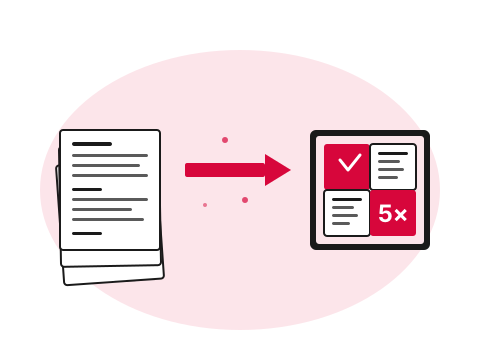
Paper documents transforming into a grid of digital tiles
  • What

    What is digital transformation, concretely?

    Replacing paper-and-email-driven processes — invoice approvals, HR onboarding, contract management, customer correspondence — with structured, measurable, automated ones. Uses Microsoft 365, document management platforms and intelligent capture.

  • Why it matters

    Unmeasured processes can't improve

    If you can't see throughput, bottlenecks or compliance violations, you can't fix them. Each unmodernised process is a tax on growth — onboarding takes a week instead of an hour, AP processing takes 15 days instead of two.

  • How Ricoh fixes it

    We pick the highest-ROI process first

    Map your current workflows, identify the one with the biggest annoyance / spend / risk ratio, digitise it with off-the-shelf platforms (Power Platform, SharePoint, DocuWare). Change management included so people actually use it.

    See Digital Transformation details
How we help

Our approach.

Most Pacific organisations still run critical processes on paper, email and spreadsheets. We help you find the highest-ROI processes to digitise — invoice approvals, HR onboarding, contract management, customer correspondence — and deliver them with off-the-shelf platforms or custom workflows.

Capabilities

What's included.

  • Process discovery

    Process discovery

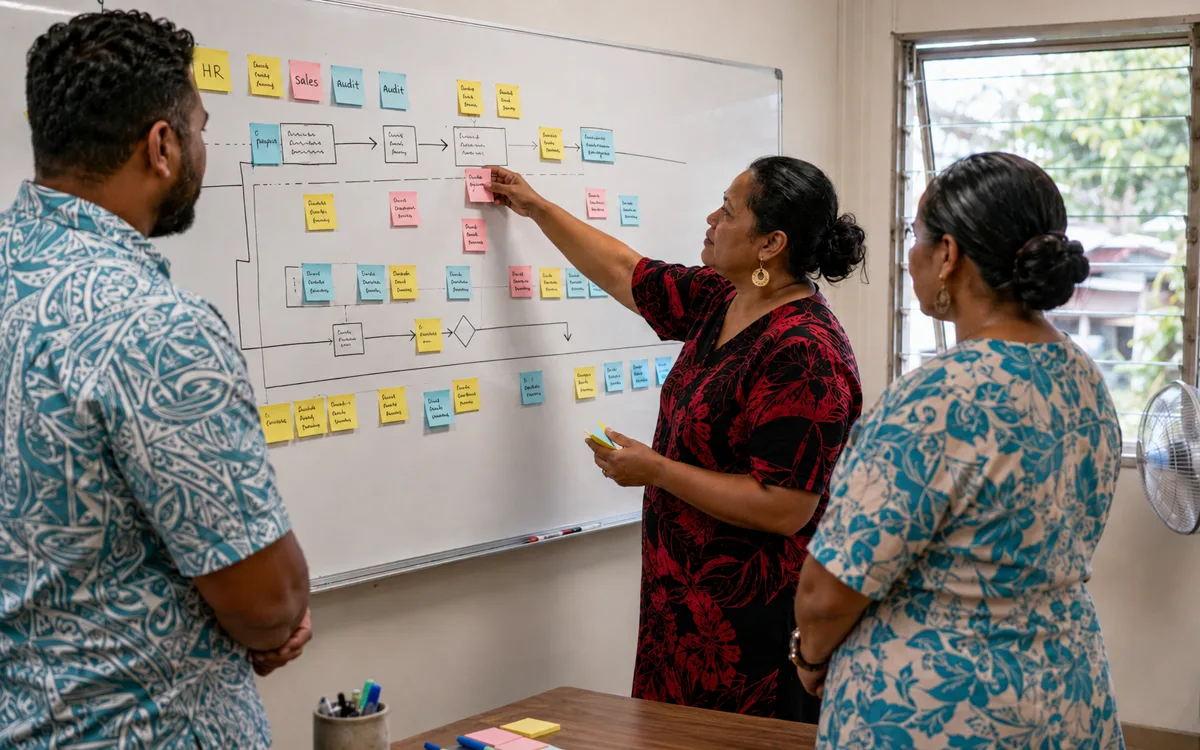
    We map your existing workflows, surface bottlenecks and quantify the value of automation.

  • Intelligent document capture

    Intelligent document capture

    OCR, classification and extraction for invoices, forms, contracts and correspondence.

  • Workflow automation

    Approval flows, case management and integrations across Microsoft 365, ERP and line-of-business apps.

  • Document management

    Document management

    Centralised, searchable, secure document repositories with retention and disposal policies.

  • Records & compliance

    Records & compliance

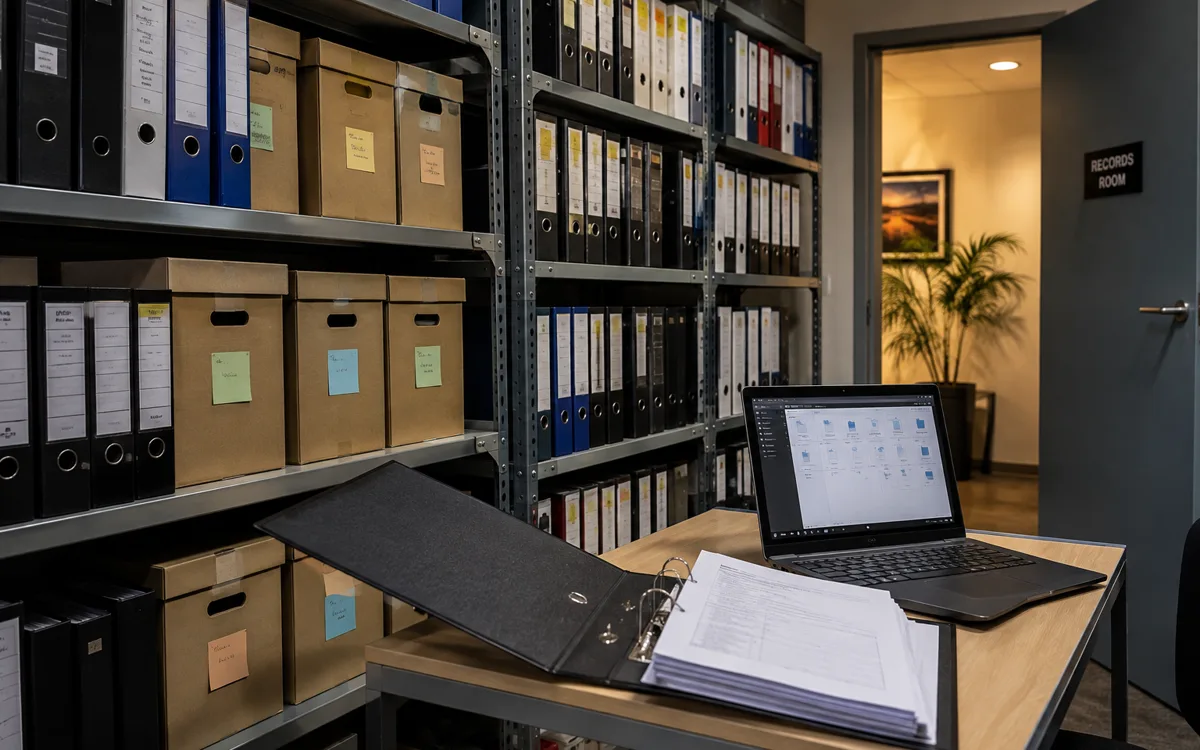
    Audit trails, retention schedules and access controls aligned to legal requirements.

  • Change management

    Change management

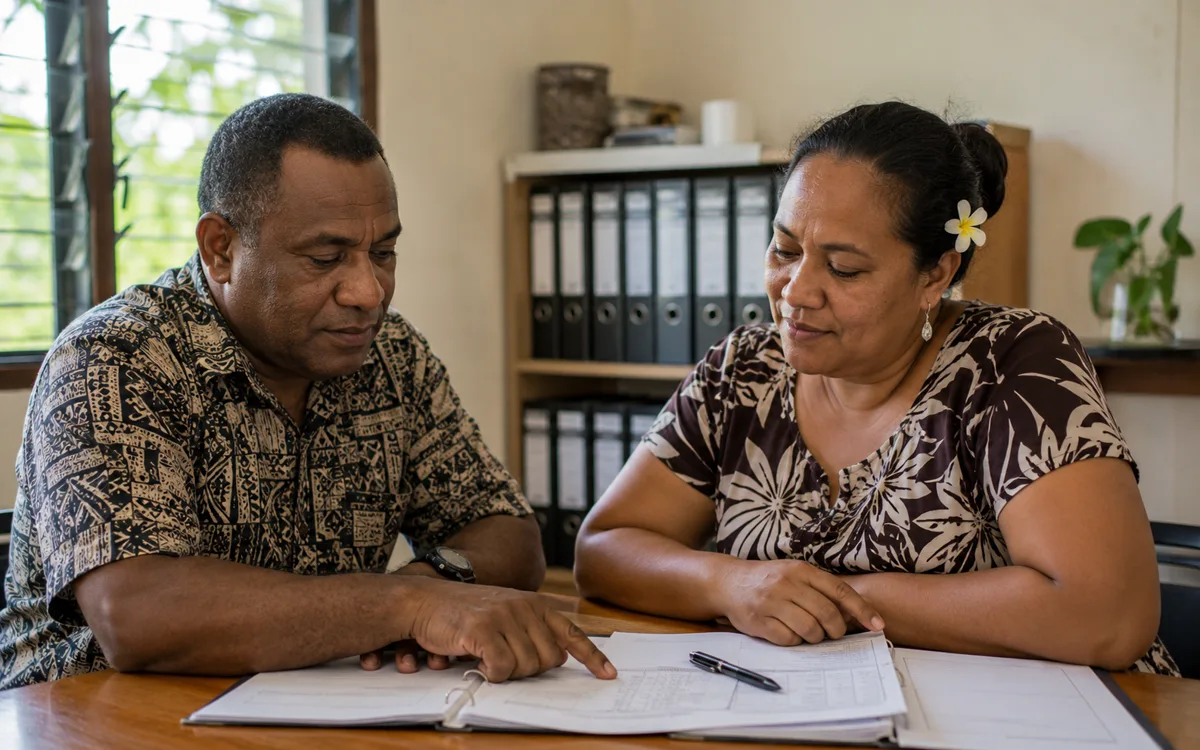
    Training, communications and adoption support — because tools only deliver value when they're used.

Proof

Real outcomes from Pacific customers.

80%
of inbound documents automated

A Pacific city council automated 80% of inbound document workflows in 90 days — cutting average response time by 65% and freeing two FTEs from manual filing.

Pacific local government customer, 2024 — case study available on request.

Free resource

The Digital Transformation buyer's checklist

A short, vendor-neutral guide that walks South Pacific decision-makers through what to ask, what to compare, and how to scope a successful digital transformation project.

  • What to put in the brief — and what to leave out.
  • Red flags in vendor proposals.
  • Realistic budget ranges for Pacific deployments.
Use cases

How customers use this.

  • 01

    AP automation

    Cut invoice processing time by 80% with capture-to-pay workflows.

  • 02

    HR digitisation

    Onboarding, leave, performance and exit workflows in a single employee portal.

  • 03

    Customer correspondence

    Inbound mail capture, classification, routing and response tracking.

FAQ

Frequently asked questions.

The questions South Pacific decision-makers ask most often before they engage on digital transformation.

  • What does 'digital transformation' actually mean in practice?

    In practice it is a structured programme that replaces paper-and-email-driven business processes with measurable, automated, system-supported ones — and trains the team to actually use the new tools. The work splits into three areas that often run in parallel: business applications (Dynamics 365, Power Apps, SharePoint solutions that replace spreadsheets and shared inboxes), workflow automation (Power Automate flows that remove manual coordination steps), and AI adoption (Microsoft Copilot deployed against properly prepared data). Less abstract: an organisation that started with paper invoices and three uncoordinated systems ends up with one source of truth, automated approval flows, and AI that summarises board packs from the source documents — without users needing to think about how the underlying machinery works.

  • How is digital transformation different from just buying new software?

    Buying software is the easy part — you can purchase Microsoft 365 or Dynamics 365 in an afternoon. Transformation is the work of getting the business to actually use it: process discovery (understanding the manual process the software is meant to replace), configuration (making the platform fit the way your team works rather than forcing the opposite), data migration, change management (training, comms, executive sponsorship), and measurement (proving the new way is actually better). Most failed transformation programmes failed because they bought the software and skipped the rest. We do the rest as the project work; the software cost is a separate line item that flows through our CSP relationship.

  • Where do most digital transformation initiatives go wrong?

    Three failure patterns we see most often. Picking the wrong first project — choosing the biggest, most visible process before doing a smaller one that builds team confidence. Buying the platform before the discovery work — committing to Dynamics or SAP based on a vendor demo rather than on actual process mapping, then discovering the platform does not fit. And skipping change management — assuming users will adopt the new system because they're told to, when in fact they need training, role-specific guidance, and a way to flag what is not working without being told to try harder. We design each engagement to avoid all three.

  • Do we need to do all three areas (business applications, workflow automation, AI) at once?

    No — and we rarely recommend doing all three at once. Most organisations start with the area where the pain is most acute. If the team is drowning in spreadsheets and shared inboxes, business applications is the right first move. If the manual coordination tax is what hurts (invoice approvals, onboarding, customer follow-up), workflow automation goes first. If the leadership team is excited about AI but the underlying SharePoint is a mess, AI readiness comes first because it forces the data discipline that makes everything else easier. The discovery step in any engagement picks the highest-ROI starting point; sequencing the others follows the natural compounding.

  • How long before a digital transformation programme shows measurable value?

    Quick wins should land in the first 8 to 12 weeks — an automated AP approval workflow, a SharePoint cleanup that surfaces lost documents, a Power App that replaces a critical spreadsheet. Programme-level value compounds over 12 to 24 months as more processes move into the structured systems and the team gets better at using them. We avoid the pattern of designing a perfect end-state that takes 18 months to deliver — quick wins early are what build the executive support to keep the programme funded for the longer compounding work.

  • Who in the organisation should be involved in a digital transformation programme?

    An executive sponsor who owns the outcome (usually the CFO, COO or CEO depending on which area leads), a process owner from the business unit each project touches (not from IT — the person who actually runs the process today), a technical contact on your side who carries the longer-term knowledge of how the system is configured, and the day-to-day users at points where their input matters. We provide the project management, the build and configuration work, and the change management content. The pattern that does not work is delegating it entirely to IT — IT can run the platform, but they cannot redesign processes they do not operate.

  • What does a typical digital transformation engagement cost?

    Programme pricing scales sharply with scope. A focused first project — a single workflow automation or a spreadsheet-replacement Power App — typically lands in the mid five-figure range (NZD). A coordinated programme covering business applications plus workflow automation across multiple processes is usually a six-figure investment, broken into phases so the spend tracks with delivered value. The Microsoft licensing layer (Power Platform per-user, Dynamics 365 per-user, M365 Copilot per-user) is a separate ongoing cost flowing through our CSP relationship. We quote scope-specific rather than publishing a generic rate that would be wrong for most environments.

Ready to simplify your South Pacific workplace?

Book a no-obligation conversation with a local specialist. We'll listen first and only recommend what actually helps.