


Skip to content
Ricoh
Managed IT

Digital Displays & Signage

Interactive displays and digital signage networks — engaging audiences in lobbies, retail floors, classrooms and on the factory wall.

The challenge

Updating signage shouldn't require a USB stick and a ladder.

Most multi-site Pacific businesses still update lobby and retail screens manually — different content per site, no scheduling, no measurement. Meanwhile what's on the screen is the most visible signal of how modern your brand looks to customers walking in the door.

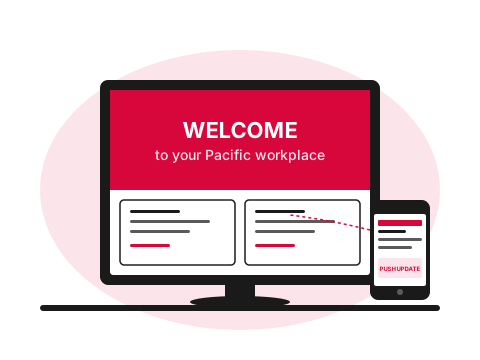
Large digital lobby display controlled by a mobile CMS
  • What

    What is digital signage?

    Networked commercial-grade displays — LCDs, LED video walls and interactive flat panels — managed through a central CMS so content can be scheduled, targeted to specific screens and updated remotely.

  • Why it matters

    Outdated screens silently degrade your brand

    Most multi-site Pacific organisations still update screens manually — USB sticks, ladders, different content per site, no measurement. The screens are the most visible signal of how modern your brand looks to walk-in customers.

  • How Ricoh fixes it

    We supply hardware, CMS and service

    Commercial-grade displays (Samsung, LG, MAXHUB), signage CMS (Samsung VXT, ScreenCloud, BrightSign), and run the network — central scheduling, remote monitoring, content support — under a single managed contract.

    Browse the display catalogue
How we help

Our approach.

From a single lobby screen to a multi-site signage network with dozens of zones and dynamic content, we deliver the displays, the players, the CMS and the managed service. Choose from professional-grade LCD, LED video walls or interactive flat panels — all centrally managed.

Capabilities

What's included.

  • Professional displays

    24/7-rated LCD displays from 32" to 98" in landscape, portrait and stretched formats.

  • LED video walls

    Indoor and outdoor LED for high-impact lobbies, retail and broadcast environments.

  • Interactive flat panels

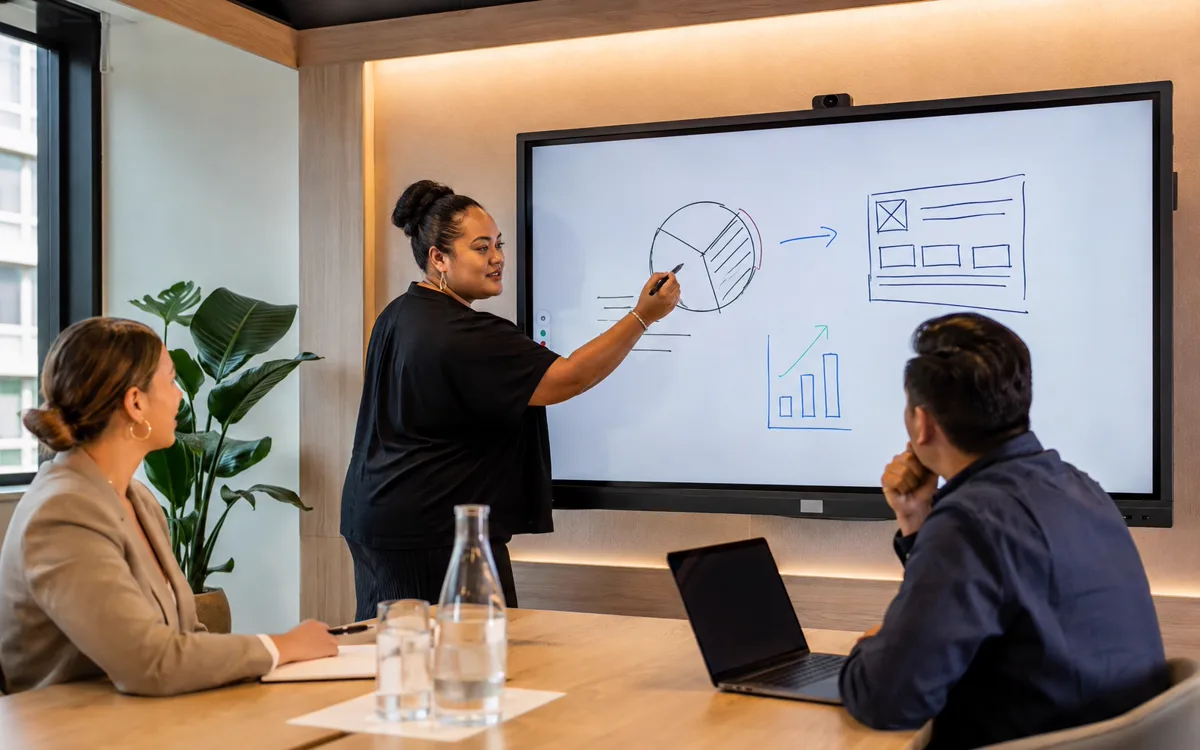
    Interactive flat panels

    Touch displays for classrooms, training rooms and collaborative meeting spaces.

  • Cloud signage CMS

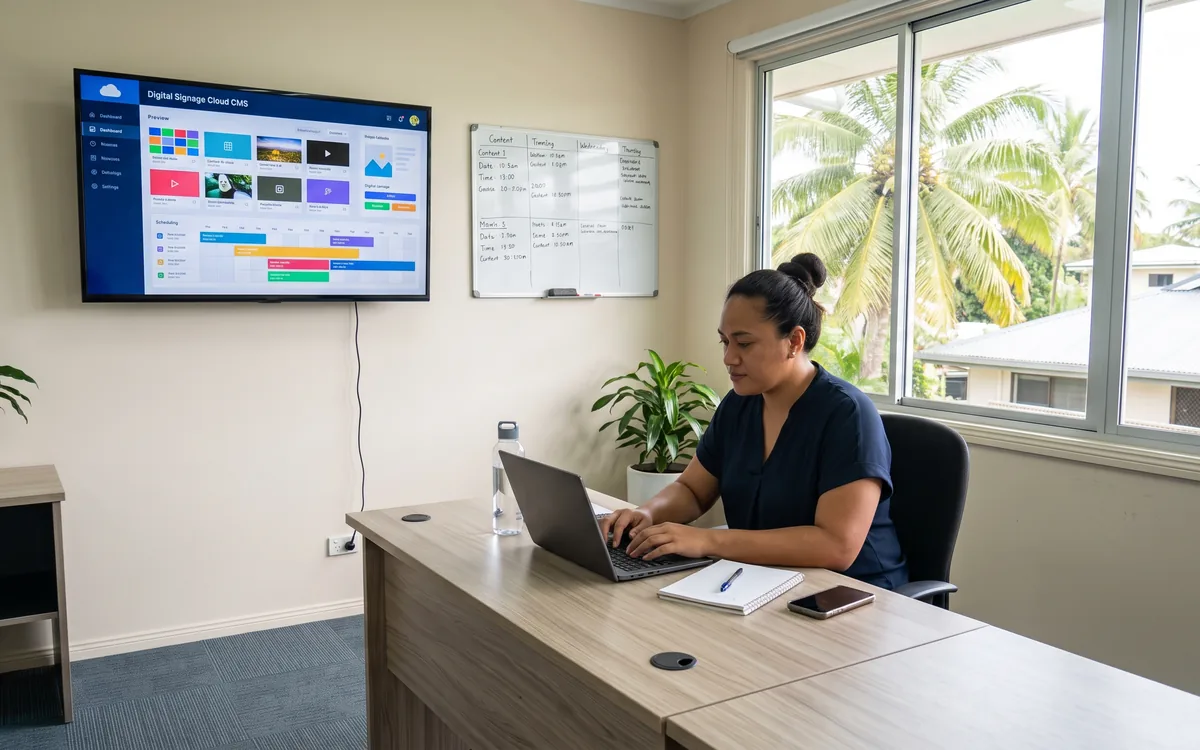
    Cloud signage CMS

    Centrally schedule and target content across all sites, screens and zones.

  • Content templates

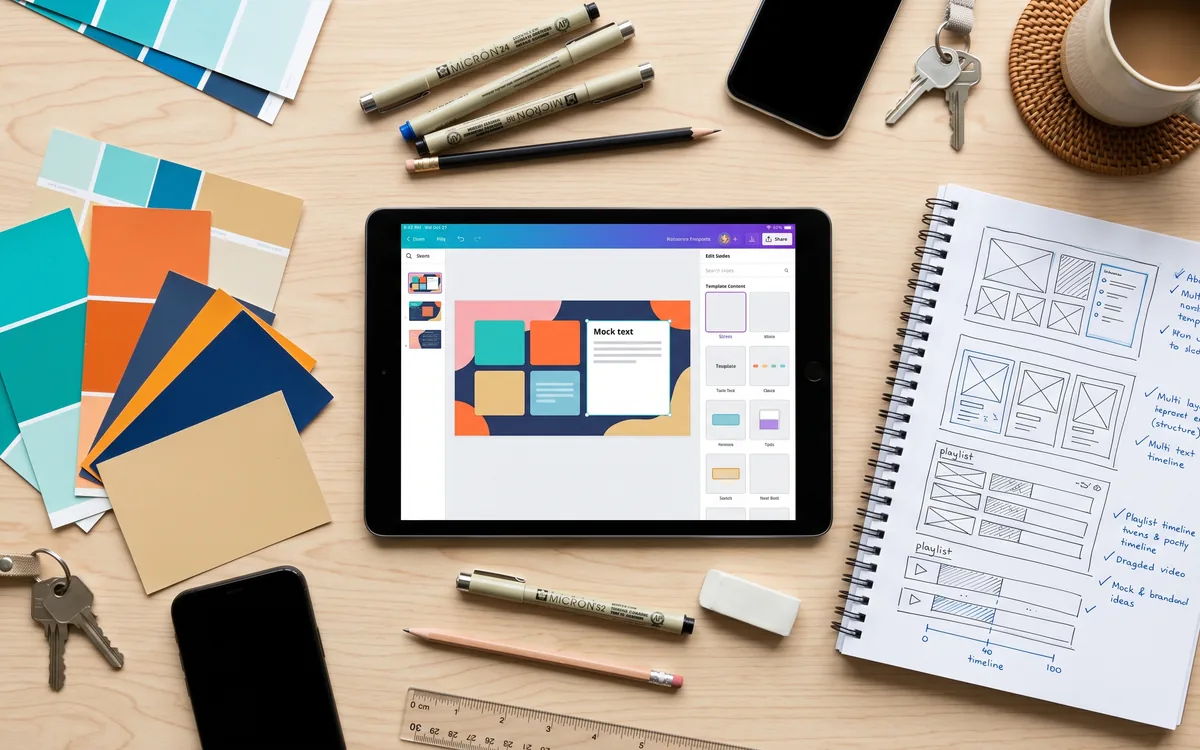
    Content templates

    Pre-designed templates for menus, wayfinding, news tickers and corporate communications.

  • Managed service

    Player monitoring, content updates and on-site break-fix — included in a single fee.

The hardware

Professional Displays we supply and support.

Actual models we deploy across the Pacific. Every one is sourced, configured and warranted in-market.

Technology partners

Built on platforms we run in production.

We operate on the same platforms global enterprises do — but configured, monitored and supported for South Pacific businesses.

Proof

Real outcomes from Pacific customers.

4 airports
modernised in 6 months

A Pacific airline modernised wayfinding and information screens across four international airports in six months — central scheduling, regional language support, real-time flight integration.

Pacific aviation customer, 2024 — case study available on request.

Free resource

The Digital Displays & Signage buyer's checklist

A short, vendor-neutral guide that walks South Pacific decision-makers through what to ask, what to compare, and how to scope a successful digital displays & signage project.

  • What to put in the brief — and what to leave out.
  • Red flags in vendor proposals.
  • Realistic budget ranges for Pacific deployments.
Use cases

How customers use this.

  • 01

    Corporate lobbies

    Welcome screens, KPI dashboards and brand-led visitor experiences.

  • 02

    Retail & hospitality

    Menu boards, wayfinding, promotional content and queue management.

  • 03

    Education

    Interactive classrooms, hall-of-fame displays and emergency communications.

FAQ

Frequently asked questions.

The questions South Pacific decision-makers ask most often before they engage on digital displays & signage.

  • What is the difference between digital signage and a regular TV showing slides?

    Three things. First, the hardware — a commercial-grade display is rated to run 16 to 24 hours per day for years, where a consumer TV is rated for a few hours of evening viewing and burns out fast under always-on use. Second, the software — a signage CMS lets you schedule different content for different days, times and screens, swap content remotely across multiple locations, and pull dynamic data (weather, news, calendar, social feeds) into the content. A USB stick running slides on a TV does none of this. Third, the management — commercial signage is monitored centrally so a black screen in your branch office is a ticket the same morning, not something nobody notices for a week.

  • What kinds of content work well on digital signage?

    The content that compounds across networks: looping brand video and customer testimonials (the lobby experience), real-time information (today's specials, queue numbers, flight or shipping schedules, room booking status outside meeting rooms), wayfinding (especially in larger buildings or campuses), staff communications (KPI dashboards, safety messaging, recognition), and scheduled promotional content tied to a campaign calendar. Static slide decks that nobody updates are where signage networks go to die — the platform is designed for content that changes, and customers stop noticing it the moment it goes stale.

  • How do we update content across multiple screens or locations?

    Through the central CMS — log in once, push content to one screen, a group of screens or every screen across every site. Schedules can be set days, weeks or months ahead with different content per location, per time of day, per audience. Approval workflows mean marketing can draft, a manager can approve, and the content goes live without anyone touching the screens. For larger networks (50+ screens) we typically design content templates that branch staff can update through a simplified interface — so the local franchisee changes the daily specials without needing to know the CMS, while head office controls the brand template.

  • Indoor vs outdoor displays — what changes?

    Brightness rating and weather sealing. Indoor commercial displays run at 350 to 700 nits — bright enough for indoor lighting conditions including direct sun through windows. Outdoor displays start at 2,500 nits and go up to 5,000+ nits for full direct-sunlight visibility, with IP54 or IP56 weather sealing, anti-glare coating and active cooling. Outdoor displays are materially more expensive (often 3 to 5 times the cost of an equivalent indoor screen) and the installation is a different exercise — they typically need their own enclosure, ventilation and structural mounting. We size and quote indoor vs outdoor up front rather than letting customers discover the difference at install time.

  • Can we integrate digital signage with our existing systems — calendar, social, news feeds?

    Yes. Most modern signage CMS platforms (Samsung VXT, ScreenCloud, BrightSign Network, NowSignage) include native widgets for Microsoft 365 calendars (showing today's meeting room schedule outside the door), social feeds (Facebook, Instagram, X/Twitter), news and weather, RSS, Power BI dashboards, Google Calendar, queue management systems, and custom HTML for anything bespoke. The content stays current without anyone updating it manually. For integrations the CMS does not have native, we can build them through a small HTML widget or an API connection — the platform is more extensible than most customers realise.

  • What's the cost of a single screen versus a multi-screen network?

    A single commercial-grade indoor display (55-inch class) lands roughly NZ$2,500 to NZ$4,000 fully installed including the media player. Add CMS licensing (typically NZ$15 to NZ$30 per screen per month) and managed monitoring and content support if bundled. A multi-screen network scales mostly linearly on hardware but better on per-screen software costs as volume tiers kick in. Larger screens (65-inch, 75-inch, 86-inch), video wall configurations (multiple panels acting as a single canvas), and outdoor displays scale up the hardware cost significantly. We quote against the room layout and signage strategy rather than publishing per-screen rates.

  • What does ongoing maintenance and support look like?

    Hardware monitored remotely — we see when a screen is offline, when the media player has lost network connection, when content has failed to push, when display brightness or input is misconfigured. Issues get resolved before customers notice. Managed content support is optional but recommended — instead of an in-house person learning the CMS and maintaining the schedule, we run the content updates on a fixed monthly retainer (brand-template management, weekly content swaps, dynamic data sources). Hardware warranty is typically three years for commercial displays, with extended on-site warranty available for mission-critical installations like queue-management systems or wayfinding networks.

Ready to simplify your South Pacific workplace?

Book a no-obligation conversation with a local specialist. We'll listen first and only recommend what actually helps.