

Skip to content
Ricoh
Digital Transformation

Workflow & Process Automation

Stop the three-people-forwarding-emails pattern. Approval flows, document routing and inter-system data sync built on Power Automate — using the Microsoft 365 stack you already pay for.

The challenge

Three people forwarding an email is not a process — it's a tax.

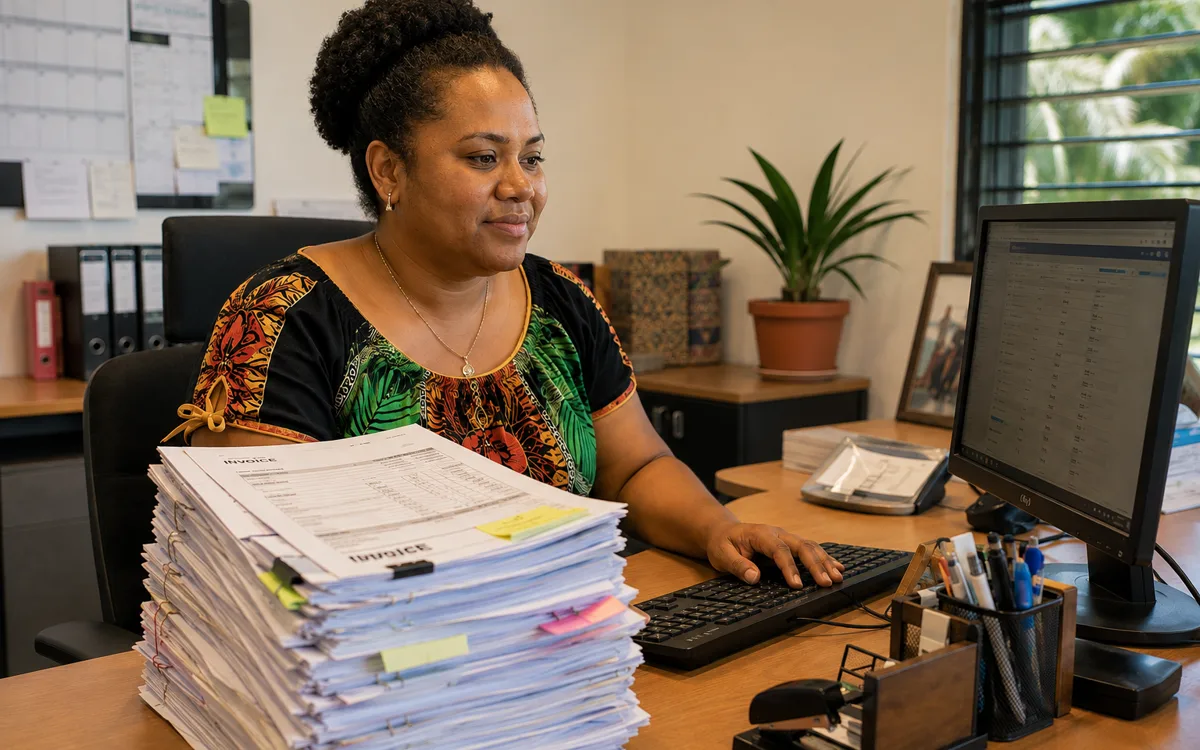
Invoice approvals that bounce between four inboxes before payment. Onboarding that depends on a manager remembering to forward a Word document. Customer requests that get re-keyed into three systems by hand. Every untreated manual process is a daily drag on throughput, accuracy and morale — and the cost shows up as slowness and mistakes rather than a line item, which is why it persists.

  • What

    What is workflow automation?

    Replacing manual coordination steps — forwarding emails for approval, re-keying data between systems, chasing people for status — with software that handles them automatically. Built on Power Automate and Power Apps, which are included in most Microsoft 365 plans.

  • Why it matters

    You're already paying for the platform

    Power Automate and Power Apps are bundled with most Microsoft 365 licences. Pacific businesses commonly run them at zero utilisation while paying full price — and continue to absorb the manual-process tax that the platform was designed to eliminate.

  • How Ricoh fixes it

    We pick the highest-ROI workflow first

    Discovery pass to find the workflow with the biggest annoyance / time-cost / risk ratio, build the automation, train the team, measure the saving. Then move to the next one. Compounds quickly.

    See Workflow Automation details
How we help

Our approach.

Every Pacific business has a list of processes that should have been automated years ago — invoice approvals, leave requests, onboarding, customer correspondence, status updates between systems. The technology to fix them has been sitting inside Microsoft 365 the whole time. We identify the highest-value processes, build the automation on Power Automate and Power Apps, and integrate cleanly with whatever line-of-business systems are already running.

Capabilities

What's included.

  • Process discovery

    Process discovery

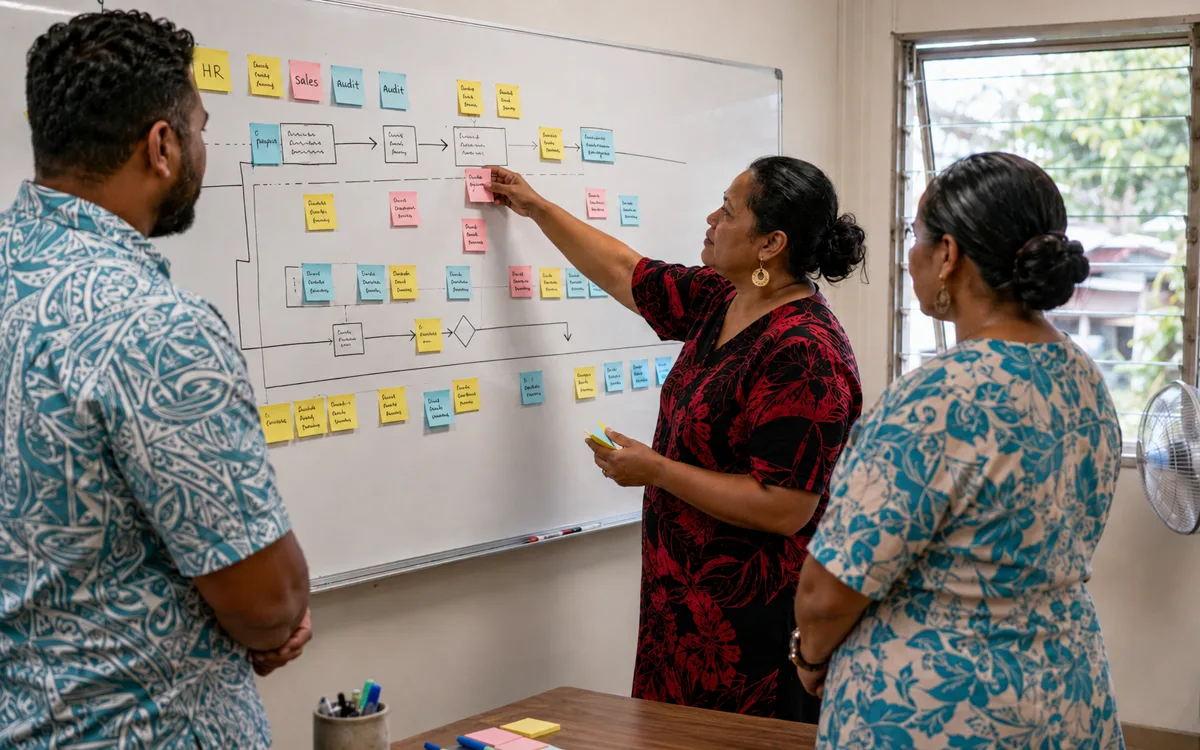
    Map the existing workflow, identify the friction points, and quantify the value of automation before building anything.

  • Power Automate flows

    Approval flows, conditional routing, escalation and reminders — built on the platform included in Microsoft 365.

  • Power Apps capture

    Power Apps capture

    Custom data-capture screens for the start of a flow when an email is not the right interface — works on web and mobile.

  • AP and finance automation

    AP and finance automation

    Invoice capture, three-way matching, approval routing and ERP posting — for finance teams that still process invoices by hand.

  • HR workflow automation

    HR workflow automation

    Onboarding, leave, performance and exit workflows in a structured flow rather than a checklist someone forgets to follow.

  • Systems integration

    Connect Microsoft 365 to Xero, MYOB, sector ERPs and bespoke LOB systems so data moves automatically instead of being re-keyed.

Technology partners

Built on platforms we run in production.

We operate on the same platforms global enterprises do — but configured, monitored and supported for South Pacific businesses.

Proof

Real outcomes from Pacific customers.

80%
of approval time eliminated after AP automation

A typical AP automation rollout cuts invoice processing time by around 80% and removes the most common cause of late-payment penalties: an approver on leave with the email still sitting in their inbox. The same pattern recurs across HR, customer service and operations workflows.

ClearEdge workflow automation engagements, illustrative.

Free resource

The Workflow & Process Automation buyer's checklist

A short, vendor-neutral guide that walks South Pacific decision-makers through what to ask, what to compare, and how to scope a successful workflow & process automation project.

  • What to put in the brief — and what to leave out.
  • Red flags in vendor proposals.
  • Realistic budget ranges for Pacific deployments.
Use cases

How customers use this.

  • 01

    AP automation

    Capture-to-pay workflow with approval routing, three-way matching and ERP integration — typical first project for finance teams.

  • 02

    HR onboarding

    From offer accepted to first-day-ready: payroll setup, IT provisioning, equipment requests, policy acknowledgements — all coordinated automatically.

  • 03

    Customer correspondence

    Inbound email, web form or paper capture routed to the right team with SLA tracking and audit trail.

FAQ

Frequently asked questions.

The questions South Pacific decision-makers ask most often before they engage on workflow & process automation.

  • What is Power Automate and what can it actually do?

    Power Automate is Microsoft's workflow automation platform — included with most Microsoft 365 plans rather than sold separately. It connects systems and automates the steps a human would otherwise do manually: route an email arriving in a shared inbox to the right team based on subject content, push approval requests through a chain of managers with reminders and escalation, copy data between Microsoft 365 and external systems when a record changes, trigger a sequence of actions when a form is submitted, schedule reports to run and land in the right channel. The platform handles thousands of pre-built connections to other systems and dozens of trigger types, so the heavy lifting is choosing what to automate rather than building the plumbing.

  • How do I decide which process to automate first?

    Three criteria, ranked: how frequently the process runs (a daily process automated saves materially more time per year than a quarterly one), how many people the process bottlenecks (a process that depends on one person's approval steps deserves attention before one that runs entirely on one team), and whether the manual version is producing errors or compliance gaps that automation would close. Invoice approvals, leave requests, new-starter onboarding and customer-correspondence routing are the four processes that come up first in almost every organisation we work with. We run a short discovery to score your candidate processes against these criteria before recommending where to start.

  • Are Power Automate and Power Apps really included in our Microsoft 365 licences?

    Yes, for most workloads. Microsoft 365 Business Standard, Business Premium and the equivalent Enterprise SKUs include Power Automate and Power Apps capacity sufficient for internal-process automation within Microsoft 365 — flows that read and write Outlook, SharePoint, Teams, OneDrive and the other M365 services. Premium connectors (used to reach third-party systems like Xero, Salesforce, SAP, custom databases) and high-volume scenarios require additional Power Automate or Power Apps per-user-per-month licences. We size what you actually need rather than recommending licences by default — most organisations build their first three to five automations entirely on the included capacity.

  • Can you automate processes that involve third-party tools like Xero, MYOB, or sector-specific systems?

    Yes. Power Automate has pre-built connectors for hundreds of third-party platforms — Xero, MYOB, QuickBooks, Salesforce, HubSpot, Mailchimp, Stripe, Shopify, DocuSign, Dropbox, Google Workspace and many more. Where a pre-built connector does not exist, custom HTTP integration is straightforward if the target system has an API (most modern SaaS does). For example, invoice approvals in Power Automate can post directly to Xero once approved; new customer records in Dynamics 365 can sync to your sector ERP. Where APIs are not available or are unreliable, we sometimes recommend Azure Logic Apps or a small custom integration component for the harder cases — the same platform family, different commercial profile.

  • What is robotic process automation (RPA) and do we need it?

    RPA automates manual processes that run inside legacy software with no API — bots that drive the user interface like a human would, clicking buttons and copying data between screens. Power Automate Desktop (Microsoft's RPA tool) is the platform we use when this is the right answer. The honest answer for most Pacific businesses is that RPA is needed less often than vendors suggest — if your business runs on modern cloud platforms with APIs, native Power Automate is faster, more reliable and easier to maintain. RPA earns its place when you have a critical process running in old line-of-business software that nobody can replace this year, and the manual cost of running it is significant. We assess the case before recommending RPA rather than defaulting to it.

  • How long does a typical workflow automation project take?

    A focused first automation — for example, an AP approval workflow or HR onboarding sequence — typically goes from discovery to live in three to six weeks. Larger programmes that automate multiple processes in a coordinated rollout extend across two to four months, with each individual workflow going live in stages rather than all at once. We avoid the pattern of designing a perfect end-state and disappearing for three months to build it — the team gets nothing from work-in-progress automation. Smaller, faster waves of work that go live and start saving time immediately compound much more effectively.

  • What does workflow automation cost?

    Project pricing is fixed-fee against the specific processes being automated. A first AP-automation or HR-onboarding workflow for an organisation under 100 staff typically sits in the low five-figure range (NZD); a multi-process programme automating five or six workflows over a quarter is materially more substantial but proportionally cheaper per workflow. Most projects pay back inside the first year through reclaimed staff time, faster cycle times, and the reduction in errors that manual processes generate. We track the saving against the agreed metric so the ROI conversation is concrete rather than vibes-based.

Ready to simplify your South Pacific workplace?

Book a no-obligation conversation with a local specialist. We'll listen first and only recommend what actually helps.