
Skip to content
Ricoh
Print Solutions

Label Printers

Two label-printing problems, two purpose-built tools. Linerless thermal for high-volume retail, hospitality and logistics — Zebra. Desktop colour inkjet for branded packaging, pharma and compliance — Epson. We stock both, supply both, and tell you honestly which fits the workflow.

The challenge

Wrong printer, wrong tool, every shift.

Linerless thermal on low-volume branded work wastes the machine and looks plain. Desktop colour inkjet on a high-volume retail counter burns cartridges and stalls the queue. The fix is matching the workflow to the right device on day one — and stocking media for both. Most operations get this wrong because the procurement question gets asked once, by a buyer, and the operator inherits whatever was delivered.

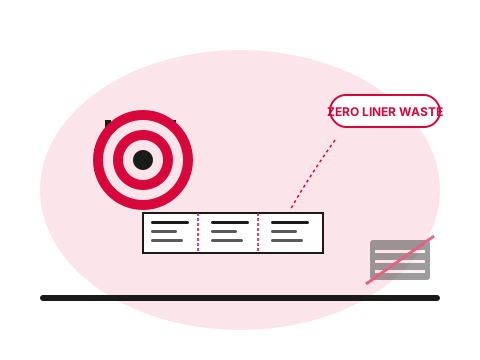
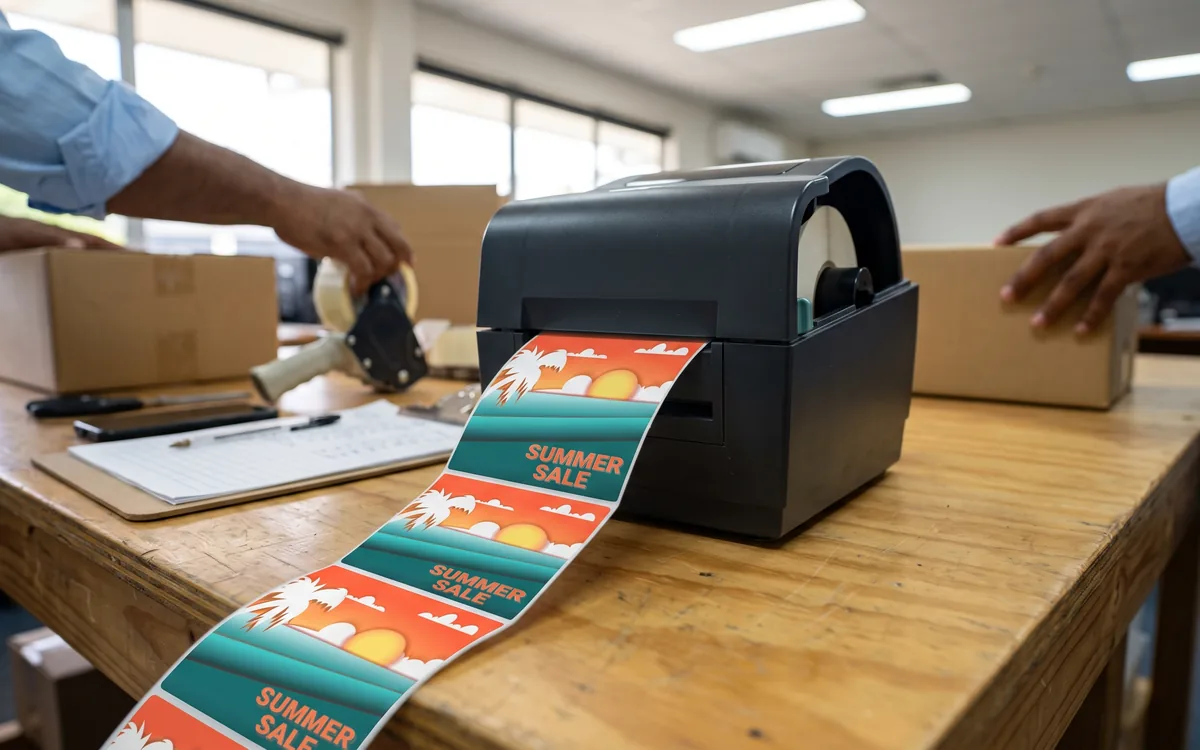
Label printer producing a strip of labels — covers both linerless thermal and desktop colour inkjet.
  • What

    Two label-printing modes

    Linerless thermal (Zebra) for high-volume single-colour work. Desktop colour inkjet (Epson ColorWorks) for branded, compliance and short-run colour work. Different printers, different consumables, different jobs.

  • Why it matters

    Most operations buy the wrong mode

    Colour where thermal would be cheaper and faster, or thermal where colour is the actual brand requirement. Procurement gets the question once; the operator runs the wrong tool for years.

  • How Ricoh fixes it

    Sized to the workflow, supplied locally

    Zebra ZD desktop and ZQ mobile for linerless thermal. Epson ColorWorks for desktop colour inkjet. Media and cartridges stocked locally across the Pacific so you don't air-freight when you run out.

    Browse the label-printer catalogue
How we help

Our approach.

Most label-printing pain comes from the wrong device on the wrong job. A bakery counter printing 2,000 weight-and-price labels a day on a colour inkjet wastes cartridges and time. A craft-beverage producer printing branded bottle labels on a thermal printer ends up with mono labels because that's all the printer can do. Two completely different jobs, two completely different categories of kit. One Pacific supplier that carries both, stocks the consumables in-country, and sizes the deployment to the actual workflow rather than to the brochure.

Capabilities

What's included.

  • Zebra ZD desktop linerless

    Zebra ZD desktop linerless

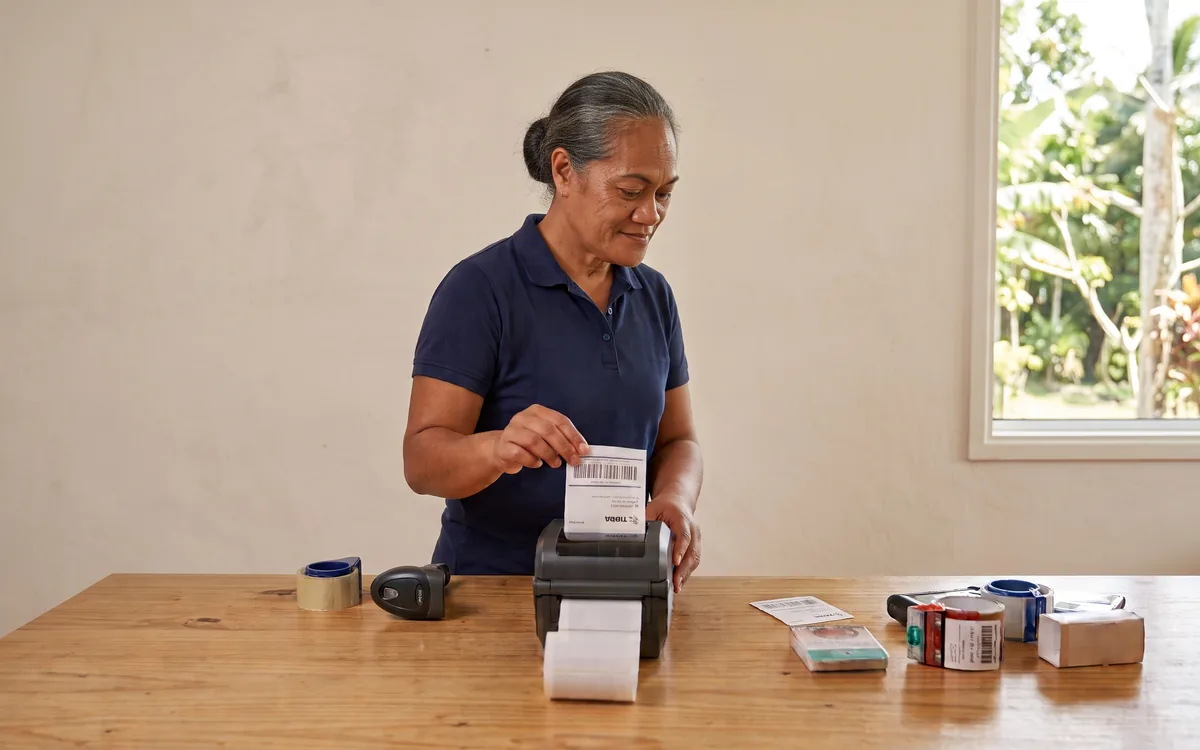
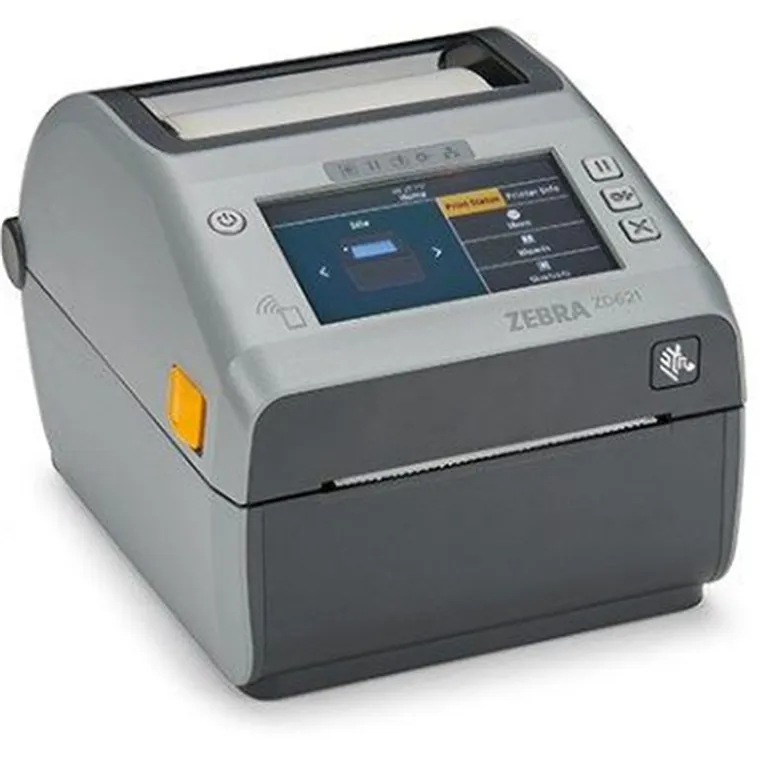
    Counter-sized linerless thermal printers for retail POS, deli stations, hospitality kitchens and small warehouses. 6 ips, variable label lengths, network and Bluetooth connectivity.

  • Zebra ZQ mobile linerless

    Zebra ZQ mobile linerless

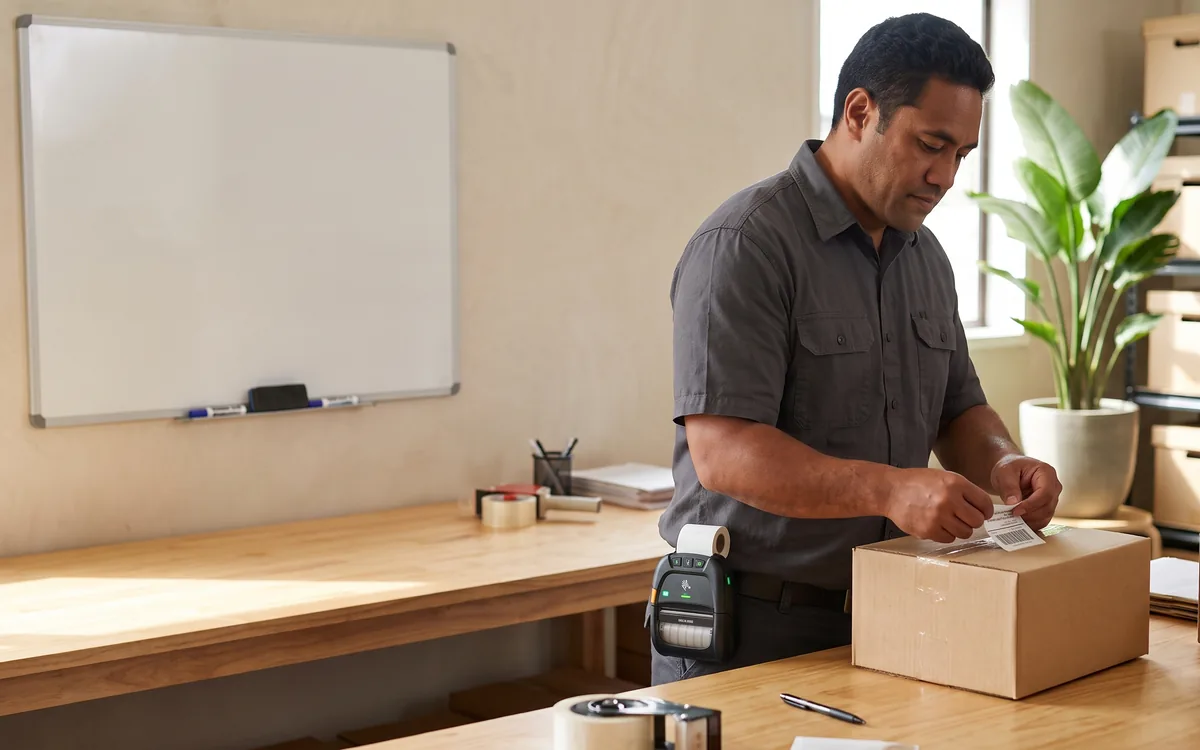
    Rugged 4-inch mobile linerless printers — IP54 rated, drop-tested, all-shift battery. Worn or vehicle-mounted for pick / pack / ship and field service.

  • Epson ColorWorks desktop colour

    Epson ColorWorks desktop colour

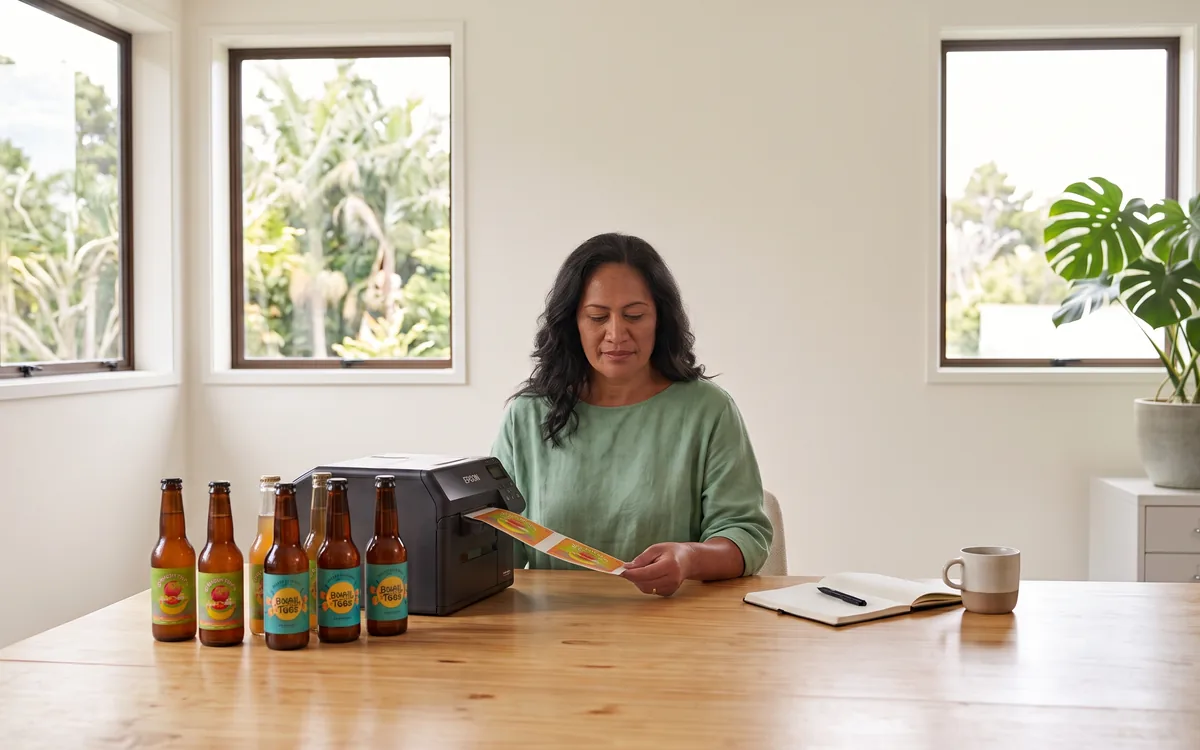
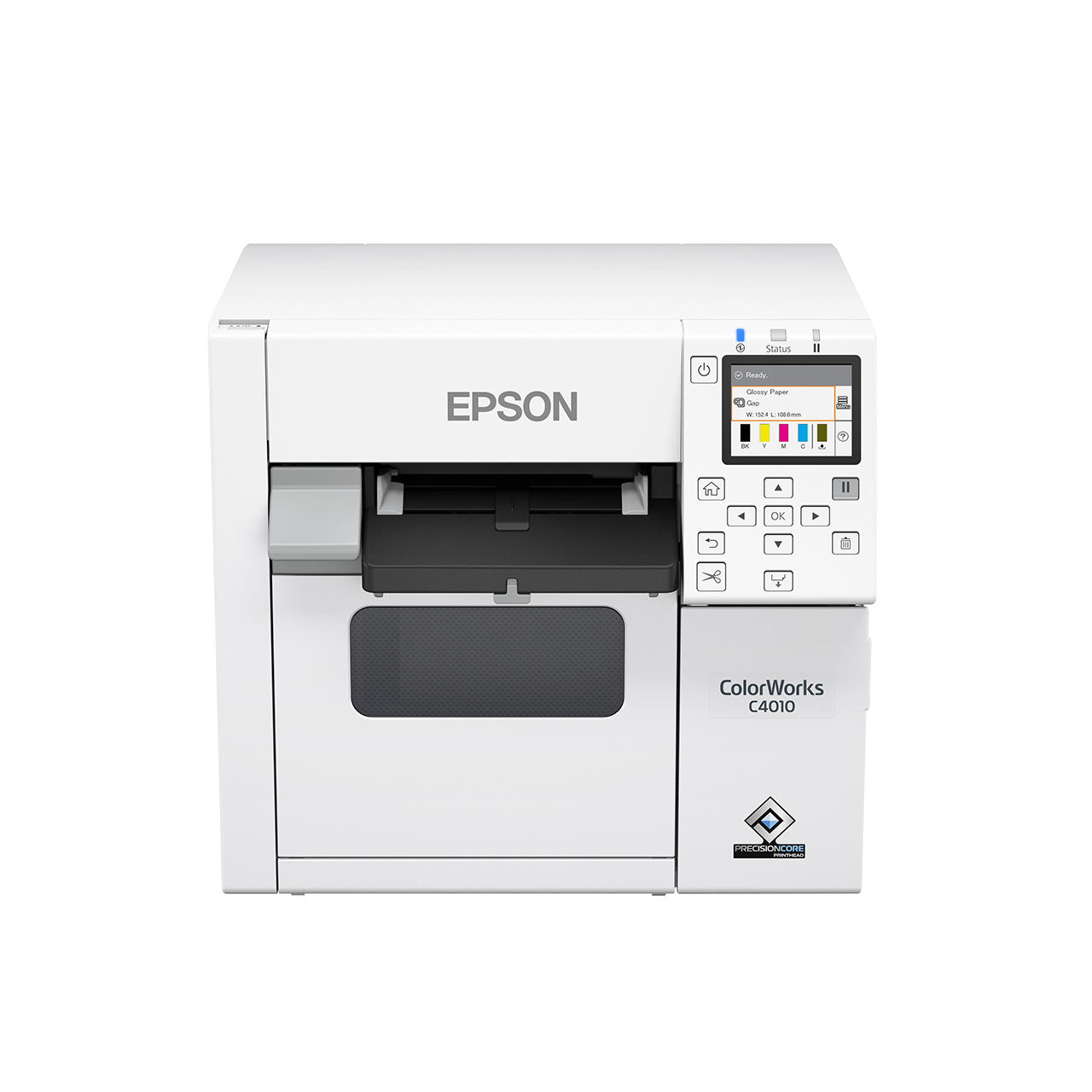
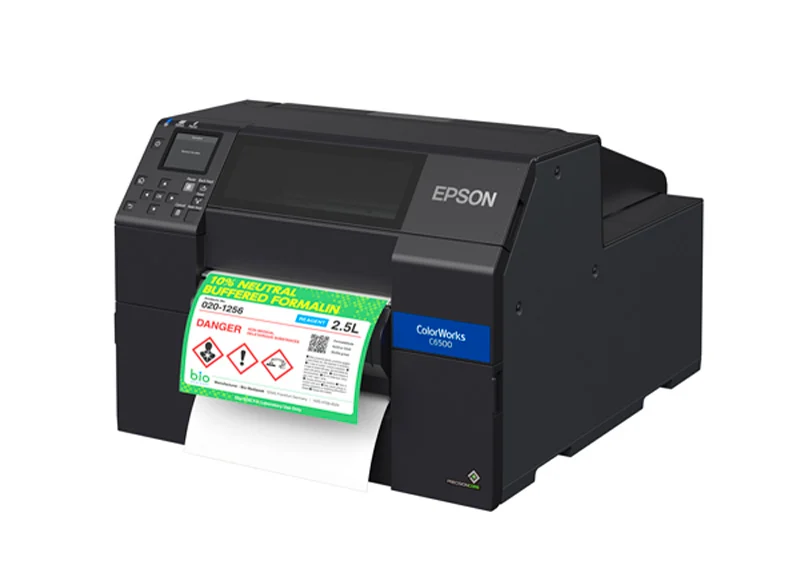
    Pigment-ink desktop inkjet label printers for branded product packaging, pharma compliance labels, GHS hazardous-chemical markings and short-run craft beverage / food labels. On-demand colour without offshore minimums.

  • Variable-length, on-demand

    Variable-length, on-demand

    Both modes print to length. Zebra linerless cuts to any length on the fly. Epson ColorWorks prints from a roll with cutters or pre-die-cut stocks — no setup, no minimums, today's run only.

  • Application-aware media

    Application-aware media

    Permanent, removable, repositionable, freezer-grade and food-safe adhesives for the linerless side. Pigment-ink durable colour stocks (including BS5609-rated for chemical compliance) on the Epson side.

  • Local media supply

    Local media supply

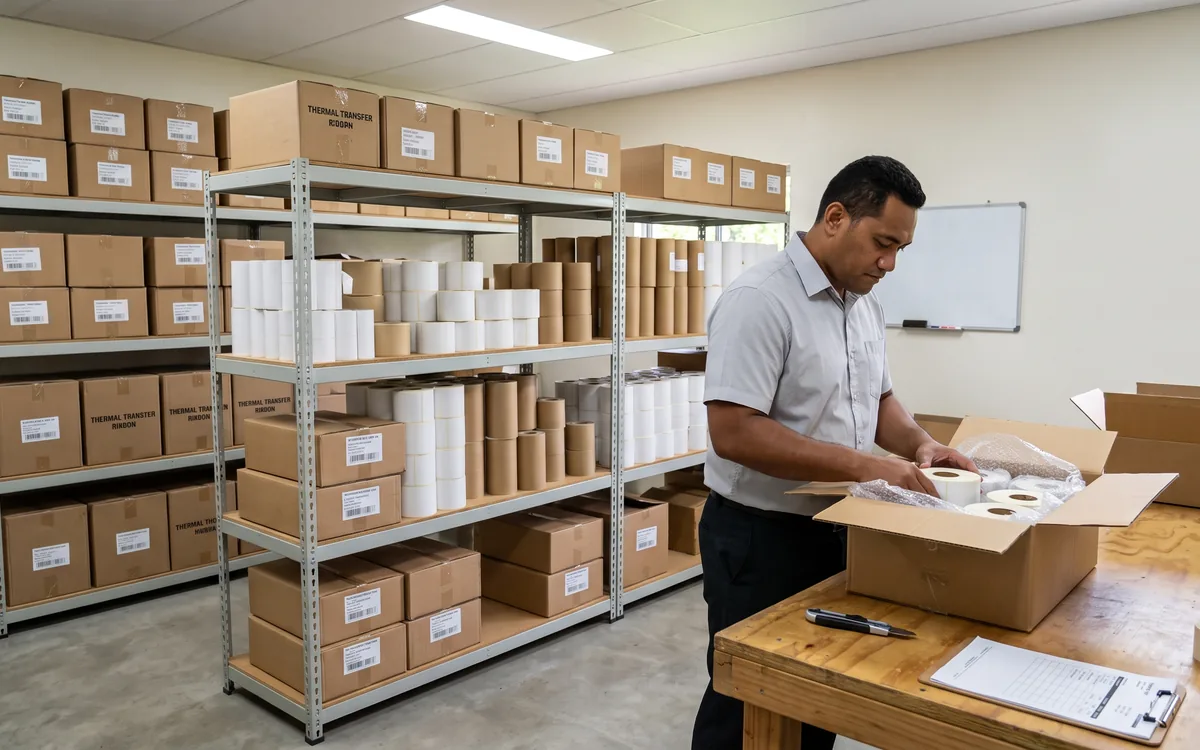
    Both Zebra linerless rolls and Epson ColorWorks cartridges and label stocks held in-country across the Pacific markets — no air-freight when you run low.

The hardware

Label Printers we supply and support.

Actual models we deploy across the Pacific. Every one is sourced, configured and warranted in-market.

Technology partners

Built on platforms we run in production.

We operate on the same platforms global enterprises do — but configured, monitored and supported for South Pacific businesses.

Proof

Real outcomes from Pacific customers.

2×
labels per linerless roll vs lined

A linerless roll holds roughly twice as many labels as a traditional liner roll of the same outer diameter — operator changes rolls half as often, and there's no liner stream to landfill. On the Epson side: print branded short-runs of 50–500 labels on demand without minimum-order constraints, with cartridge-based cost-per-label competitive against offshore-printed adhesive labels once setup, freight and lead time are counted.

Zebra Technologies and Epson, indicative manufacturer figures.

Free resource

The Label Printers buyer's checklist

A short, vendor-neutral guide that walks South Pacific decision-makers through what to ask, what to compare, and how to scope a successful label printers project.

  • What to put in the brief — and what to leave out.
  • Red flags in vendor proposals.
  • Realistic budget ranges for Pacific deployments.
Use cases

How customers use this.

  • 01

    Retail and grocery counters

    Zebra linerless. POS receipts that double as price stickers; deli weight-and-price labels; shelf-edge tags. High volume, single colour, fast.

  • 02

    Hospitality and quick-service

    Zebra linerless. Kitchen order tickets, takeaway and delivery labels, table-side ordering receipts. Survives a kitchen environment, prints cleanly, doesn't need colour.

  • 03

    Warehouse, logistics, courier

    Zebra ZQ mobile linerless. Pickers print at the pallet, couriers print proof-of-delivery in the cab, field technicians print asset tags at the job site.

  • 04

    Branded product packaging

    Epson ColorWorks. Small-batch food, beverage, cosmetics, craft producers. Print today's run, no offshore minimums, brand-quality colour at the press of a button.

  • 05

    Pharma and chemical compliance

    Epson ColorWorks with durable colour stocks. GHS hazardous-chemical labels, BS5609-rated drum labels, medication packaging — full-colour warnings printed in-house, on demand.

  • 06

    Asset tagging and traceability

    Either mode depending on volume and visual requirement. High-volume single-colour asset tags: Zebra linerless. Colour-coded by location / department, or QR-coded brand assets: Epson ColorWorks.

FAQ

Frequently asked questions.

The questions South Pacific decision-makers ask most often before they engage on label printers.

  • When should I choose Zebra linerless vs Epson desktop colour?

    Two completely different jobs. Zebra linerless thermal is the right answer for high-volume single-colour workflows: retail point-of-sale counters, deli weight-and-price labels, hospitality kitchen orders, warehouse pick / pack / ship labels, courier proof-of-delivery, mobile field-service. Anywhere the operator needs labels at speed, in volume, doesn't need colour, and is content to print to length on a cut-on-demand thermal printer. Epson ColorWorks desktop inkjet is the right answer for branded, compliance and short-run colour workflows: craft beverage and food packaging, cosmetics, pharma medication labels, GHS hazardous-chemical drum labels, asset tags with colour-coding or QR codes, and any product where the label is part of the brand experience rather than a transactional sticker. If the use case is high-volume single-colour, choose Zebra. If it's brand-quality colour or compliance-coloured output, choose Epson. Both can sit in the same operation when there are both workflows.

  • What is Epson ColorWorks and when does it fit?

    ColorWorks is Epson's range of desktop colour inkjet label printers — pigment-ink devices designed to print branded full-colour labels on demand at the point of need. The range covers compact 4-inch desktop models for small-batch production through to wider 8-inch industrial models for higher throughput. The defining capability is on-demand brand-quality colour: where a craft beverage producer would otherwise order 5,000 pre-printed bottle labels offshore and wait six weeks, ColorWorks prints today's 200 labels in-house, on-demand, in full colour, on a label stock chosen to match the application (waterproof, freezer-grade, glossy, matte, durable). The cost-per-label is higher than offshore mass-production for very long runs, but lower once you count freight, minimum-order penalties, design-change lead times and the cost of obsolete pre-printed stock. Fits when batches are small-to-medium, the brand matters, or the SKU mix changes frequently.

  • How does the cost-per-label compare between thermal linerless and inkjet colour?

    Linerless thermal is materially cheaper per label for single-colour high-volume work — typically 1-3 cents per label including media and the amortised printer. Desktop colour inkjet is more expensive per label — typically 5-15 cents per label depending on label size and ink coverage. But the comparison only makes sense within the right workflow. If the actual job is branded full-colour packaging, the alternative to a 10-cent in-house Epson label is a 4-cent offshore-printed label that requires a 5,000-unit minimum order, six weeks of lead time, and the risk of being stuck with obsolete pre-printed stock if a recipe or claim changes. Per label, the offshore option looks cheaper. Per usable label in the right configuration at the right time, the in-house Epson option usually wins.

  • What are linerless labels and how do they differ from traditional adhesive labels?

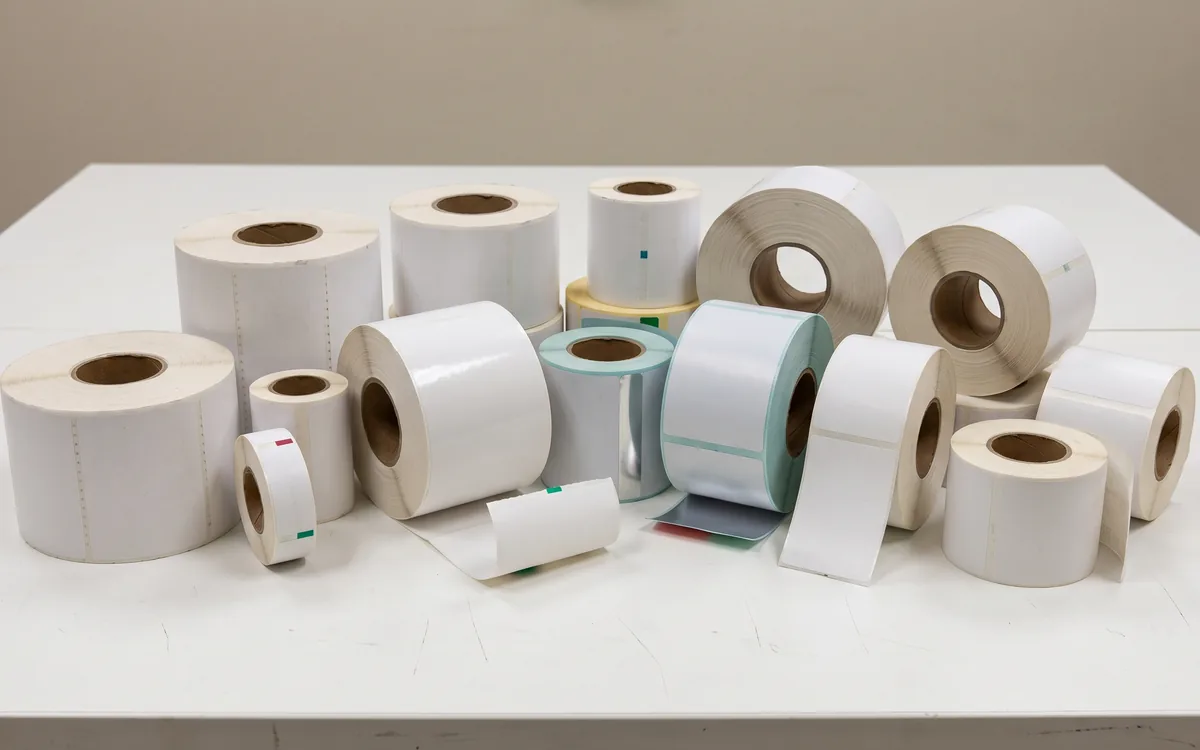
    Linerless labels are thermal labels printed on continuous media with no release liner (backing paper). On a traditional roll, every label sits on a strip of waxed liner paper that gets peeled off and discarded as the labels are applied. On a linerless roll, each label is its own surface — the adhesive on the back of one label is non-stick on the back side of the next, so the labels separate cleanly without a liner. The practical effect: the same outer roll diameter holds roughly twice as many labels, generates roughly half the waste paper, and reduces roll-change frequency by half.

  • Which label printers support linerless media?

    Linerless requires a printer with a specific cutter mechanism and an anti-stick platen — not every thermal printer can run linerless rolls without jamming. Zebra makes purpose-built linerless models in both desktop (ZD-series) and mobile (ZQ-series) families that we stock for Pacific markets. Conversion of an existing thermal printer to support linerless is not usually viable; the cutter and platen are different parts. If you already run thermal labels and want to move to linerless, you replace the printer; if you are starting fresh, you specify linerless from day one.

  • Are linerless labels suitable for food packaging and refrigerated items?

    Yes. Linerless thermal stocks are available with food-contact-safe adhesives, freezer-grade adhesives for cold-chain items, and high-tack permanent adhesives for items that need to stay attached through wash cycles or temperature shifts. The choice of stock depends on the application — a deli-counter weight-and-price label uses a different adhesive from a meat-packaging label that needs to survive a freezer. We supply the right stock for the use case rather than a one-size-fits-all roll; the matching is part of the scoping conversation when a customer first asks about linerless.

  • What is the cost comparison between linerless and traditional labels?

    Linerless stock is slightly more expensive per square metre than equivalent-quality lined stock, but each roll holds roughly twice as many labels at the same diameter. The net effect is a meaningful cost-per-label saving — typically in the 20 to 35 percent range over a full year of high-volume use — once roll-change time, waste-disposal cost and storage volume are counted alongside the consumable price. Where the customer was already paying to dispose of liner paper (some recycling streams charge for it), the saving is larger. The break-even point for switching is usually under 12 months for any operation running more than a few rolls a week.

  • How do linerless printers handle maintenance compared to lined media?

    Linerless printers need slightly more frequent platen cleaning because adhesive residue can build up on the rollers and print head over time. Zebra's linerless models include cleaning kits and the cleaning routine takes a few minutes per week in normal use. In return, the absence of liner paper means no waste paper to dispose of, no liner sensor adjustments, and no liner-jam failures (a common cause of downtime on lined thermal printers). On balance, customers report fewer service tickets per month on linerless than on lined equivalents, because the failure modes are simpler.

  • Are linerless labels suitable for shipping and freight applications?

    For inner-warehouse and last-mile-delivery applications, yes — linerless shipping labels work well for parcel labels, pick labels, bin labels and address labels. For long-haul freight or outdoor exposure, the limitation is the thermal print itself: direct-thermal images fade over time when exposed to UV light or heat, regardless of whether the media is lined or linerless. For freight that will sit outdoors or in sunlit yards for weeks, thermal-transfer (with a ribbon) on lined or synthetic media remains the right answer. For everything inside a warehouse and on a same-day or next-day delivery vehicle, linerless is faster, cheaper and lighter.

  • What adhesive options are available with linerless rolls?

    Three main families, chosen per application: permanent (the default for most retail, hospitality and warehouse use — stays attached, hard to remove cleanly), removable (designed to lift cleanly without residue, used for promotional stickers, asset tracking, returnable-container labels), and repositionable (low initial tack, can be re-applied multiple times — used for shelf-edge tickets and similar). Specialist stocks exist for freezer, oily-surface and textured-surface applications. We supply the matching stock for whatever the application is rather than expecting the customer to specify by code; the conversation is the easiest part.

Ready to simplify your South Pacific workplace?

Book a no-obligation conversation with a local specialist. We'll listen first and only recommend what actually helps.