





Skip to content
Ricoh
Managed IT

Meeting Rooms & Collaboration

Modern meeting spaces with audio, video, displays and room booking — designed, deployed and supported as one integrated solution.

The challenge

Half of every hybrid meeting is wasted setting up the room.

When the camera doesn't recognise the laptop, when the remote participants can't be heard, when no one can find the right HDMI cable — your team's most expensive hour gets eaten by AV. Multiply that across rooms, sites and weeks, and meeting friction becomes one of the largest invisible productivity drains in the business.

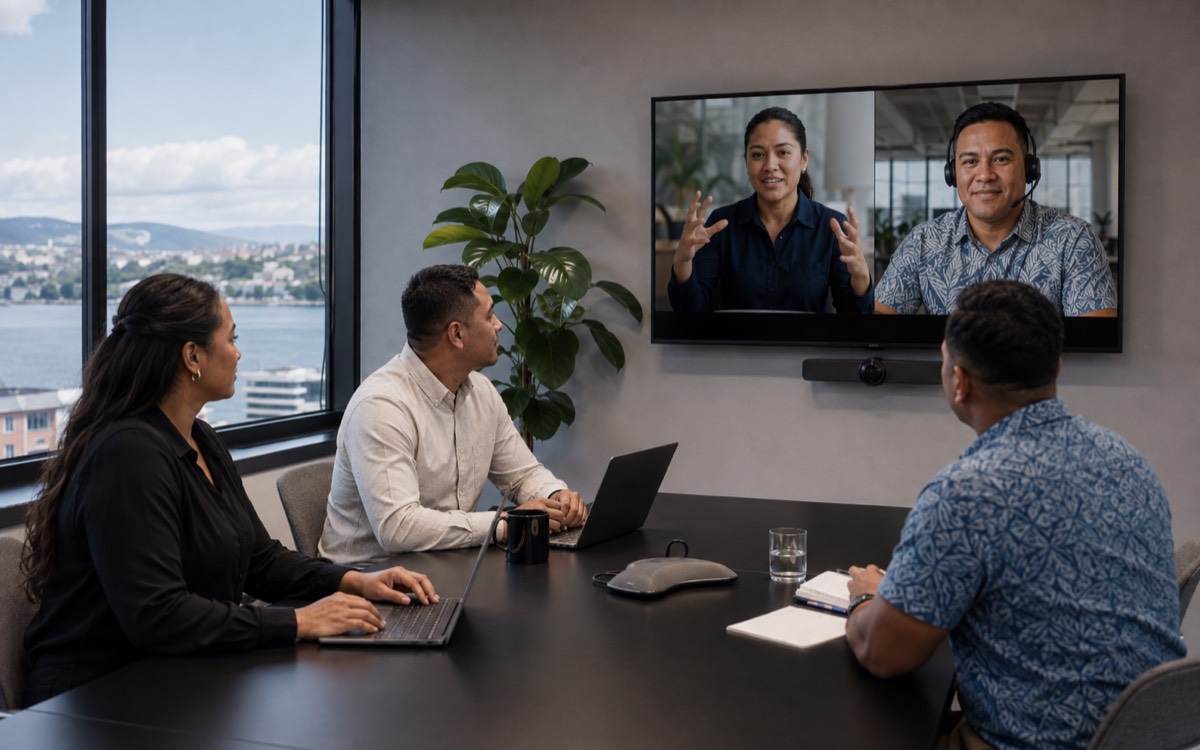
Hybrid meeting room with Microsoft Teams Rooms display and remote participants
  • What

    What is a Microsoft Teams Room?

    A meeting room with certified Microsoft hardware (compute, camera, audio, touch console, display) configured so a meeting starts in one tap — no laptops, no cables, no 'can you see me?'. Designed for hybrid: in-room and remote on equal footing.

  • Why it matters

    Bad rooms cost more than you think

    Every minute of meeting friction across an organisation adds up. 'I'll just use my laptop' workarounds are a signal the room AV isn't reliable. Hybrid work makes meeting quality a productivity factor, not a nice-to-have.

  • How Ricoh fixes it

    We design, install and run the room

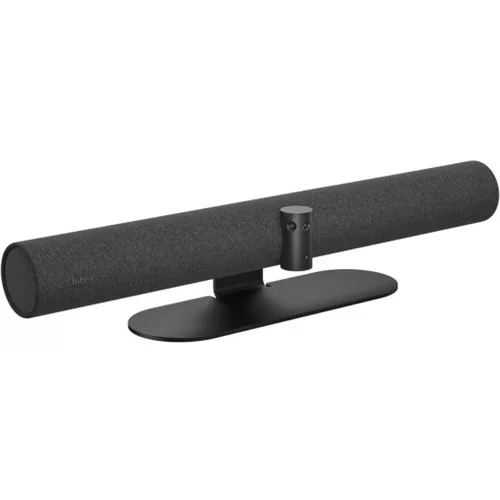
    Right-sized AV for the room geometry, certified Microsoft Teams Rooms hardware (Logitech, Poly, Yealink, Neat, Crestron), managed AV monitoring so we see device issues before users do.

    Browse meeting room systems
How we help

Our approach.

Hybrid work means your meeting rooms have to work brilliantly the moment someone walks in. We design, deploy and support complete collaboration spaces — from huddle rooms to executive boardrooms — built around Microsoft Teams Rooms, Zoom Rooms or your platform of choice.

Capabilities

What's included.

  • Microsoft Teams Rooms

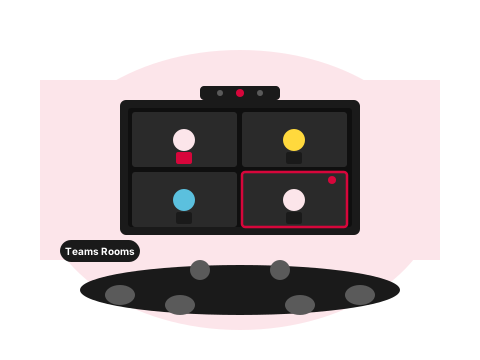
    Microsoft Teams Rooms

    Certified MTR systems for spaces from 2 to 20+ people, with one-touch join.

  • Interactive whiteboards

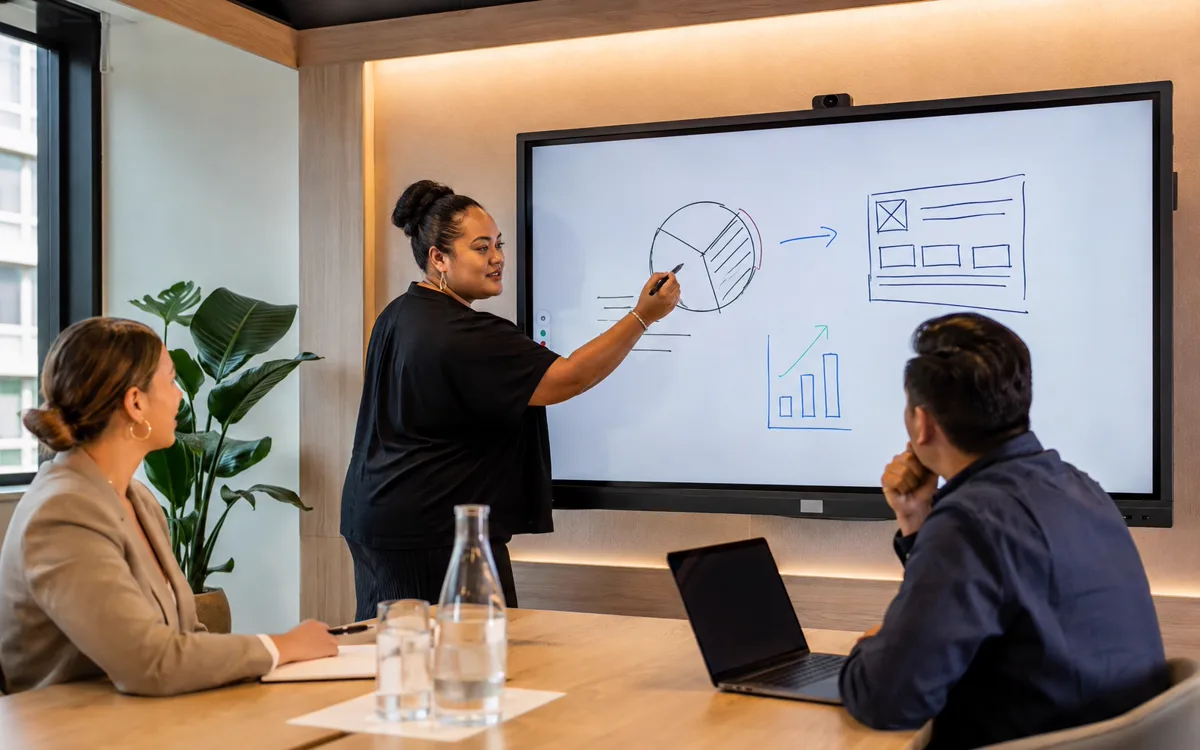
    Interactive whiteboards

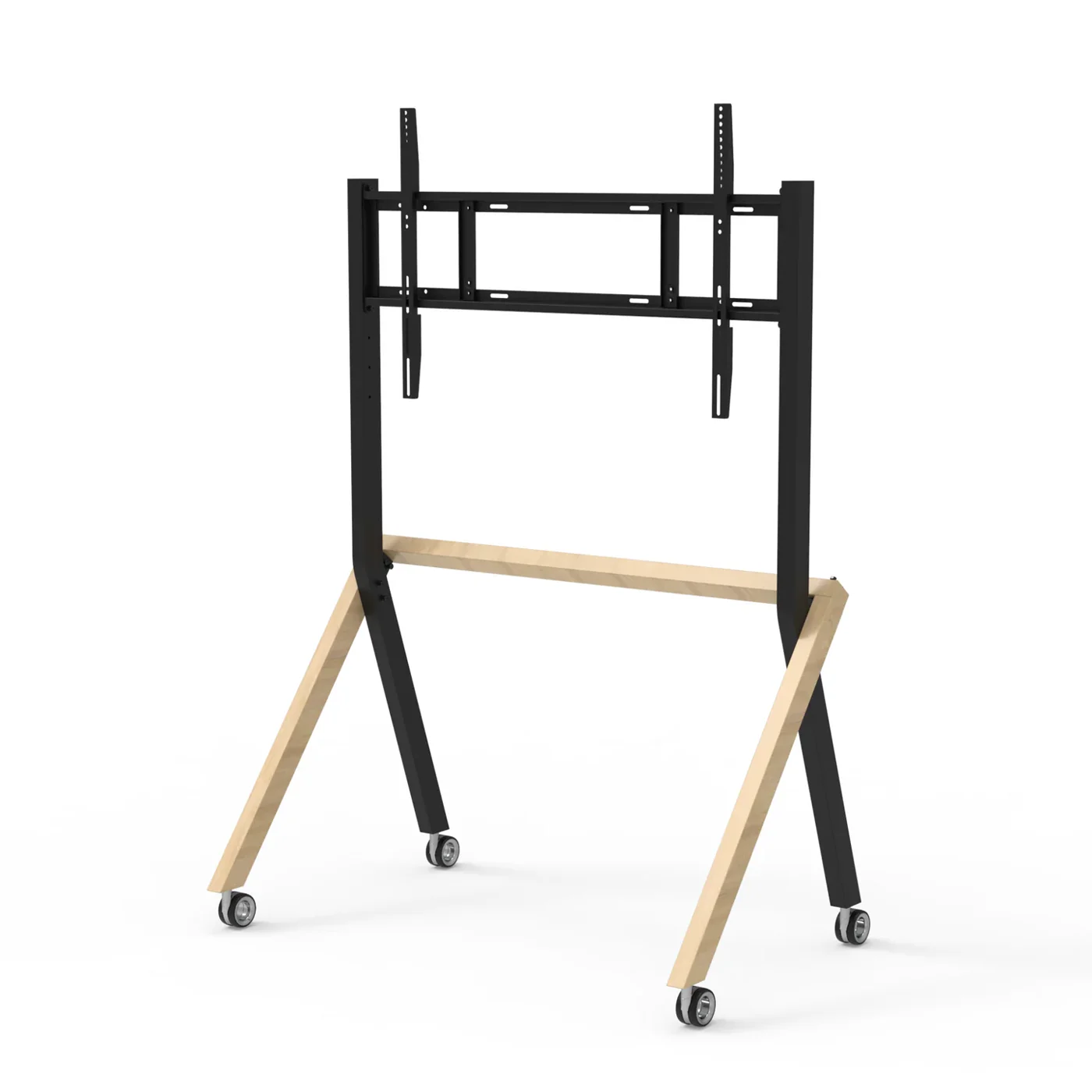
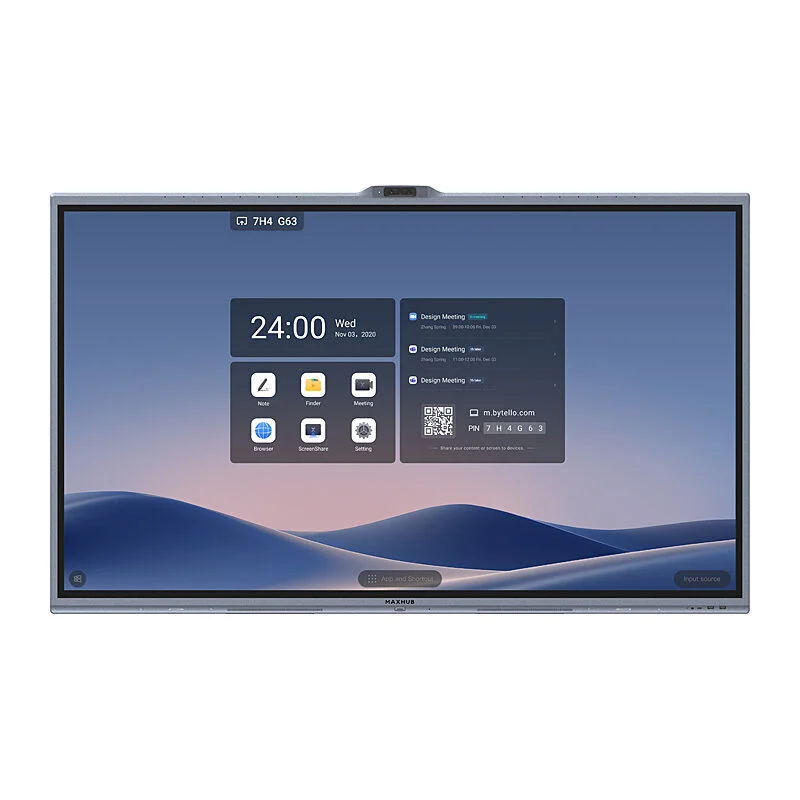
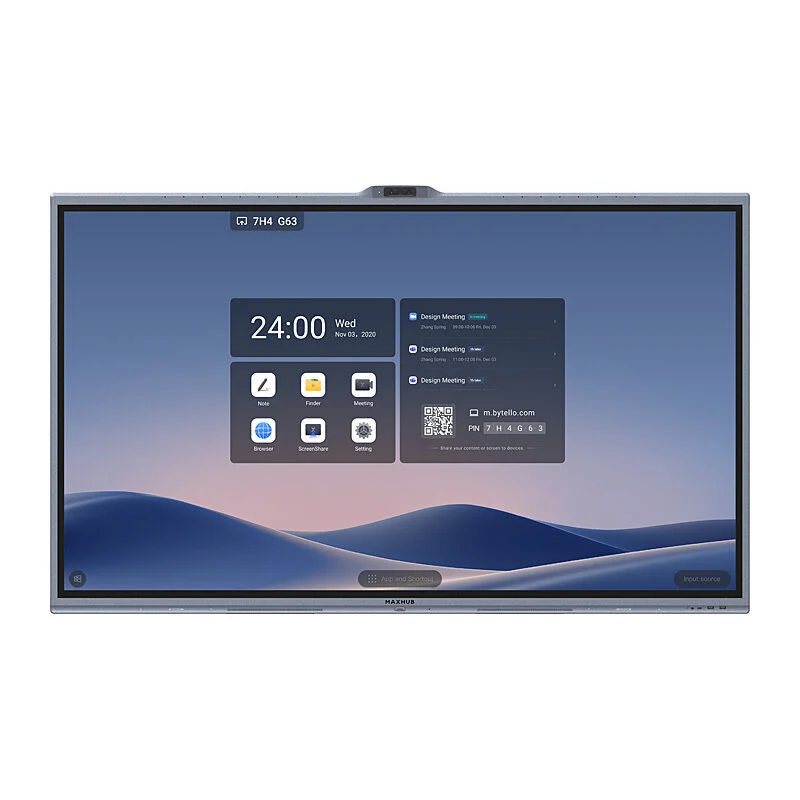
    Interactive flat panels with annotation, recording and remote-participant inking.

  • Audio & video engineering

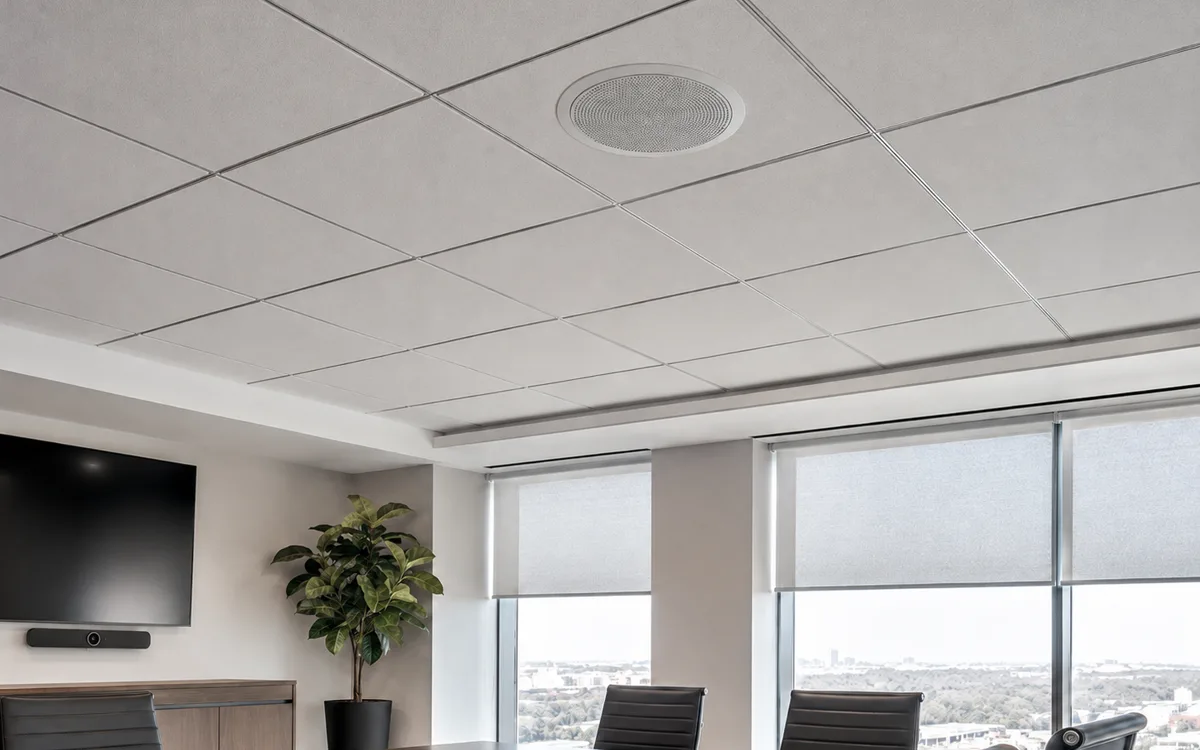
    Audio & video engineering

    Acoustic design, ceiling mics, beamforming arrays and PTZ cameras for natural meetings.

  • Room booking & analytics

    Room booking & analytics

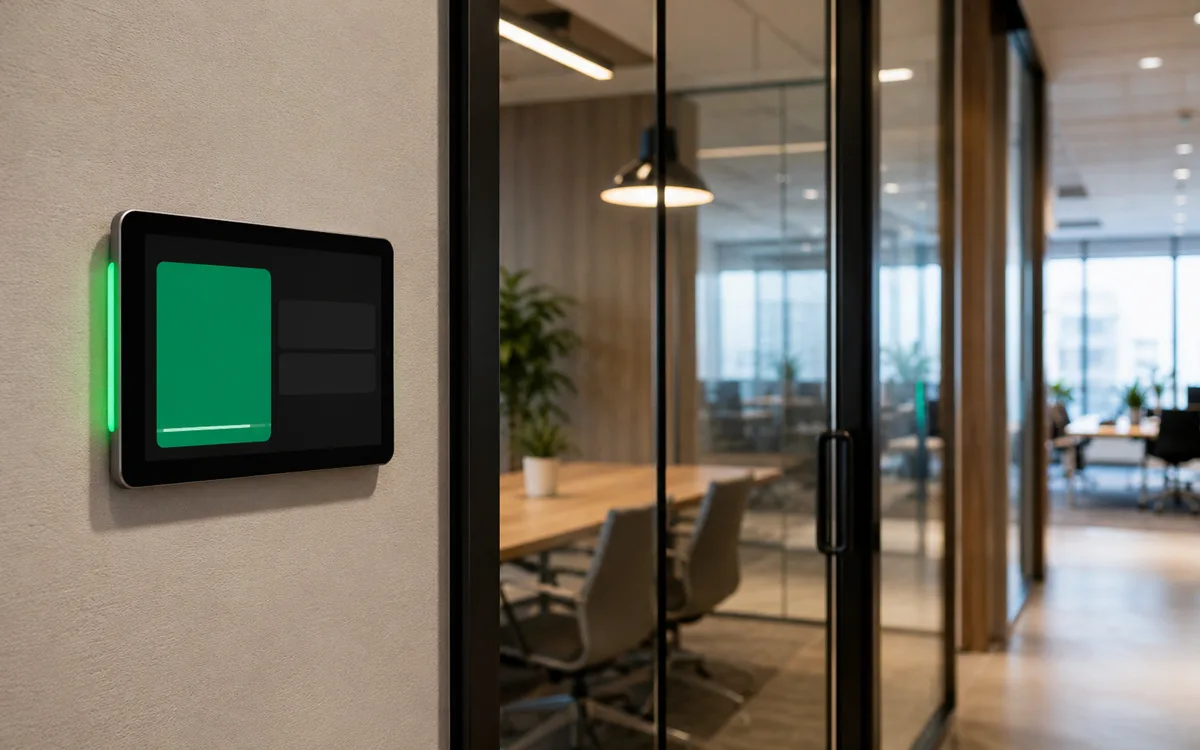
    Outlook-integrated booking panels and utilisation analytics that inform space planning.

  • Managed AV

    Managed AV

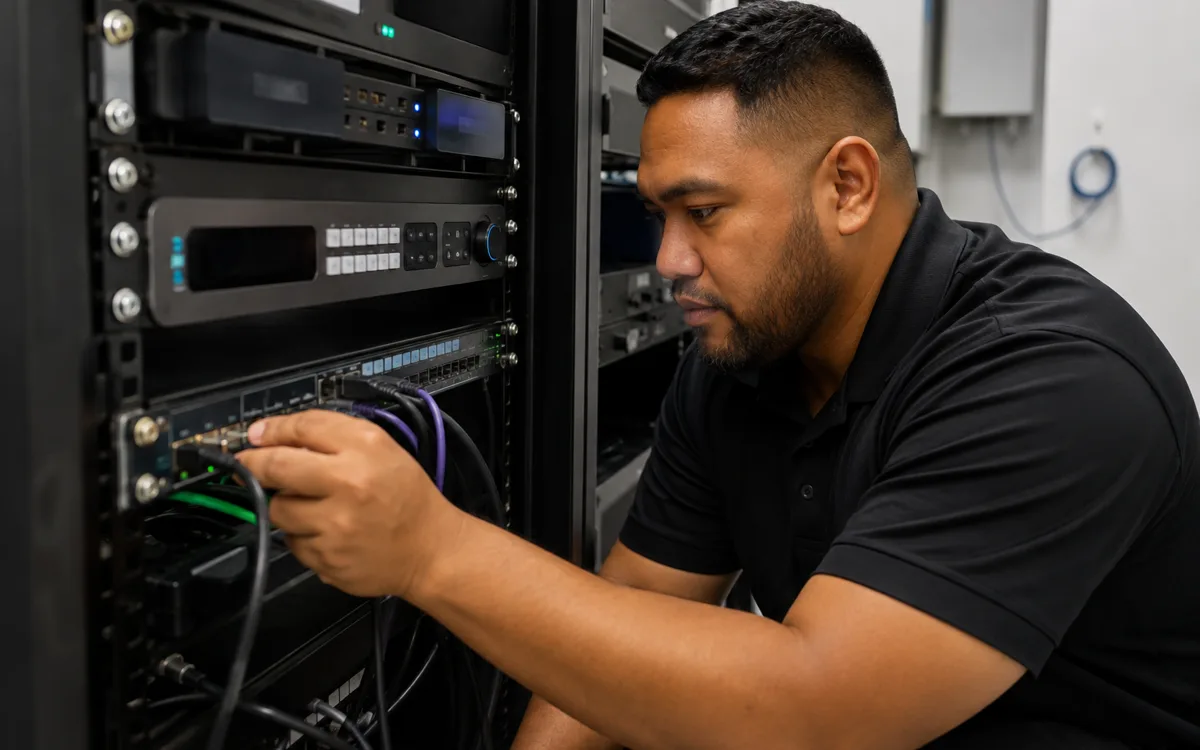
    Remote monitoring, firmware management and fix-on-fail support for every endpoint.

  • User experience focus

    User experience focus

    Same UX in every room. No training, no helpdesk tickets, no excuses.

Technology partners

Built on platforms we run in production.

We operate on the same platforms global enterprises do — but configured, monitored and supported for South Pacific businesses.

  • Microsoft Teams Rooms logo
  • Zoom Rooms logo
  • Logitech logo
  • Poly logo
  • Yealink logo
  • Neat logo
Proof

Real outcomes from Pacific customers.

32 rooms
deployed in 12 weeks

A Pacific regional bank rolled out 32 Microsoft Teams Rooms across head office and branches inside a single quarter — standardised UX, central monitoring, zero meeting-room helpdesk tickets in month two.

Pacific financial services customer, 2024 — case study available on request.

Free resource

The Meeting Rooms & Collaboration buyer's checklist

A short, vendor-neutral guide that walks South Pacific decision-makers through what to ask, what to compare, and how to scope a successful meeting rooms & collaboration project.

  • What to put in the brief — and what to leave out.
  • Red flags in vendor proposals.
  • Realistic budget ranges for Pacific deployments.
Use cases

How customers use this.

  • 01

    Huddle rooms

    All-in-one MTR bars for 4–6 person collaboration spaces — installed in a day.

  • 02

    Boardrooms

    Custom AV for executive spaces with dual-display, rear projection and full integration.

  • 03

    Training rooms

    Flexible spaces with movable displays, lecture capture and hybrid attendance.

FAQ

Frequently asked questions.

The questions South Pacific decision-makers ask most often before they engage on meeting rooms & collaboration.

  • What is a Microsoft Teams Room and how does it differ from a regular conference room with a TV?

    A Microsoft Teams Room (MTR) is a meeting room with certified hardware — dedicated compute device, ceiling or table microphones, beamforming speakers, PTZ or auto-framing camera, touch console — that runs the Microsoft Teams meeting client as the native interface for the room. The difference from a regular TV is that meetings start with a single tap on the console rather than someone walking in with a laptop, fiddling with cables and asking the remote attendees if they can be heard. The room is also monitored centrally so we see device issues (camera offline, audio failing, panel disconnected) before the next meeting starts.

  • Which meeting room hardware vendor should we choose — Logitech, Poly, Yealink, Neat or Crestron?

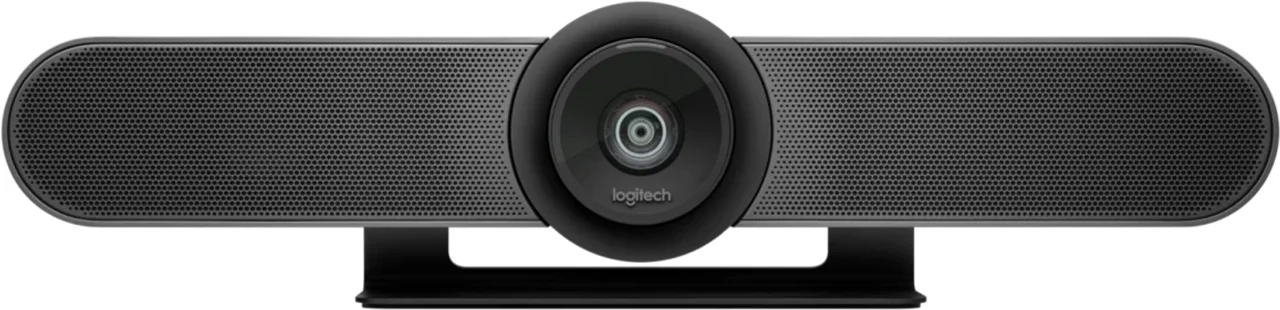
    All five are Microsoft-certified for Teams Rooms; the right choice depends on room size, geometry, budget and the level of customisation needed. Logitech Rally Bar and Rally Bar Mini are excellent all-in-one units for small to medium rooms (huddle through to mid-size). Poly Studio bars cover similar ground with strong audio performance, particularly in untreated rooms. Yealink is the strongest value option across all room sizes. Neat (Neat Bar, Neat Board) is the design-led choice and excellent for executive spaces. Crestron and similar custom-AV vendors are the right answer for boardrooms with dual-display, ceiling-array audio and integration into broader building AV. We pick the right kit for the room rather than defaulting to one vendor.

  • How big a room can a Microsoft Teams Room cover?

    All-in-one bars (Logitech, Poly, Yealink, Neat) cover spaces from 4-person huddle rooms through to 12-person mid-size meeting rooms with the camera and microphone array integrated into a single device on or under the screen. For larger rooms — 14 to 30 people, boardrooms, training rooms, hybrid lecture spaces — the design splits into separate ceiling microphones, beamforming arrays and ceiling-mounted PTZ cameras, with the compute device hidden in a rack. The threshold is roughly room length (under 6 metres, all-in-one bars work; over 6 metres, separated audio is needed). Acoustic treatment matters more than people realise — even the best kit struggles in a glass-walled room with hard surfaces.

  • What about non-Microsoft platforms — can we use Zoom or Google Meet in a Microsoft Teams Room?

    Yes. Microsoft Teams Rooms support Direct Guest Join for Zoom, Google Meet, Webex and other major platforms — staff start a meeting on the third-party platform and the room joins as a guest with full audio, video and content-share. The native interface is still Teams, but the room is not Teams-only. For organisations that primarily use Zoom rather than Teams, we also deploy Zoom Rooms (Zoom's equivalent product) on the same Logitech / Poly / Yealink hardware. The hardware is the same; the licensed software stack switches based on the platform. We pick the right answer per customer rather than pushing Teams Rooms as the default.

  • How long does a meeting room install take?

    An all-in-one bar in an existing room with power and a TV in place is typically a half-day install — mount the bar, install the touch console, provision the compute device against your M365 tenant, configure the meeting calendar and run user acceptance testing. A larger room with separated ceiling microphones, beamforming audio and ceiling-mounted cameras is a one to two day install plus a half-day commissioning visit. New-build rooms or boardroom refurbishments where ceilings, walls and cabling are being changed alongside the AV are typically scoped as part of the broader fit-out project and run on the same schedule.

  • What does a Microsoft Teams Room typically cost?

    Hardware sits in three rough bands. Huddle rooms (Logitech Rally Bar Mini, Yealink MeetingBar A20) start around NZ$5,000 to NZ$7,000 fully installed. Mid-size meeting rooms (Logitech Rally Bar, Poly Studio X70, Neat Bar Pro) typically sit in the NZ$8,000 to NZ$15,000 range fully installed. Large rooms and boardrooms with separated AV, dual displays and ceiling audio scale from NZ$25,000 upward depending on room complexity. Microsoft Teams Rooms Pro licences (required for the room compute) add a per-room-per-month subscription. Managed AV (monitoring, firmware, fix-on-fail) is an additional per-room-per-month fee on top.

  • Can we use our existing meeting room TVs and audio?

    Usually yes for the TV. Any TV with HDMI input and decent resolution works as the display for a Microsoft Teams Room — the room's audio, video and intelligence come from the certified bar or compute device, not the TV. The TV is essentially just a screen. Existing in-ceiling audio is a different question: if your room has decent ceiling speakers and microphones already, we can integrate them into the MTR through a Crestron or QSC processor rather than replacing them. Existing webcams and USB conference cams are usually replaced — they are typically not Microsoft-certified, do not auto-frame, and degrade the meeting experience compared to certified hardware.

Ready to simplify your South Pacific workplace?

Book a no-obligation conversation with a local specialist. We'll listen first and only recommend what actually helps.