



Skip to content
Ricoh
ClearEdge Security — delivered by Ricoh South Pacific

Managed CCTV

Cameras that have the footage when something actually happens. Designed, installed, backed up and verified — not just bolted to a wall.

The challenge

The day you need the footage is the day you find out it's not there.

We hear the same story across the Pacific: an incident occurs, someone goes to pull footage, the camera covering that angle has been offline for three weeks, the NVR overwrote the relevant window, or the time on the recording is forty minutes out of sync with the door access log. The cameras were 'working' the whole time — nobody was checking the right way. Managed CCTV closes that gap.

  • What

    What does managed CCTV mean?

    End-to-end ownership of the CCTV outcome: design and install on Hikvision hardware, configure the NVR and cloud backup, set retention and time sync, monitor every camera continuously, and verify the footage is retrievable every quarter.

  • Why it matters

    Cameras you can't pull from are worthless

    An installed CCTV system is not the same as a working one. Drift, disk failure, retention overwrites and silent offline cameras are the rule across unmanaged systems — the surprise only arrives the day of an incident. Most insurance and compliance frameworks now expect demonstrable footage availability, not just a system on the wall.

  • How Ricoh fixes it

    We design, run and test it

    Hikvision design and installation, NVR plus cloud backup, retention and time configured to your risk profile, continuous health monitoring, and a documented quarterly pull test that proves the system worked when it mattered.

    See Managed CCTV details
How we help

Our approach.

Most CCTV systems pass the install acceptance test and then quietly degrade. A camera goes offline, the NVR disk fills up, retention drops below the incident window, the time isn't synced to the rest of your evidence. ClearEdge Managed CCTV treats cameras as a security control with an evidentiary purpose: designed for the angles that matter, configured for the retention you'll actually need, backed up off-site, and proactively tested so we find the failure before you do.

Capabilities

What's included.

  • Hikvision design and installation

    Hikvision design and installation

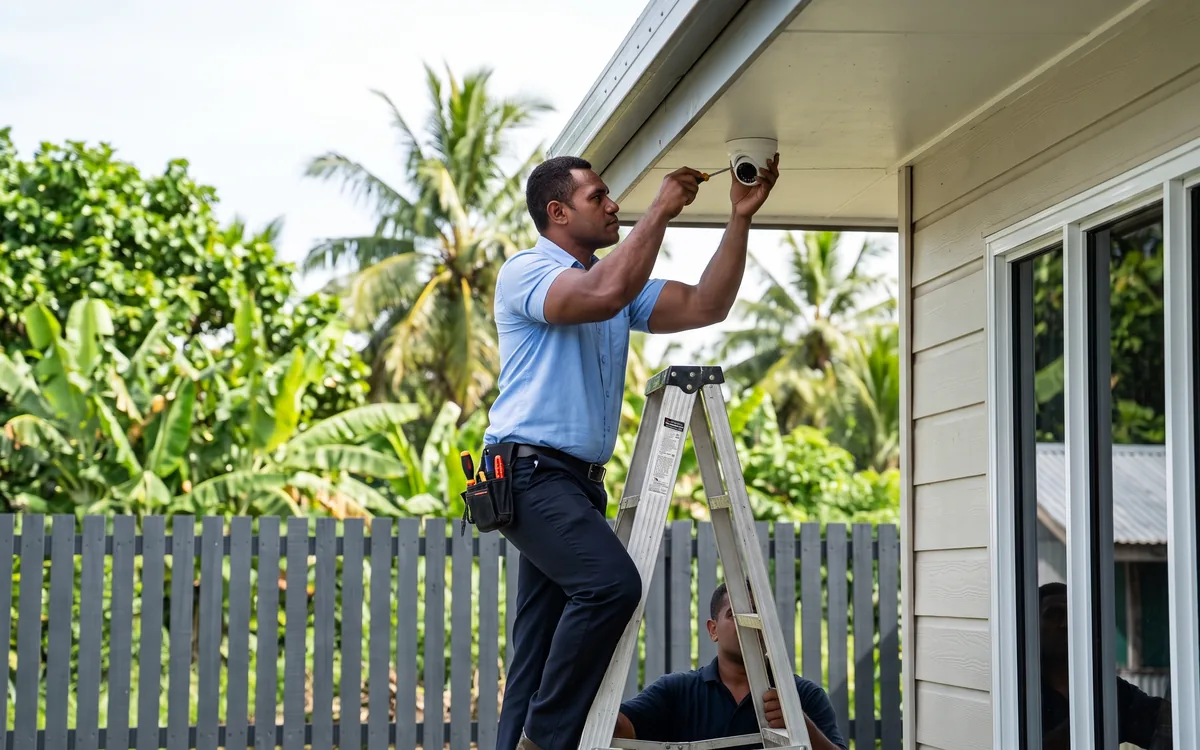
    Site walk, threat-modelled camera placement (entrances, registers, yards, loading bays), lens and IR selection for the actual lighting conditions — not the catalogue render.

  • NVR + cloud backup

    NVR + cloud backup

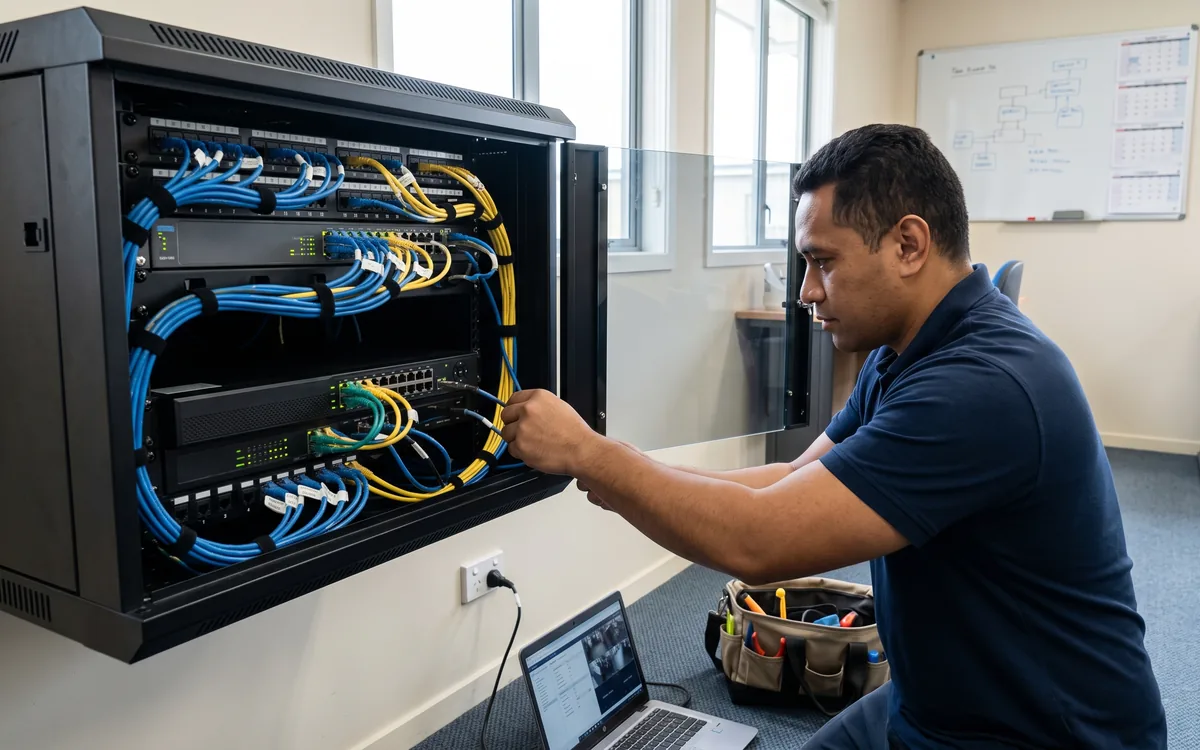
    On-premise NVR for instant playback, with critical streams replicated off-site so a stolen or destroyed NVR doesn't end your evidence.

  • Retention sized to your risk

    Retention sized to your risk

    Configured to hold footage long enough that you're still inside the window when a discrepancy surfaces — typically 30 to 90 days, longer for regulated environments.

  • Incident-ready configuration

    Incident-ready configuration

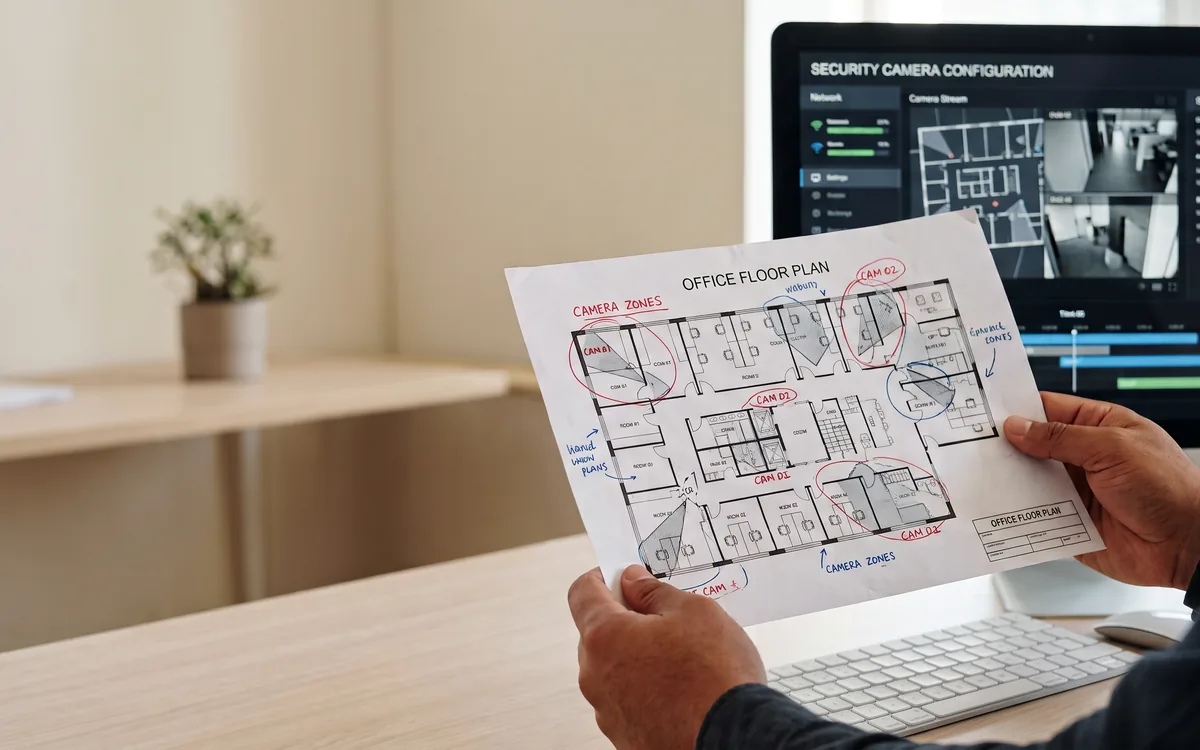
    Time synced to NTP, cameras named and mapped to a floor plan, motion zones tuned, frame rate and bitrate set per stream so the footage is actually usable as evidence.

  • Health monitoring and alerts

    Health monitoring and alerts

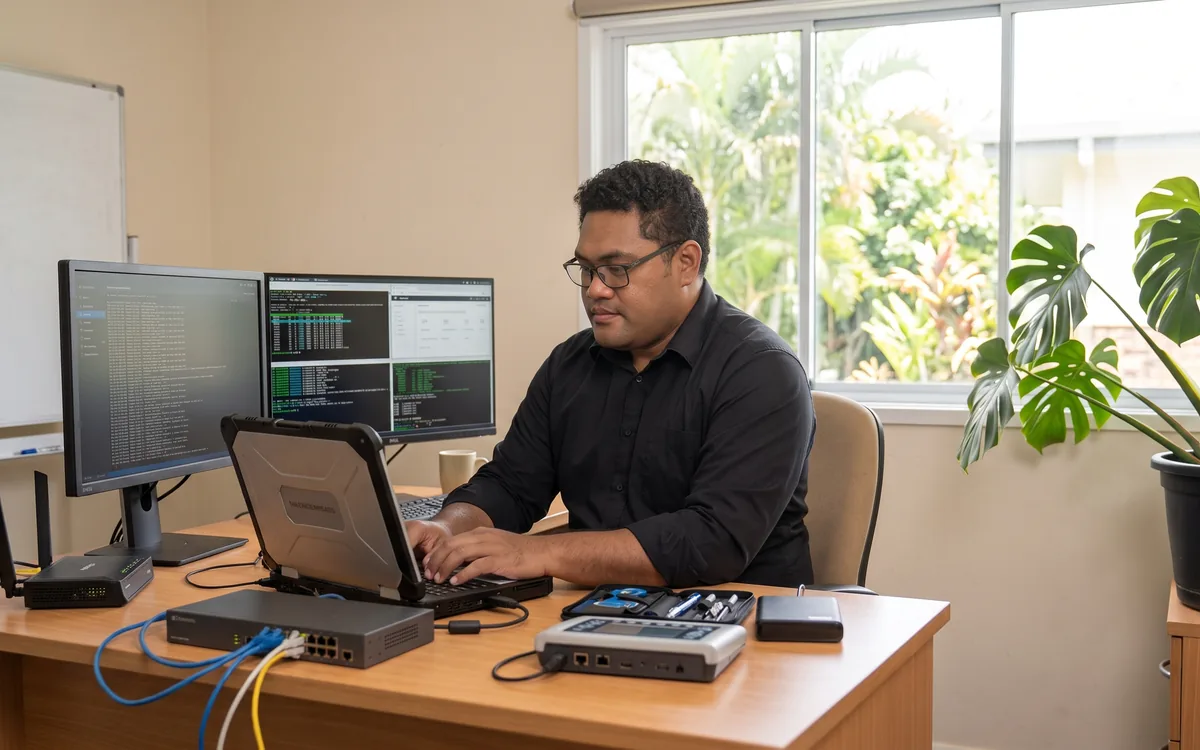
    Cameras, recorders, disks and links monitored continuously. A camera offline for an hour is a ticket; a disk degrading is a ticket; a stream falling below configured quality is a ticket.

  • Quarterly pull verification

    Quarterly pull verification

    We pull footage from a randomly selected past timestamp every quarter and document the result. If a stream can't be retrieved cleanly, we fix it that week — not the week of your incident.

Technology partners

Built on platforms we run in production.

We operate on the same platforms global enterprises do — but configured, monitored and supported for South Pacific businesses.

Proof

Real outcomes from Pacific customers.

Quarterly
verification pulls — not just uptime pings

Every quarter we randomly select a date and time and pull the footage for a representative camera — proving the full retrieval chain (camera → NVR → backup → playback) works today. Uptime monitoring catches dropped cameras; pull tests catch the silent failures (disk corruption, overwritten retention, time drift) that uptime monitoring misses.

ClearEdge Managed CCTV service standard.

Free resource

The Managed CCTV buyer's checklist

A short, vendor-neutral guide that walks South Pacific decision-makers through what to ask, what to compare, and how to scope a successful managed cctv project.

  • What to put in the brief — and what to leave out.
  • Red flags in vendor proposals.
  • Realistic budget ranges for Pacific deployments.
Use cases

How customers use this.

  • 01

    Retail and hospitality

    Shop floor, register, stockroom and back-of-house — angles tuned to identify faces and transactions, retention sized for chargeback and shrinkage windows.

  • 02

    Warehouse and yard

    Loading bays, perimeter, gates and racks with weatherproofed Hikvision cameras, IR-capable for night, integrated with access control logs where available.

  • 03

    Multi-site businesses

    Head office and branches monitored centrally with consistent retention, naming and access controls — one place to pull footage from any site.

FAQ

Frequently asked questions.

The questions South Pacific decision-makers ask most often before they engage on managed cctv.

  • What is included in your Managed CCTV service versus just buying cameras?

    Just-buying-cameras gives you hardware. Managed CCTV covers the outcome: site walk and design (where cameras need to be, what angles matter, what lighting and IR conditions exist), installation and cabling, NVR setup with cloud backup for off-site copies, retention configuration matched to your risk profile, time synchronisation and naming discipline so footage is usable as evidence, continuous health monitoring of every camera and recorder, and quarterly pull-test verification that footage is actually retrievable from random past timestamps. The service is the discipline around the hardware, not the hardware itself — installed cameras that nobody verifies are common; CCTV systems that have the footage when an incident occurs are rare.

  • Why Hikvision specifically as your primary CCTV partner?

    Hikvision is the global market leader in IP-based CCTV by significant margin, with the broadest range of camera form factors and price points, mature management platforms (HikCentral for multi-site, Hik-Connect for smaller deployments), and parts availability in Pacific markets without long lead times. Their NVRs integrate cleanly with their cameras (which avoids the integration headaches that come with mixed-vendor systems), and their analytics — line crossing, intrusion detection, motion zones, ANPR — are mature enough to actually use in production. For specific use cases where another vendor fits better (some industrial, marine and high-end commercial scenarios), we deploy mixed-vendor systems, but Hikvision is the default starting point because the engineering economics line up.

  • How long should we keep CCTV footage — what retention period makes sense?

    The honest answer is: long enough that you are still inside the window when an incident surfaces. The mistake we see most often is a 7-day or 14-day retention period that runs out before the customer realises a discrepancy. For most Pacific businesses the practical floor is 30 days, with 60 to 90 days as the standard recommendation. Retail and hospitality settings with chargeback or shrinkage windows often want 90 days; regulated environments (banking, healthcare, government) may need 6 months or longer for compliance reasons. We size storage during the design phase against the retention target, the camera count, the resolution and the bitrate; the calculation is straightforward, but the number is much larger than people initially assume.

  • Can we add cameras to an existing CCTV system, or do we need to start fresh?

    Usually we can extend an existing system rather than replace it — particularly if it is already on Hikvision or another mainstream IP CCTV platform. We assess the existing NVR capacity, the cabling and power infrastructure, and whether the camera firmware versions are compatible with current platforms. Where the existing system is on a sunsetted DVR or analogue cameras, partial replacement (keeping cabling and power but upgrading camera and recorder) is usually a better economic outcome than full rip-and-replace. Where the existing system is mixed-vendor with no central management, consolidating onto one platform during the upgrade pays back through reduced ongoing management complexity.

  • Cloud-only vs on-premise NVR — which is right?

    On-premise NVR plus cloud backup is the architecture we recommend for most Pacific business deployments — instant playback locally (cloud-only playback over Pacific internet links is painfully slow), full retention on local disk, plus selected streams or critical hours replicated off-site to cloud so a stolen or destroyed NVR does not end your evidence. Pure cloud-only systems work for small office or retail deployments where camera count is low and footage volume is manageable; they fall over at scale because Pacific bandwidth makes continuous upload of multiple 4K streams expensive and unreliable. We size the architecture against your actual bandwidth, camera count and risk profile rather than defaulting to one model.

  • How does the quarterly pull verification actually work?

    Every quarter, we randomly select a date and time stamp from the previous 30 to 60 days and pull the footage for a representative camera or set of cameras. The pull is documented — date selected, cameras requested, retrieval timestamps, any failures encountered. The output is a written quarterly verification report kept with the service records. The point is to catch the silent failure modes that uptime monitoring misses — disk corruption, retention overwrites, time-sync drift, audio dropouts, motion zones gone stale. Cameras showing 'online' in the management console can still be silently failing to write footage to disk; only an actual retrieval proves the system worked. Customers who have been through one of these tests understand immediately why it matters.

  • What does Managed CCTV cost on a monthly basis?

    Hardware and installation are quoted as a fixed-fee project against the site design. A small office or retail deployment of 4 to 8 cameras plus NVR typically lands in the low five-figure range (NZD) fully installed. Larger sites with 16 to 32 cameras, multi-storey coverage, perimeter and yard cameras, scale up proportionally. The managed service that runs the system afterwards is a per-camera-per-month fee covering continuous health monitoring, firmware management, retention and time-sync verification, cloud backup for selected streams, the quarterly pull test, and incident-support hours when you actually need to retrieve footage. The recurring fee is what differentiates managed CCTV from installed-and-forgotten CCTV — and is the reason the footage is actually there when something goes wrong.

Ready to simplify your South Pacific workplace?

Book a no-obligation conversation with a local specialist. We'll listen first and only recommend what actually helps.