



Skip to content
Ricoh
ClearEdge Security — delivered by Ricoh South Pacific

Microsoft 365 Security Hardening

Your organisation probably pays for the security controls in Microsoft 365 Business Premium. Most of them are not turned on. We change that.

The challenge

You are probably paying for security controls you have never turned on.

Microsoft 365 Business Premium includes enterprise-grade security features. But they ship in a permissive default state — not because Microsoft wants you to be vulnerable, but because enabling them incorrectly breaks things. Most Pacific IT teams do not have the time or the Microsoft security depth to configure them properly. The result: you are paying for protection you are not receiving.

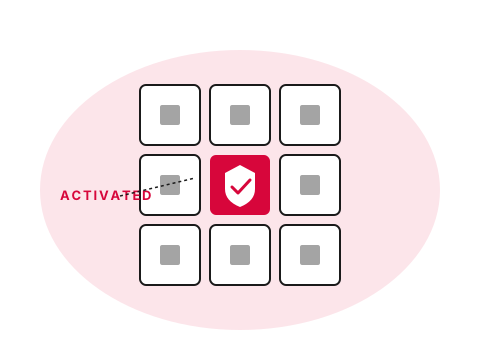
Microsoft 365 tile grid with a security tile activated
  • What

    What is M365 Hardening?

    Microsoft 365 ships with permissive defaults. The security features you're paying for in Business Premium — Conditional Access, MFA enforcement, Defender for Business, Intune, anti-phishing — are mostly dormant until somebody turns them on correctly.

  • Why it matters

    You're already paying for it

    Licence cost is the same whether the controls are active or not. Most Pacific tenants we audit have less than half of the included security functionality enabled. The exposure is real; the spend is already sunk.

  • How Ricoh fixes it

    We activate and manage the baseline

    Conditional Access, MFA enforcement, Defender for Business, Intune device compliance and anti-phishing — configured to Microsoft security baselines, monitored, and kept current as Microsoft updates them.

    See M365 Hardening details
How we help

Our approach.

Microsoft 365 Business Premium includes Defender for Business, Entra ID P1, Intune and Defender for Office 365. Most Pacific organisations have these licences and have not configured the security controls. ClearEdge Microsoft 365 Hardening activates and manages these controls — conditional access, MFA enforcement, device compliance, anti-phishing and more — as a managed baseline your team does not have to maintain.

Capabilities

What's included.

  • Conditional Access policies

    Conditional Access policies

    Block sign-ins from risky locations, require compliant devices and enforce MFA — based on Microsoft best practice baselines.

  • MFA enforcement

    MFA enforcement

    Multi-factor authentication activated and enforced for all users — including break-glass account management.

  • Intune device compliance

    Intune device compliance

    Windows and mobile device enrolment, compliance policies and app protection — managed from Intune.

  • Defender for Business

    Defender for Business

    Endpoint protection, attack surface reduction and automated investigation — activated and configured correctly.

  • Anti-phishing and safe links

    Anti-phishing and safe links

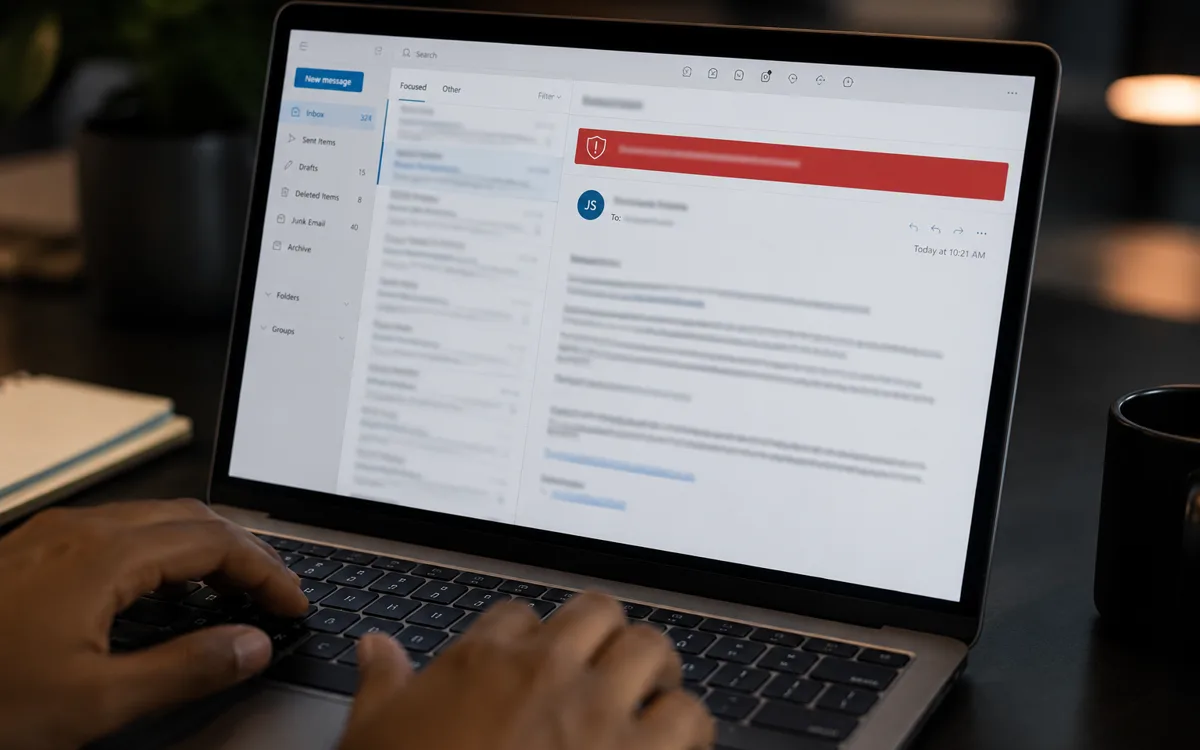
    Defender for Office 365 anti-phishing, safe links and safe attachments — protecting your inbox from the most common attack vectors.

  • Ongoing configuration management

    Microsoft security baselines change. We keep your configuration current and respond when Microsoft introduces new controls.

Proof

Real outcomes from Pacific customers.

M365 BP
includes security most orgs never activate

Conditional Access, MFA enforcement, Defender for Business, Intune device compliance and anti-phishing policies are all included in Microsoft 365 Business Premium. ClearEdge activates and manages these controls as a baseline — no additional licence cost for most organisations.

ClearEdge Microsoft 365 baseline hardening programme.

Free resource

The Microsoft 365 Security Hardening buyer's checklist

A short, vendor-neutral guide that walks South Pacific decision-makers through what to ask, what to compare, and how to scope a successful microsoft 365 security hardening project.

  • What to put in the brief — and what to leave out.
  • Red flags in vendor proposals.
  • Realistic budget ranges for Pacific deployments.
Use cases

How customers use this.

  • 01

    New Microsoft 365 deployment

    Hardened from day one — secure baseline before any data lands in the environment.

  • 02

    Existing 365 in default state

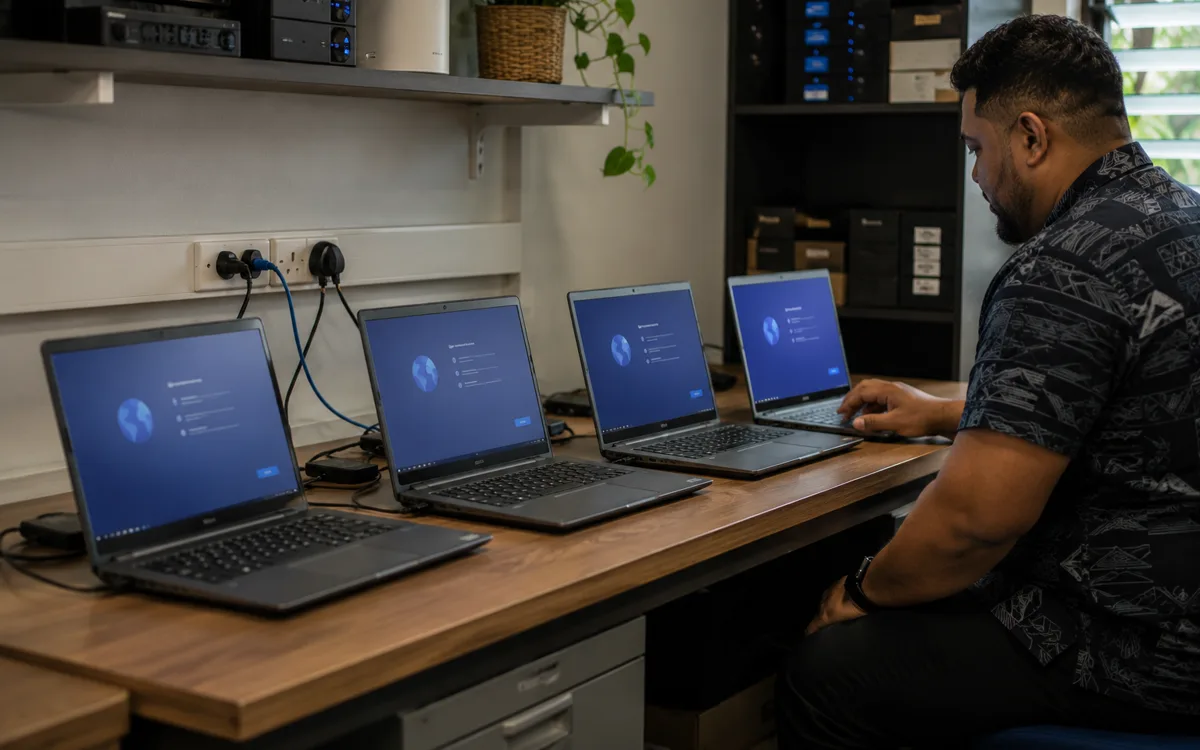
    Audit, gap analysis and hardening against Microsoft security baselines — typically completed in 2–4 weeks.

  • 03

    Pre-audit preparation

    Get your 365 environment to an auditable security state ahead of ISO 27001, PCI-DSS or sector-specific compliance requirements.

FAQ

Frequently asked questions.

The questions South Pacific decision-makers ask most often before they engage on microsoft 365 security hardening.

  • What is actually included in Microsoft 365 Hardening?

    Configuration of the security controls that are bundled with Microsoft 365 Business Premium and Enterprise SKUs but ship in a permissive default state. Specifically: Entra ID Conditional Access policies (sign-in risk, location restrictions, device compliance), MFA enforcement for every user including a managed break-glass account pattern, Defender for Business endpoint protection (deployment, baseline policy, attack-surface reduction rules), Intune device compliance (Windows and mobile), Defender for Office 365 anti-phishing and safe links, and audit logging plus alerting configuration. The work is configuration of capabilities you already own — no new product purchases required beyond ensuring the licence mix is right.

  • Do we need Microsoft 365 Business Premium for hardening to work?

    Yes for the full baseline; partial value with lower SKUs. Business Premium and the Enterprise E3 / E5 tiers include the security controls Microsoft 365 Hardening activates — Defender for Business, Intune, Entra ID P1 (Conditional Access), Defender for Office 365. Lower SKUs (Business Basic, Business Standard, Apps for Business) cover productivity but not the security layer. If your current licence mix is on a lower SKU, the Licensing Optimisation engagement runs first to right-size the mix; the recovered spend from removing unused or oversized licences typically funds the upgrade to Business Premium for the users who need the security baseline.

  • How long does a Microsoft 365 Hardening project take?

    End to end, two to four weeks for most Pacific organisations under 200 users. Week 1: audit current state — what is configured, what is dormant, what gaps exist against Microsoft security baselines. Weeks 2 to 3: incremental rollout — Conditional Access policies deployed in report-only mode first to validate they will not lock out genuine users, then switched to enforcement; MFA enforced; Defender deployed to endpoints; Intune policies applied. Week 4: tuning, exception handling, documentation, handover. Larger environments or organisations with significant existing exceptions take longer because the audit and remediation phases extend.

  • Will Microsoft 365 Hardening disrupt our users?

    The single noticeable change is the introduction of MFA prompts where they were not enforced before. We schedule that change with comms in place — a week of advance notice, optional self-enrolment window, then enforcement — so users are not surprised. Conditional Access is deployed in report-only mode first, which means we see who would be blocked before any user actually is, so genuine exceptions are identified and handled before policies turn into enforcement. Endpoint protection (Defender for Business) is invisible to users in normal operation; it only surfaces when something is being blocked, which is what you want.

  • What is the difference between Microsoft 365 Hardening and Defender for Business on its own?

    Defender for Business is one of the products that hardening activates and configures, but it is only one layer. Hardening covers identity (Conditional Access, MFA), endpoints (Defender for Business plus Intune), email (Defender for Office 365 anti-phishing, safe links, safe attachments), and ongoing baseline maintenance. Defender for Business alone protects the endpoint but leaves Conditional Access, MFA enforcement and email anti-phishing dormant — which is the gap most Pacific tenants we audit are sitting in. The whole-tenant security baseline is what produces measurable risk reduction; individual products without configuration are a cost without a corresponding outcome.

  • How often does the hardening baseline need to be revisited?

    Microsoft releases security baseline changes and new controls roughly every quarter. We run a baseline review every six months as part of the ongoing managed-service relationship — checking what Microsoft has added or changed, what your organisation's risk profile has changed (new SaaS apps, new offices, new staff patterns), and tuning Conditional Access rules and DLP policies to keep them aligned. Without ongoing management, the baseline drifts: new staff are exempted, exception policies accumulate, new features ship dormant. The compounding value of hardening comes from keeping the baseline current rather than configuring once and walking away.

  • What does Microsoft 365 Hardening cost?

    Project pricing is fixed-fee against the scope. For organisations under 200 users, the initial hardening project typically lands in the mid five-figure range (NZD) depending on the current state of the tenant — a permissive default tenant takes more work than one that has had some controls applied already. Ongoing baseline management is then priced per active user per month, covering the six-monthly review, exception handling, security alert response and Microsoft release management. Microsoft 365 licence costs (the underlying Business Premium or E3 / E5 subscriptions) sit separately and flow through our CSP relationship.

Ready to simplify your South Pacific workplace?

Book a no-obligation conversation with a local specialist. We'll listen first and only recommend what actually helps.