

Skip to content
Ricoh
Print Solutions

Office Printers & Multifunction Devices

Reliable A4 and A3 multifunction printers, copiers and scanners — we manage the devices, consumables, service and reporting so your team can focus on the work, not the toner.

The challenge

Print is invisible — until it isn't.

Most teams only think about the printer when it's broken. By then there are mismatched devices on five different supply contracts, surprise toner bills, paper jam tickets eating IT's morning, and no one quite sure what the per-page cost actually is.

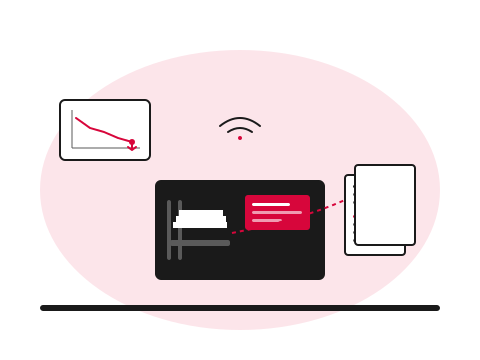
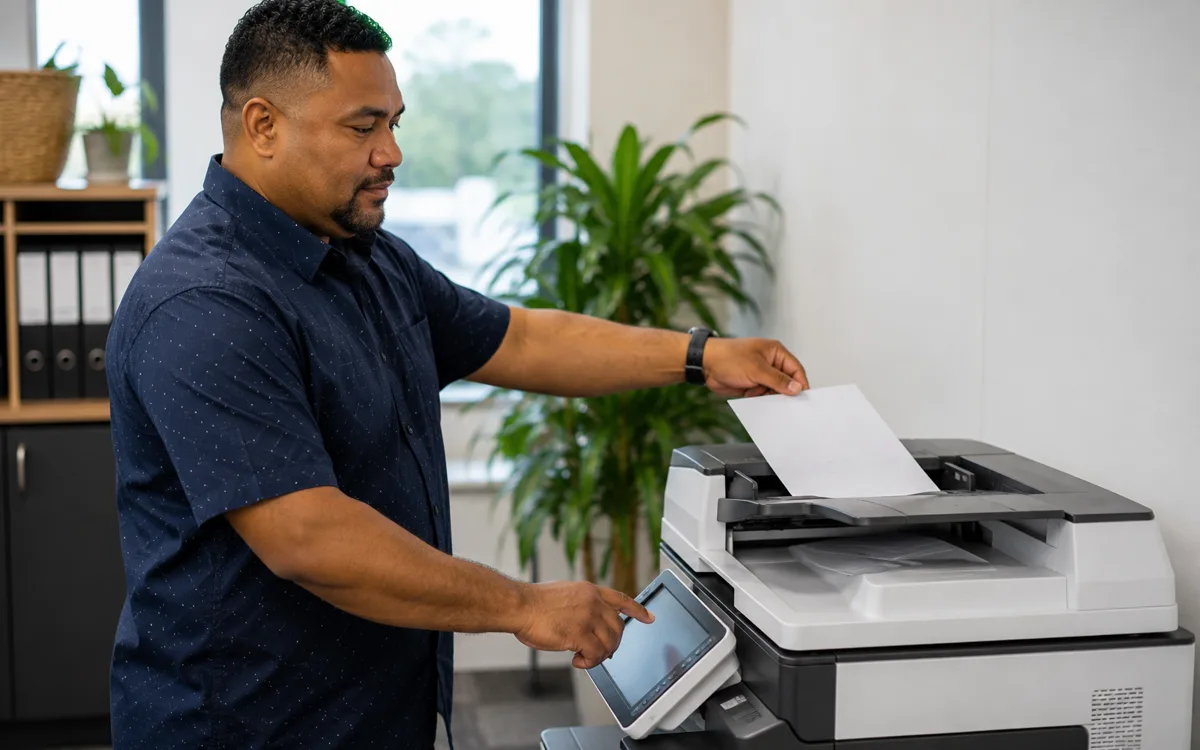
Managed office printer with output documents and a cost-reduction chart
  • What

    What is managed print?

    One contract covering devices, toner, parts, service and reporting software — billed per page or per device per month — instead of buying hardware outright and dealing with consumables, breakdowns and service separately.

  • Why it matters

    Most fleets are 20–35% overpriced

    Multiple suppliers, no central reporting, helpdesk tickets eating IT capacity. The bulk of the saving on a consolidated contract isn't from the per-page rate — it's from removing the co-ordination overhead and downtime that no one's been counting.

  • How Ricoh fixes it

    We audit, right-size, and run the fleet

    Six weeks of real volume data, a tendered or direct replacement plan, phased site-by-site migration with no full-fleet swap day, then a single monthly invoice with proactive supply and service.

    Browse the office printer catalogue
How we help

Our approach.

From single-device offices to fleet-wide deployments, we deliver Ricoh's flagship multifunction range backed by managed print services. We size, install, secure, supply and support your fleet — with proactive monitoring that resolves most issues before you notice them.

Capabilities

What's included.

  • Right-sized fleets

    Right-sized fleets

    We assess your usage patterns and deploy the optimal mix of A4/A3 colour and mono devices — no over-spec, no bottlenecks.

  • Secure print release

    Secure print release

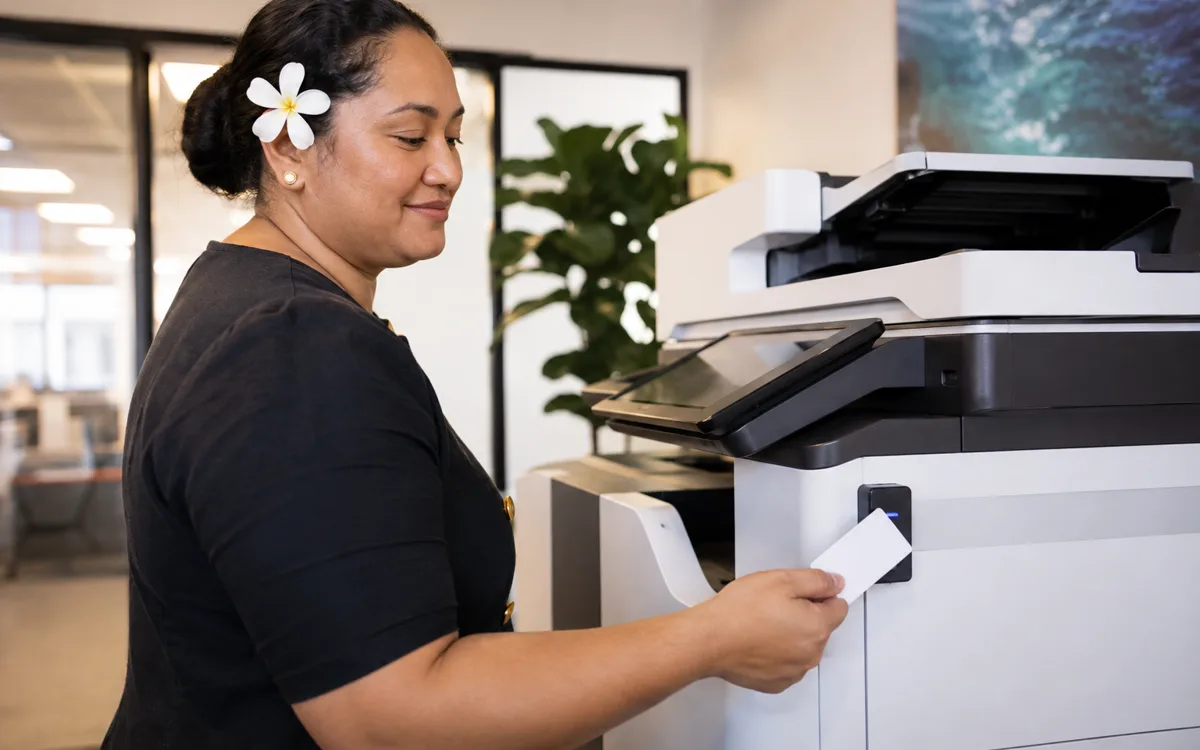
    Card-based authentication, encrypted spooling and audit trails — built into every device.

  • Automatic toner & service

    Automatic toner & service

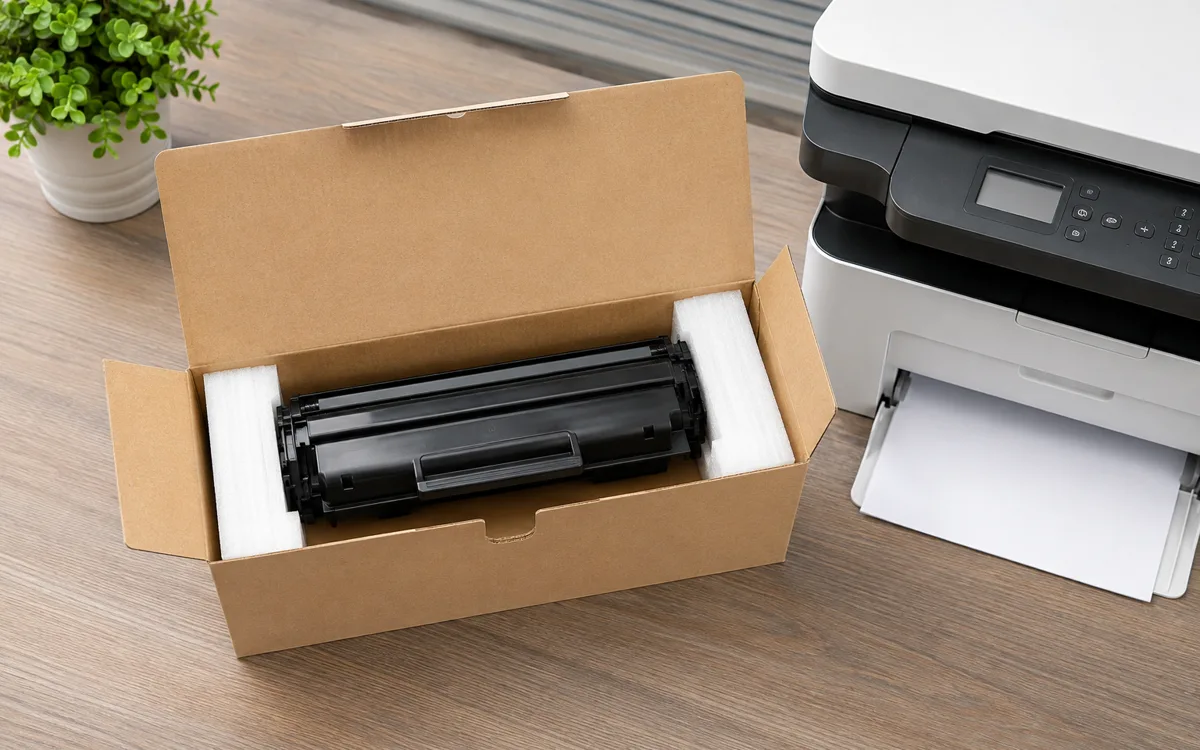
    Devices phone home for low toner, paper jams and service. Consumables ship before they're needed.

  • One predictable bill

    One predictable bill

    Per-page or per-device pricing covers the device, toner, parts, service and software in a single invoice.

  • Scan-to-anywhere

    Scan-to-anywhere

    Scan directly to email, network folders, SharePoint, Google Drive and document management systems.

  • Local on-site service

    Local on-site service

    In-country technicians with response SLAs you can hold us to — every device covered.

The hardware

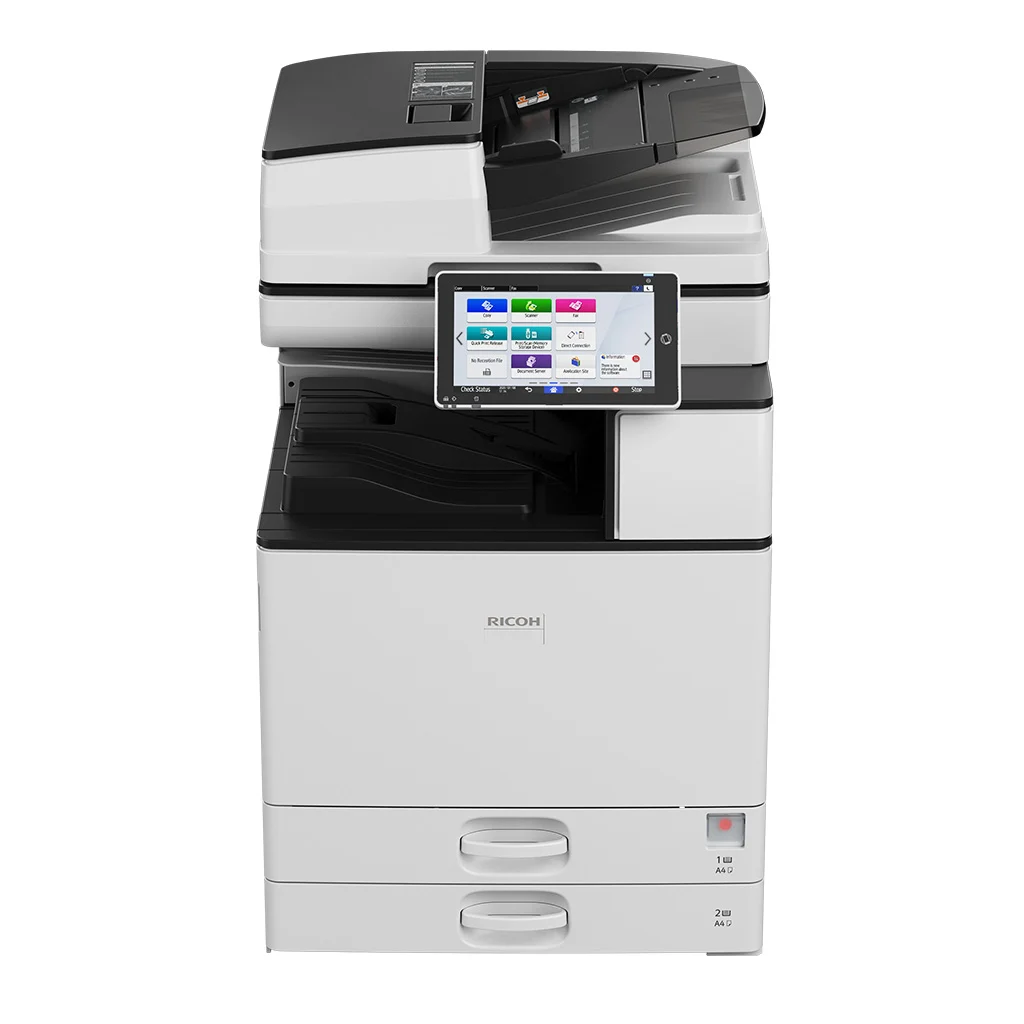
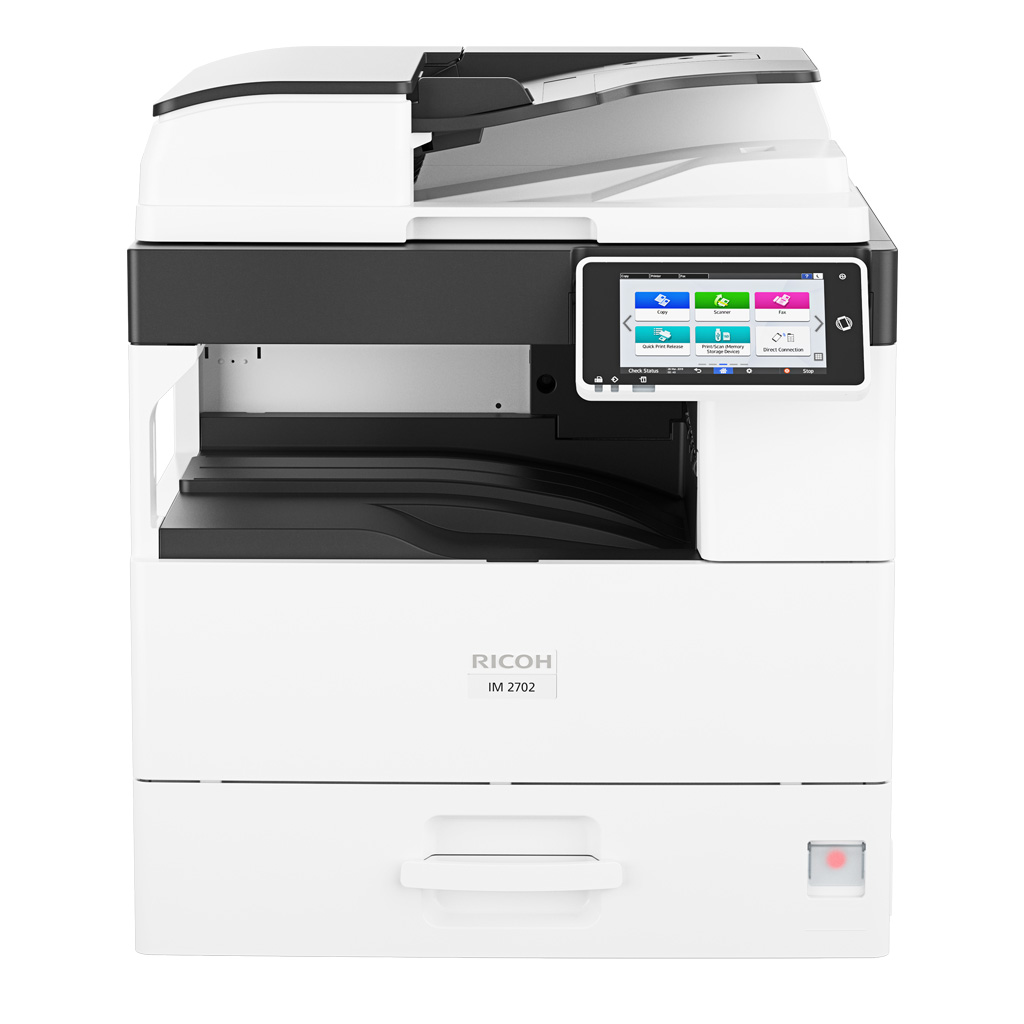
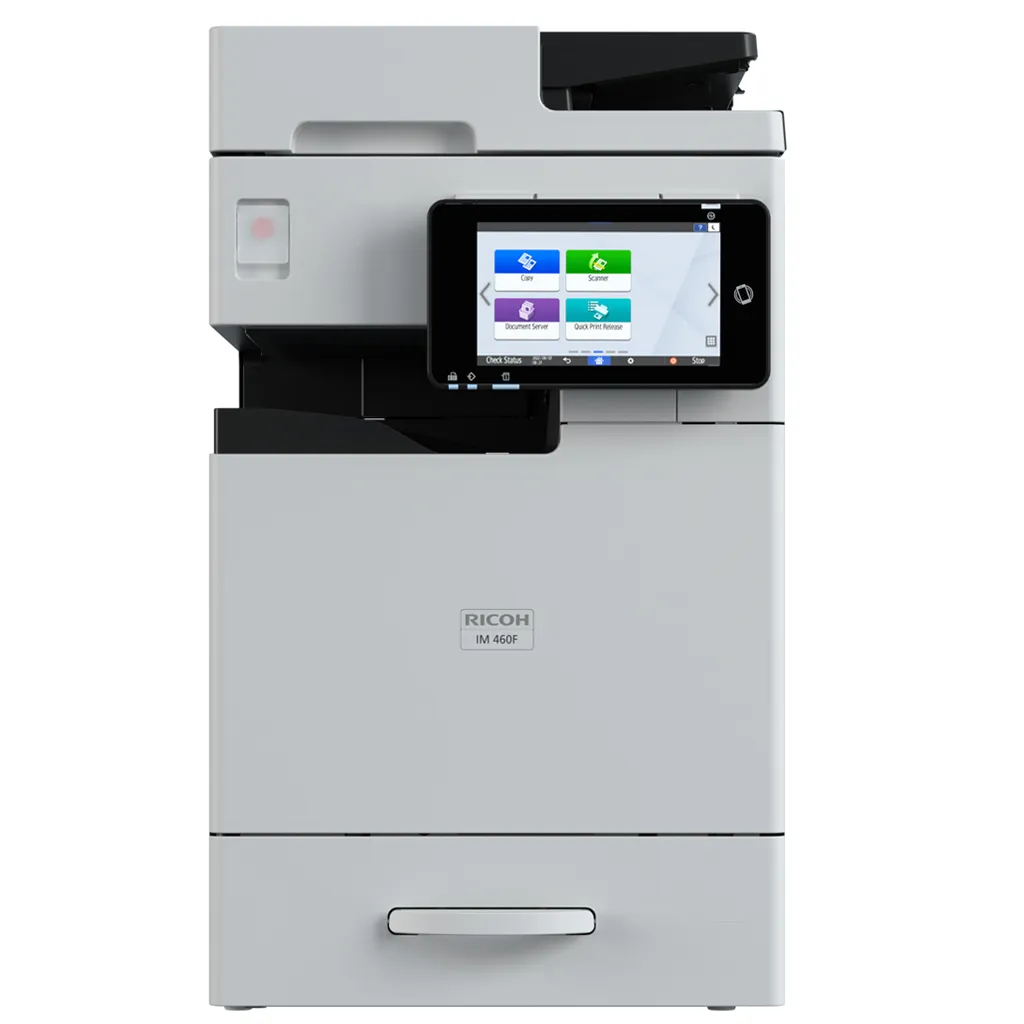
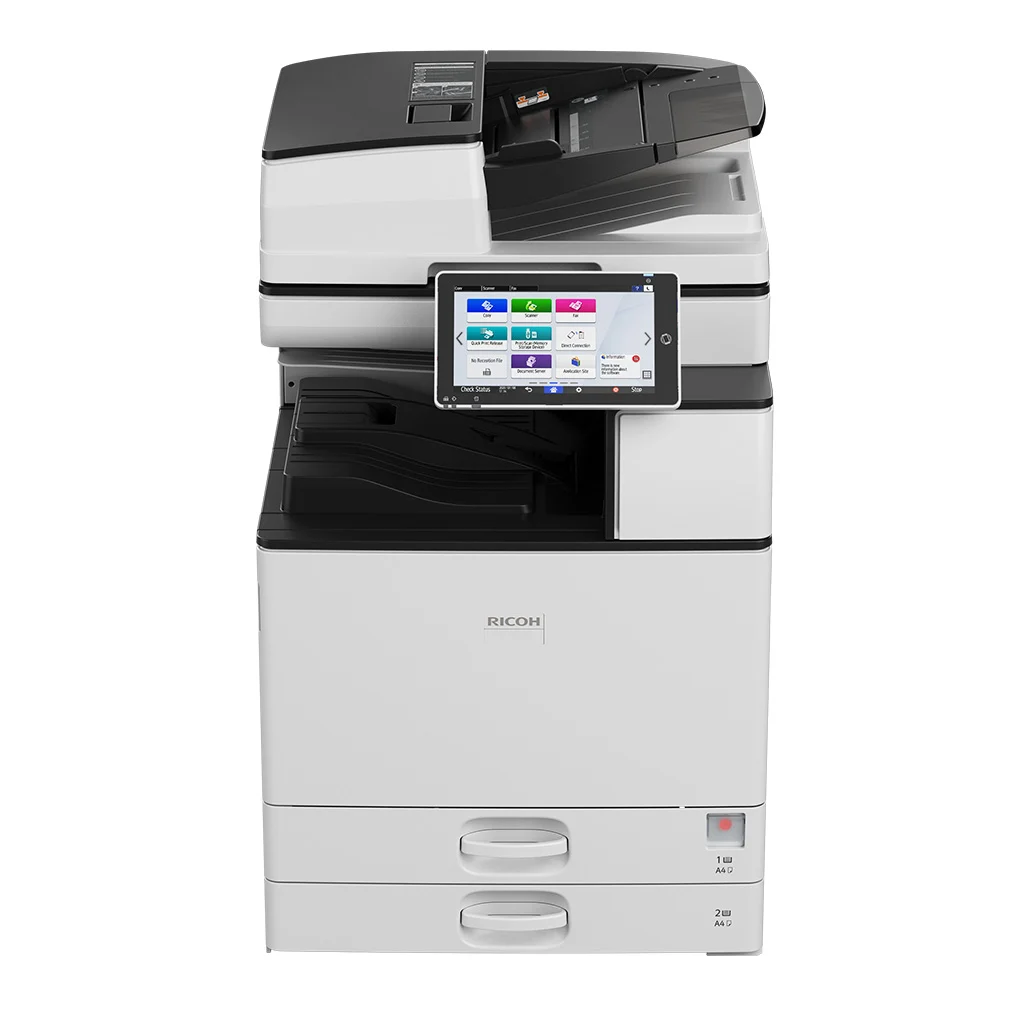
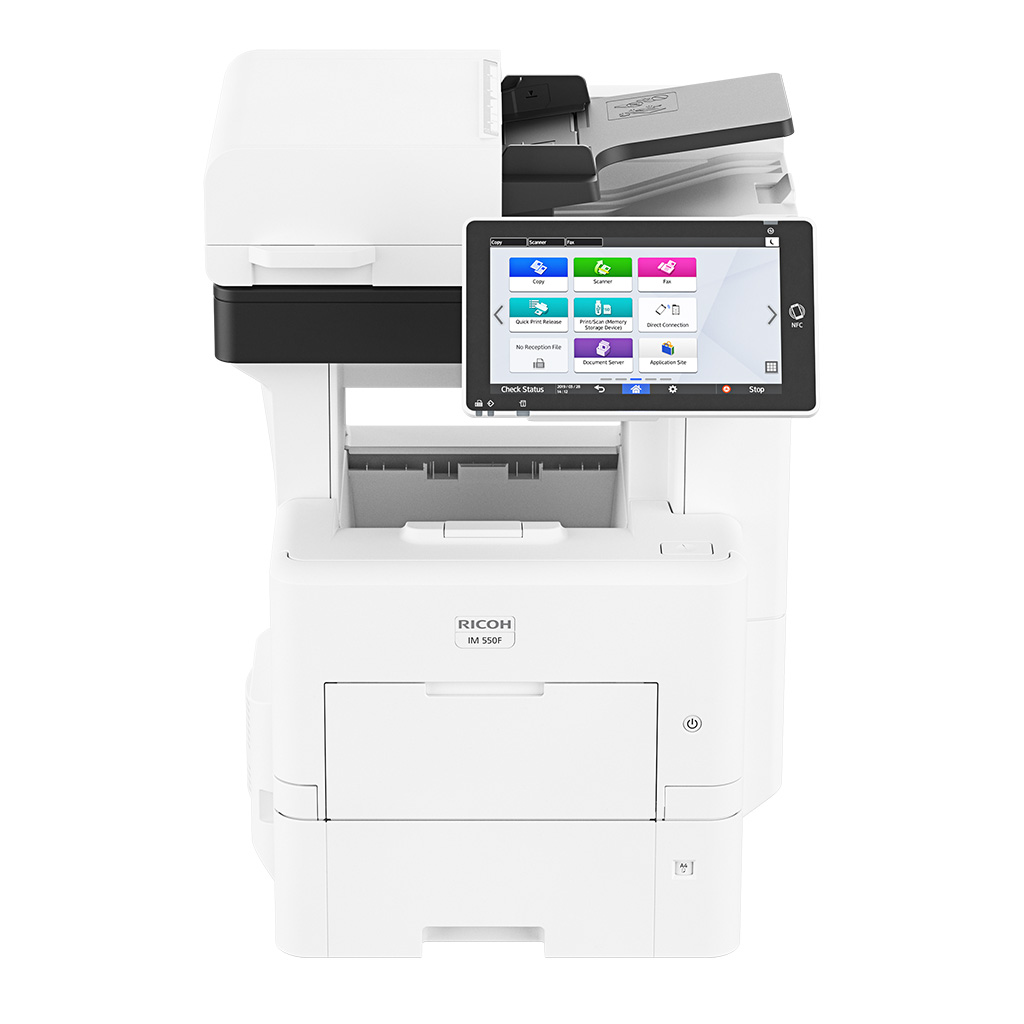
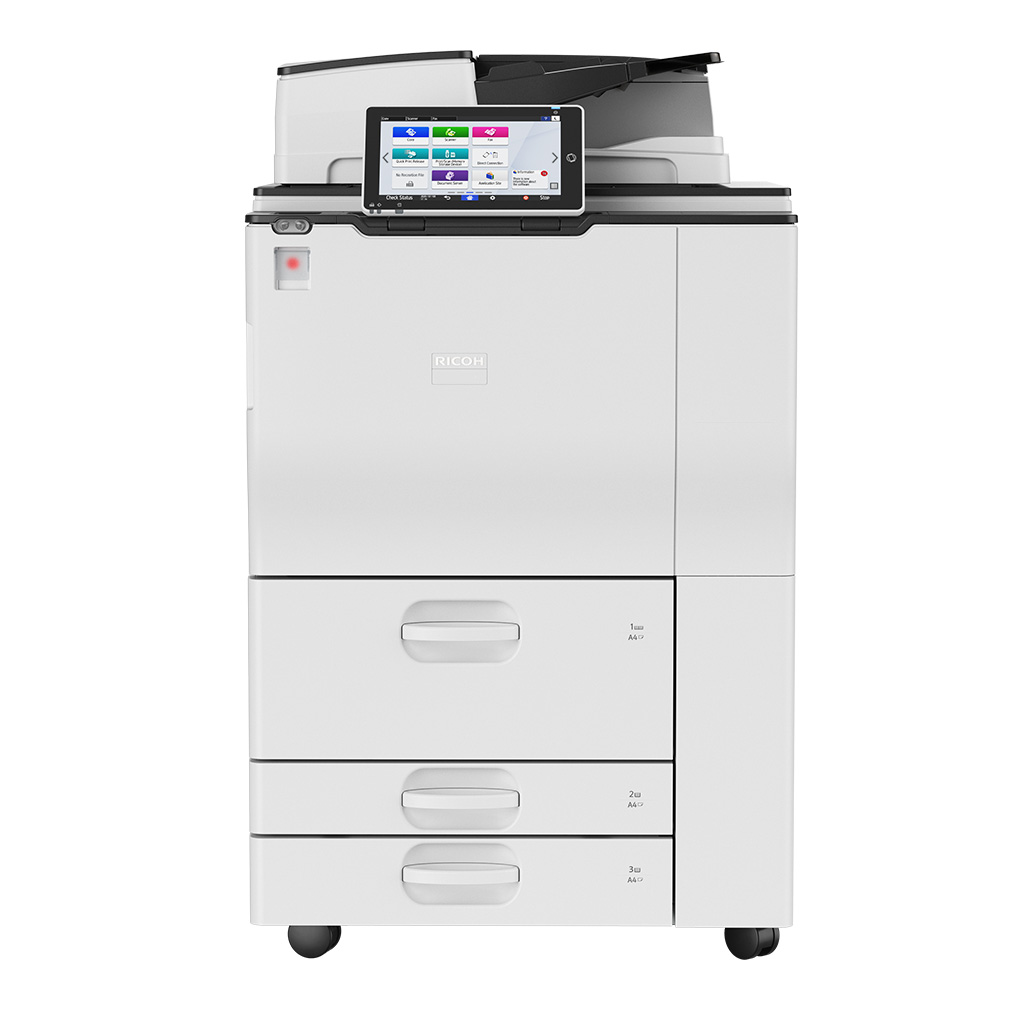
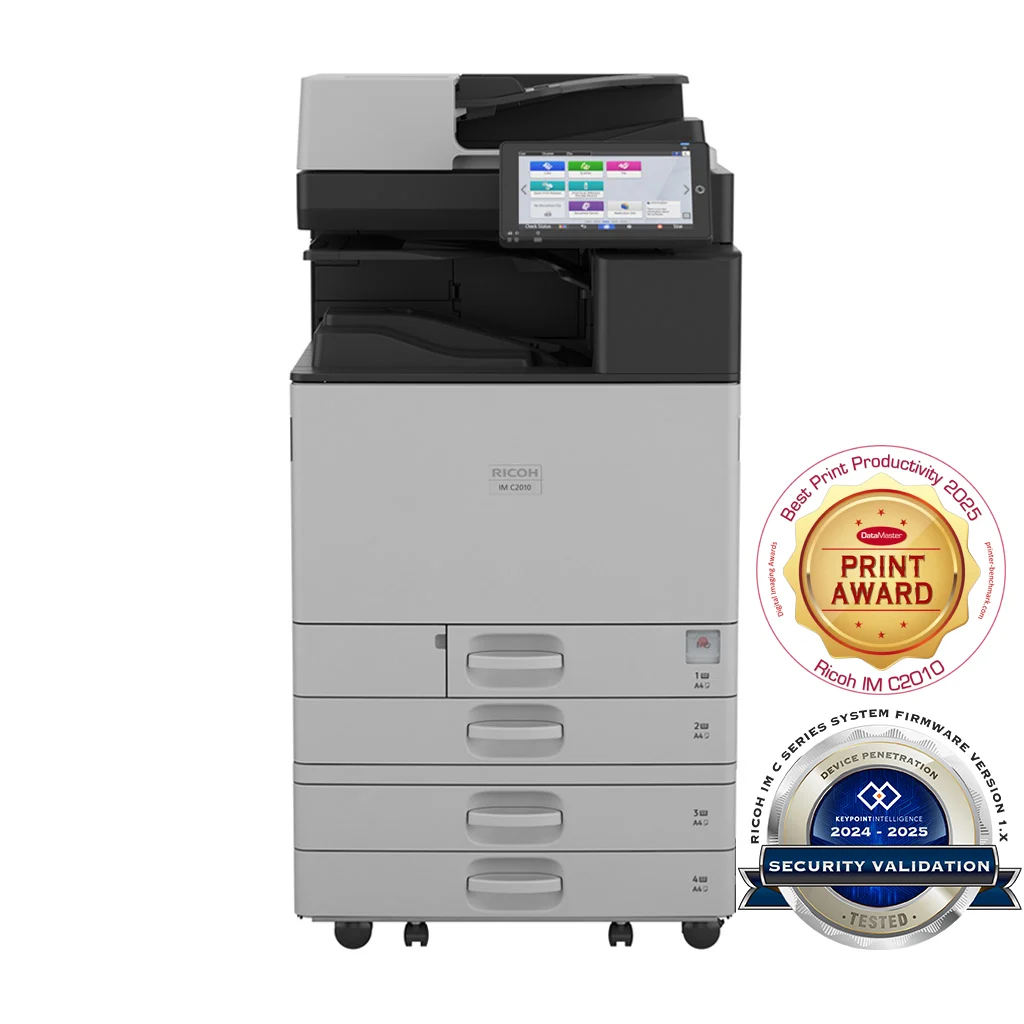
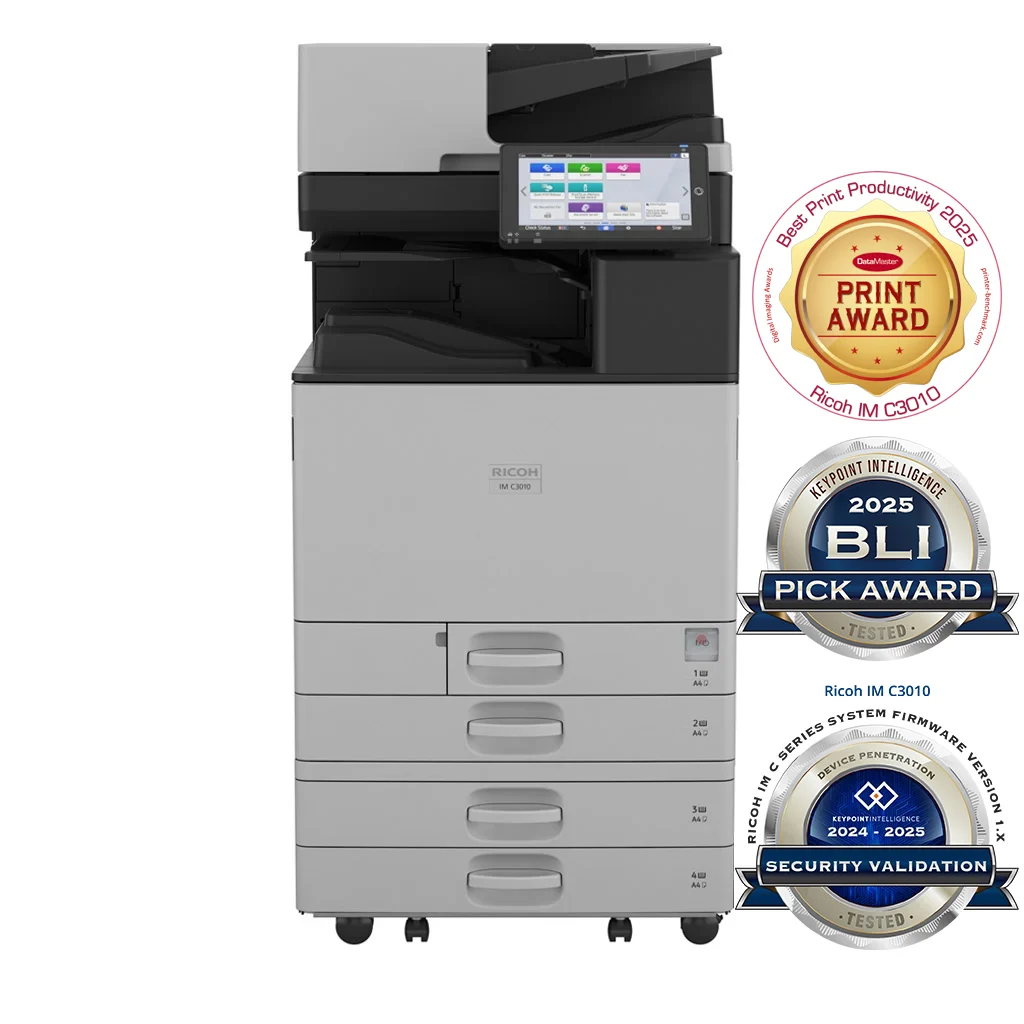
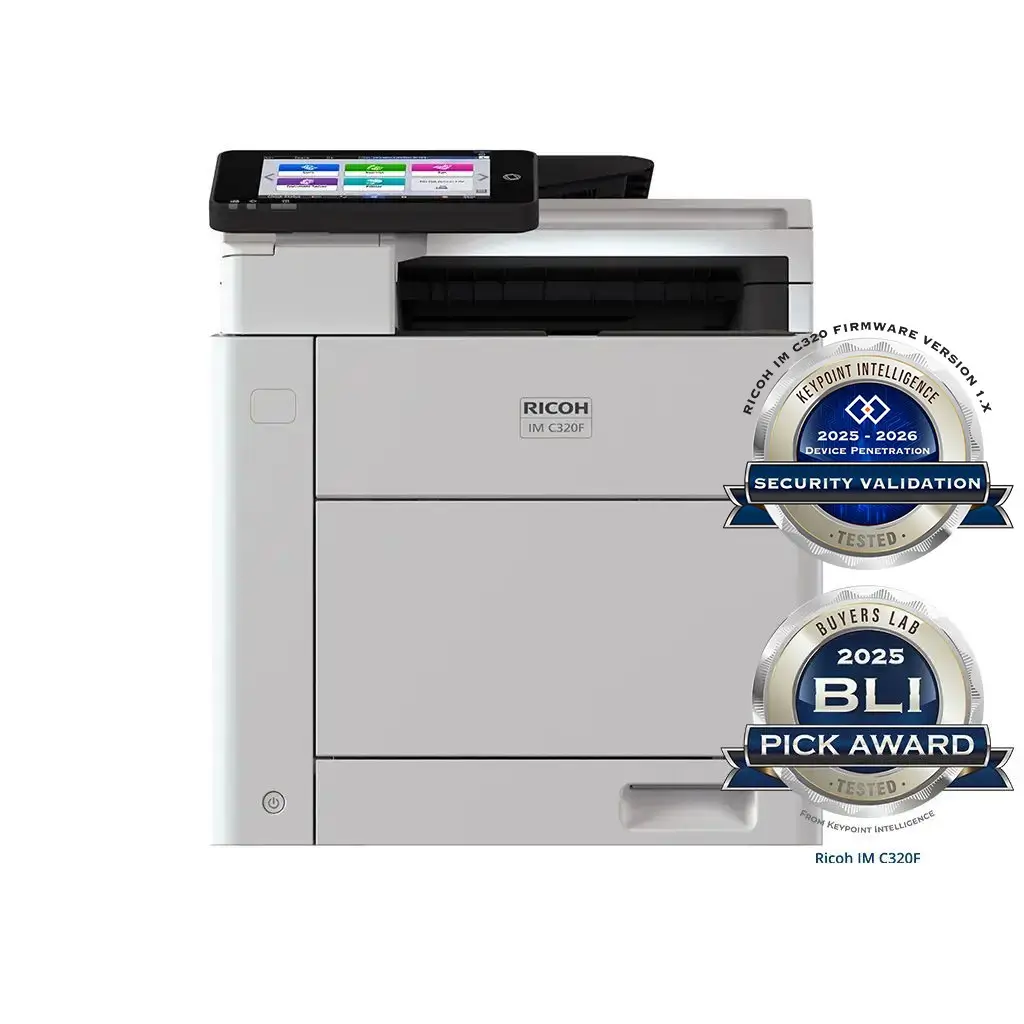
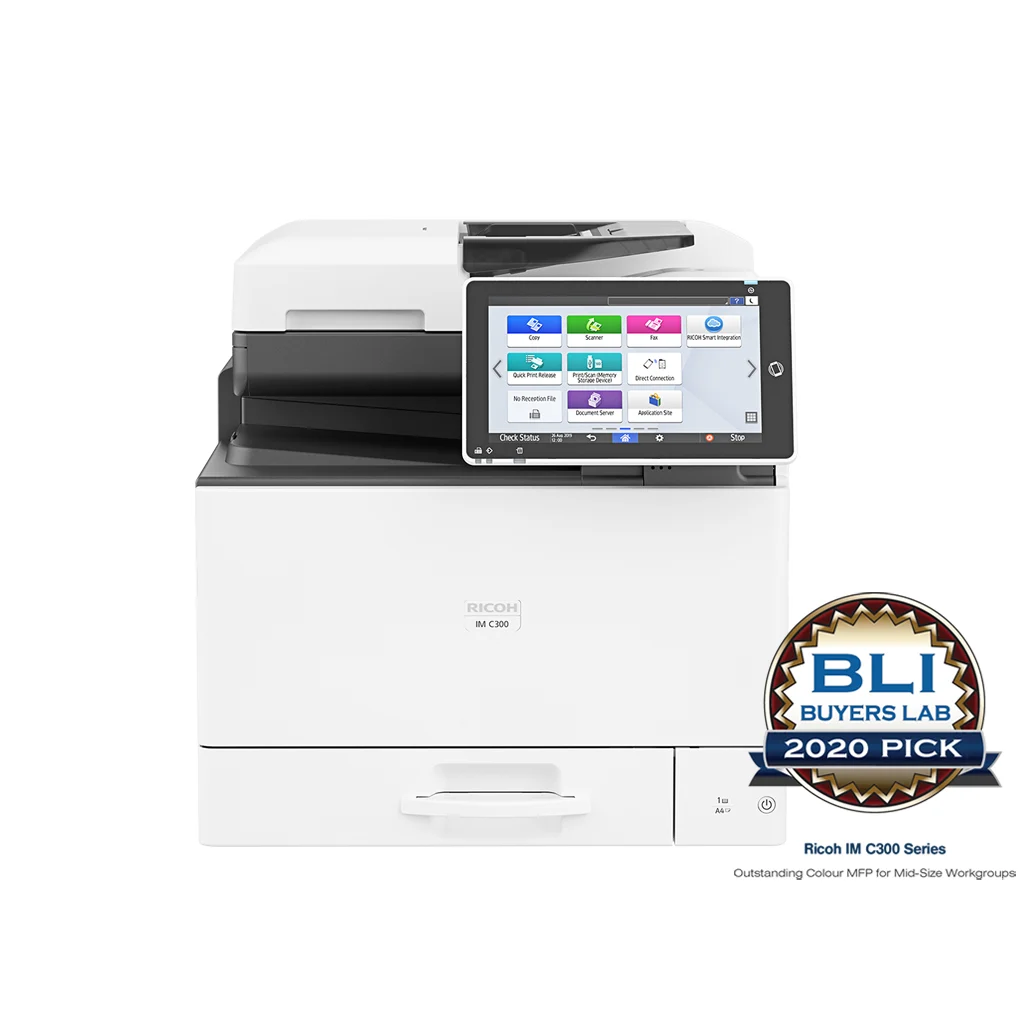
Office Printers we supply and support.

Actual models we deploy across the Pacific. Every one is sourced, configured and warranted in-market.

Proof

Real outcomes from Pacific customers.

12×
faster service response — 2 days to 4 hours

Vanuatu Maritime Safety Authority moved from a price-led incumbent with no in-country technicians and no spare parts onto a Ricoh Vanuatu managed-print relationship. Contracted 4-hour response SLA active from day one. Full sales cycle from first contact to installed device in approximately one month, against a mid-process governance shift to the Fisheries Ministry.

Vanuatu Maritime Safety Authority, 2026 — full case study available.

Free resource

The Office Printers & Multifunction Devices buyer's checklist

A short, vendor-neutral guide that walks South Pacific decision-makers through what to ask, what to compare, and how to scope a successful office printers & multifunction devices project.

  • What to put in the brief — and what to leave out.
  • Red flags in vendor proposals.
  • Realistic budget ranges for Pacific deployments.
Use cases

How customers use this.

  • 01

    Small business

    Single A3 colour MFP with full toner-and-service inclusive plan from under $99/month.

  • 02

    Mid-market & enterprise

    Right-sized fleets of 10–200 devices with central reporting, secure release and pull-printing.

  • 03

    Government & education

    Tendered fleet rollouts with strict security, accessibility and accountability requirements.

FAQ

Frequently asked questions.

The questions South Pacific decision-makers ask most often before they engage on office printers & multifunction devices.

  • When does my team need an A3 printer rather than an A4?

    A3 capability is justified when teams routinely print double-page spreads, A3 reports, architectural or engineering plans, large-format marketing collateral, or booklets that need to be folded to A4 on A3 stock. Government and education teams typically need A3 for certificates, gazettes and curriculum print. Marketing, creative and architectural teams use A3 daily. Most office knowledge workers only need A4 — and an A4-only MFP is materially cheaper to own. The pragmatic answer is to ask whether your team would have used A3 in the last three months if it had been available. If the honest answer is no, A4 is the right call.

  • How do I right-size a printer for my team?

    Right-sizing means matching the device speed and duty cycle to your actual monthly volume rather than what the brochure suggests. The rule of thumb: a device should be running comfortably under 50% of its rated monthly duty cycle on average. A 30 ppm device rated for 100,000 pages a month is right-sized for a team printing under 50,000 pages a month. Most Pacific offices we audit are running devices materially over-spec — paying for capacity they will never use — or under-spec, where one printer is the bottleneck for an entire floor. The audit step in any managed-print engagement collects six weeks of real volume data before recommending a fleet, because assumed volumes are almost always wrong.

  • What is the difference between buying a printer outright and a managed print contract?

    Buying outright means you pay up front for the device, then separately pay for toner, parts, service and break-fix as you go. The total cost is unpredictable, the supply relationships are fragmented, and IT carries the helpdesk overhead for paper jams and toner runs. A managed-print contract bundles the device, toner, parts, service and reporting into one monthly invoice — typically billed per page or per device. The per-page rate is higher than buying toner cheap on its own, but the bundled cost almost always comes out lower than the unmanaged total once IT time, downtime and supply mistakes are counted. Managed print is the right choice for any organisation printing more than around 50,000 pages a year.

  • How does cost-per-page billing actually work?

    Devices on a managed-print contract report their meter readings automatically — typically monthly. The contract sets a per-page rate for mono and a separate (higher) per-page rate for colour. The invoice each month is the total mono pages times the mono rate, plus the total colour pages times the colour rate, plus the device monthly base fee if one applies. Toner, parts and service are included in the per-page rate at no additional cost. There are no surprise toner bills, no separate service callouts, and no procurement cycle for consumables. The bill scales naturally with actual usage rather than being a fixed amount regardless of volume.

  • Can the printer integrate with Microsoft 365 and our document management systems?

    Yes. Modern office MFPs scan directly to Microsoft 365 — to OneDrive, SharePoint document libraries, Outlook email and Teams channels — using the user's own Entra ID credentials so the scanned file lands in their personal area rather than a shared inbox. Same pattern works for Google Drive, Dropbox, Box and document management platforms like DocuWare and SharePoint-based DMS solutions. The device authenticates with the user's identity, scans the document, and routes it directly to the destination including metadata where the target system supports it. We configure these integrations as part of every install — no helpdesk tickets to set up scan destinations for each user.

  • What security features should a modern office multifunction printer have?

    At a minimum: encrypted secure-print release (jobs sit in a queue until the user authenticates at the device, so confidential documents do not sit unattended in the output tray); user authentication via card, PIN or Entra ID single sign-on; WPA3 and 802.1x for wireless and wired network authentication; encrypted SSD storage so cached jobs cannot be recovered if the device is removed or sold; firmware integrity verification to detect tampering; and audit logging of who printed what and when. All current-generation Ricoh IM and IM C devices support these features as standard, but they have to be configured — devices left on default settings deliver a fraction of the available security. We configure secure release and authentication as part of every install.

  • How are toner and break-fix service provided on a managed contract?

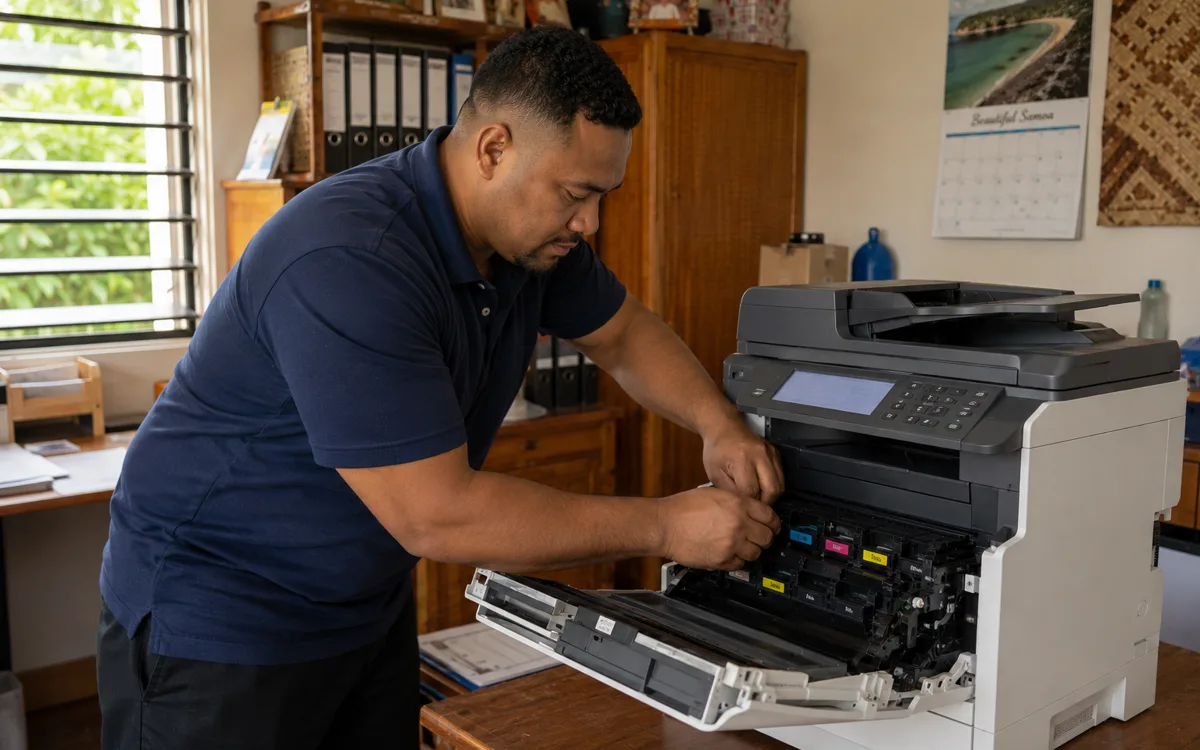
    Toner is delivered automatically before it runs out. The device monitors its own consumable levels and reports back through a fleet-management agent; when a cartridge crosses a configured threshold (typically 20% remaining), a replacement is shipped to the customer site. The user simply swaps it when prompted. Break-fix is handled by in-country technicians under SLA — typical response times are 4 hours on critical devices and next-business-day on lower-priority devices, with parts and labour included in the contract. The combination of proactive toner supply and quick local service is what makes managed print materially less work for the customer than running printers themselves.

Ready to simplify your South Pacific workplace?

Book a no-obligation conversation with a local specialist. We'll listen first and only recommend what actually helps.