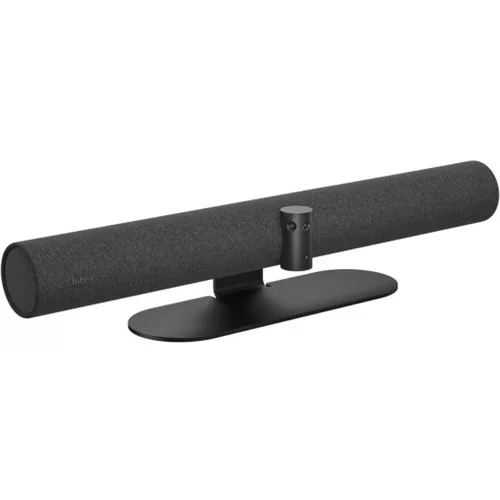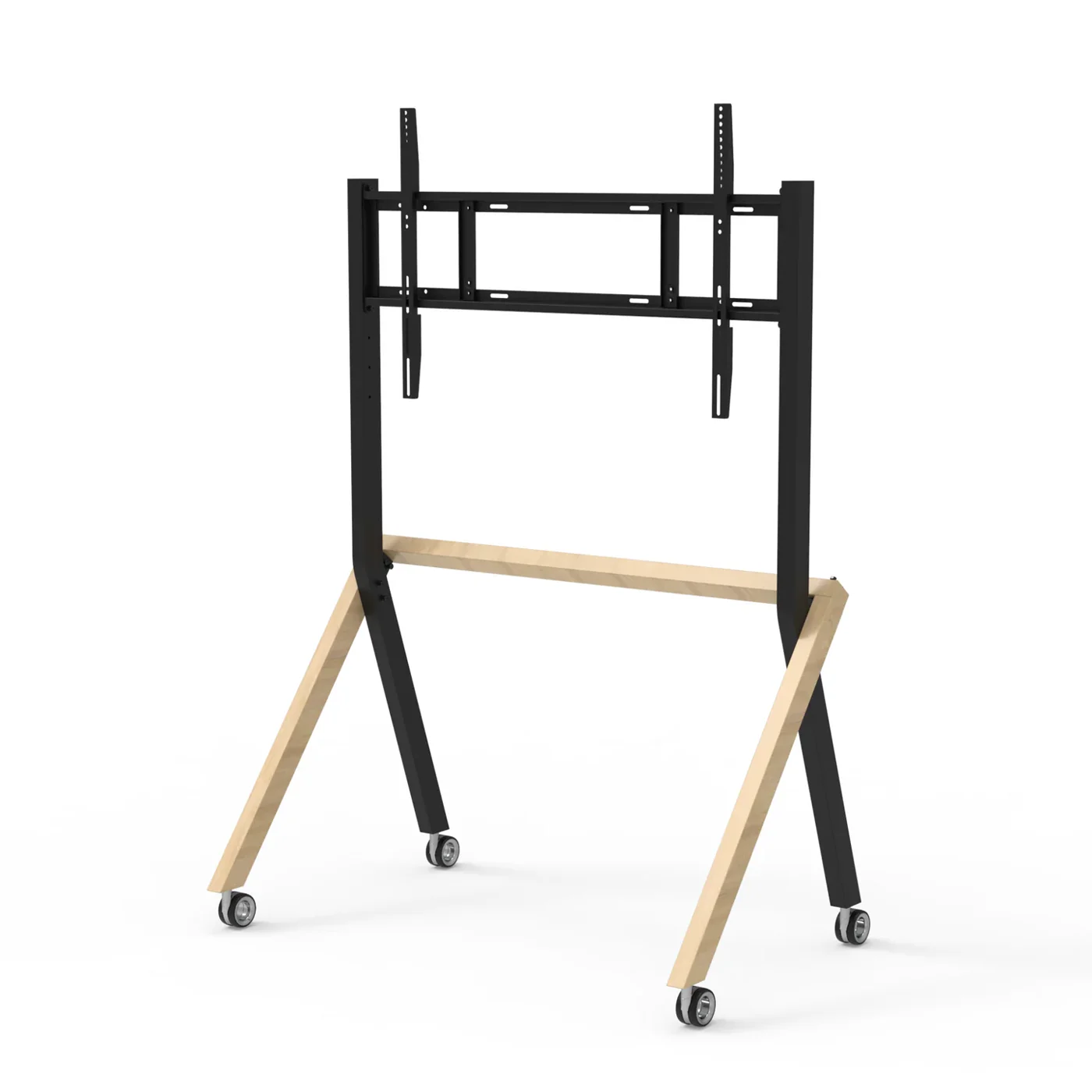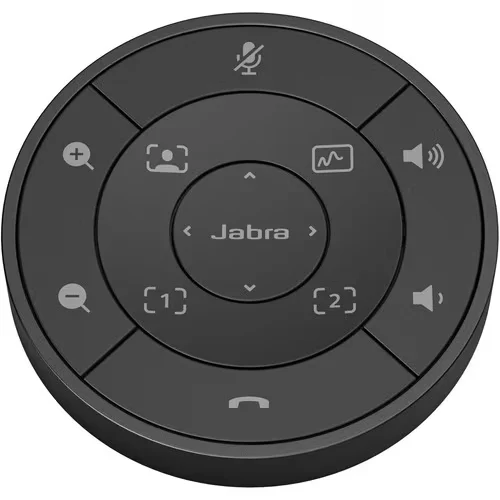
The Jabra PanaCast 50 Remote (Black, SKU 8220-209) is a Bluetooth Low Energy tabletop puck remote designed specifically for the Jabra PanaCast 50 and PanaCast 50 Video Bar System. It allows meeting participants to operate the PanaCast 50 from the meeting-room table — adjusting pan / tilt / zoom, recalling camera presets, and changing volume — without needing to physically interact with the video bar or pull up a PC.
This is an accessory product — not a stand-alone device. It only works when paired with a Jabra PanaCast 50 or PanaCast 50 Video Bar System host unit. For Ricoh South Pacific quotes, this is a natural add-on whenever a customer is buying or already owns a PanaCast 50 and wants in-room manual control (in addition to or instead of touchscreen / web-app control).
Where it fits
- Boardrooms and senior-leadership briefing rooms — Adds tabletop control in rooms where the PanaCast 50 is wall- or screen-mounted out of physical reach. Pan / tilt / zoom adjustments happen without anyone leaving their seat.
- Customer-facing demo and presentation rooms — Quick recall of saved camera presets between meetings — switch instantly from “whole-room” to “presenter close-up” framing without diving into software.
- BYOD meeting rooms with no fixed touch panel — Where the room doesn’t have a Crestron / Logitech Tap / similar room controller, the remote is the simplest way to give end users in-room PanaCast 50 control.
- Hot-desking and visiting-presenter scenarios — Visitors who haven’t installed Jabra Direct on their laptop can still adjust PanaCast 50 framing and volume from the room — important for rooms used by external speakers.
Features
- Bluetooth Low Energy
- In-room control without touching the camera
- Compact tabletop puck form factor
- Up to 30 ft (≈ 9 m) wireless range
- Matches the Black PanaCast 50 variant
Specifications
General
- Manufacturer
- GN Audio A/S (Jabra)
- Product
- Jabra PanaCast 50 Remote — Black
- SKU (Black, this variant)
- 8220-209
- SKU — Grey variant (for reference)
- 8211-209
- UPC
- 706487020981
- Product category
- Wireless tabletop remote control (accessory)
- Standalone use
- No — requires a Jabra PanaCast 50 or PanaCast 50 Video Bar System host unit
Function & Controls
- Pan / Tilt / Zoom (PTZ) control
- Yes
- Camera presets
- Recall configured PTZ presets
- Volume control
- Yes — adjust PanaCast 50 speaker volume
- Mute / unmute
- Per PanaCast 50 platform — refer to current Jabra Direct / Jabra+ configuration
- Intended use
- In-room manual control from the meeting-room table
Wireless & Connectivity
- Wireless technology
- Bluetooth Low Energy (BLE)
- Operating range
- Up to 30 ft / approximately 9 m
- Line-of-sight required
- No (BLE — radio, not infrared)
- Pairing
- Paired to a PanaCast 50 host via Jabra Direct or Jabra+ management software
- Required host
- Jabra PanaCast 50 (SKU 8200-232 Black / 8201-232 Grey) or PanaCast 50 Video Bar System
Physical
- Form factor
- Round tabletop puck
- Dimensions
- Not officially published by Jabra. Authorised dealer estimates: approximately 13–14 mm (0.5") tall × 77–100 mm (3–4") diameter — confirm at quote if exact dimensions matter for storage cradles or branded packaging
- Colour
- Matt Black (this SKU)
- Battery / power
- Not officially published in dealer listings — confirm with Jabra direct if battery replacement procedure is a procurement consideration
Compatibility
- Host devices supported
- Jabra PanaCast 50 (8200-232 Black, 8201-232 Grey) · Jabra PanaCast 50 Video Bar System
- Configuration software
- Jabra Direct (desktop) · Jabra+ (cloud fleet management) · Jabra Xpress
- UC platforms (inherited from host)
- Microsoft Teams · Microsoft Teams Rooms · Zoom · Zoom Rooms (controls function in all certified host configurations)