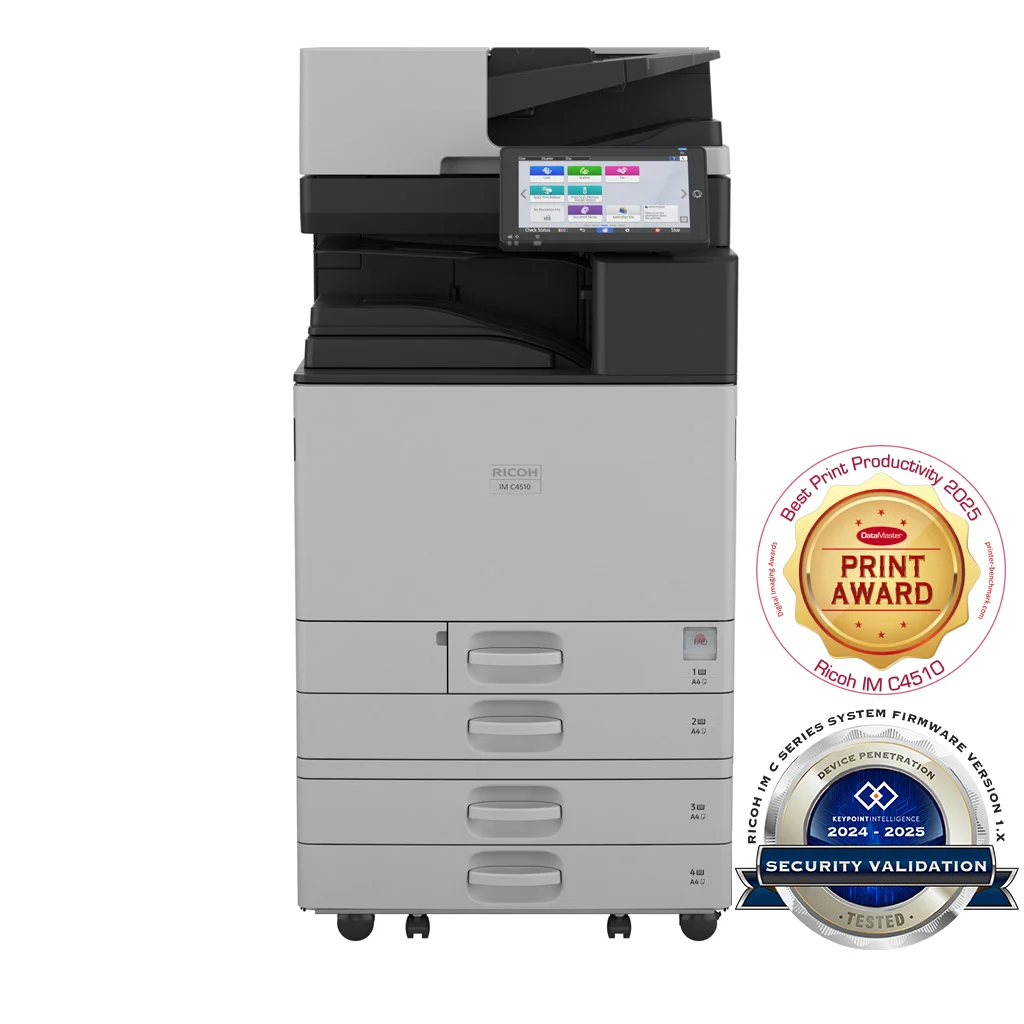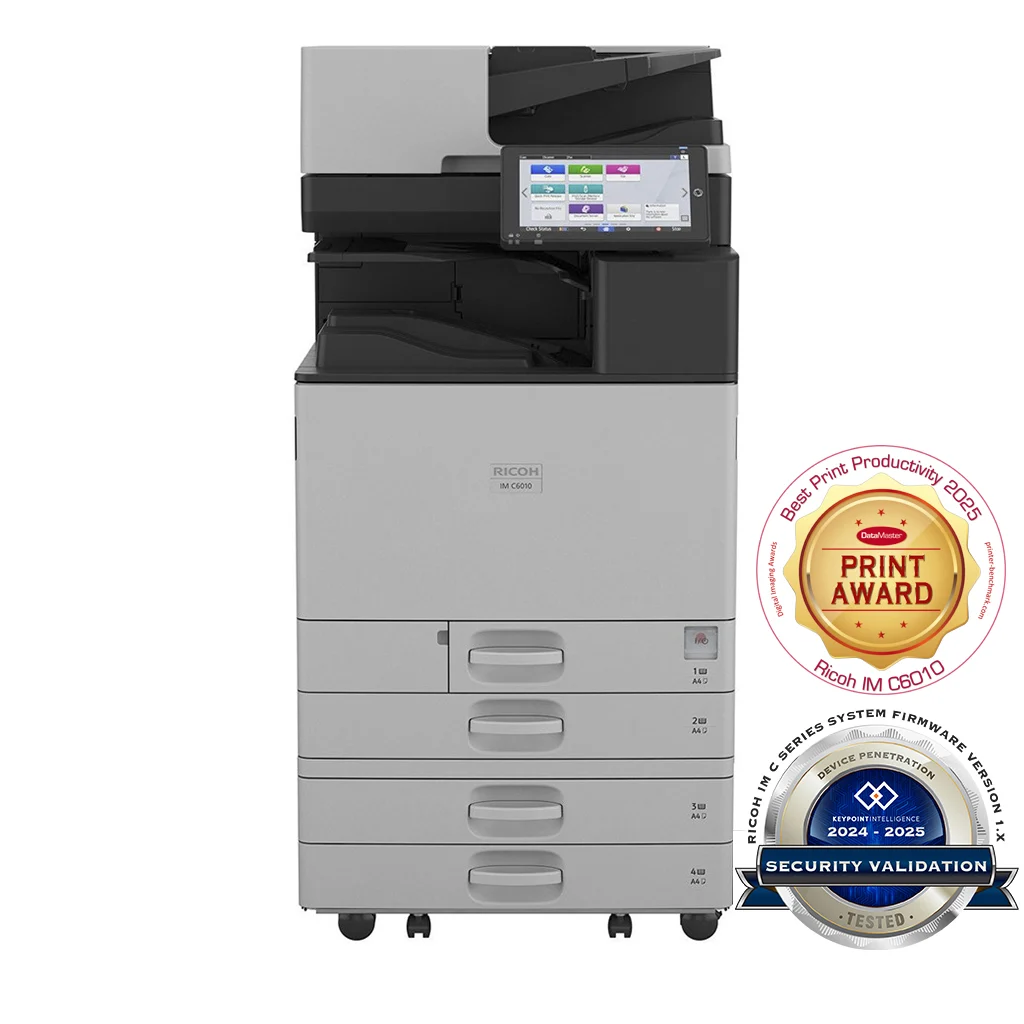
The IM C6010 is the top of Ricoh’s office MFP range — a 60 ppm engine in the same chassis as the IM C4510. Same dimensions, same 100.8 kg weight, same paper input and output capacity; the difference is engine speed and first-page times. First print drops to 2.4 sec mono / 3.8 sec colour, which matters for a busy central device where a queue of walk-up users would otherwise build up at peak hours.
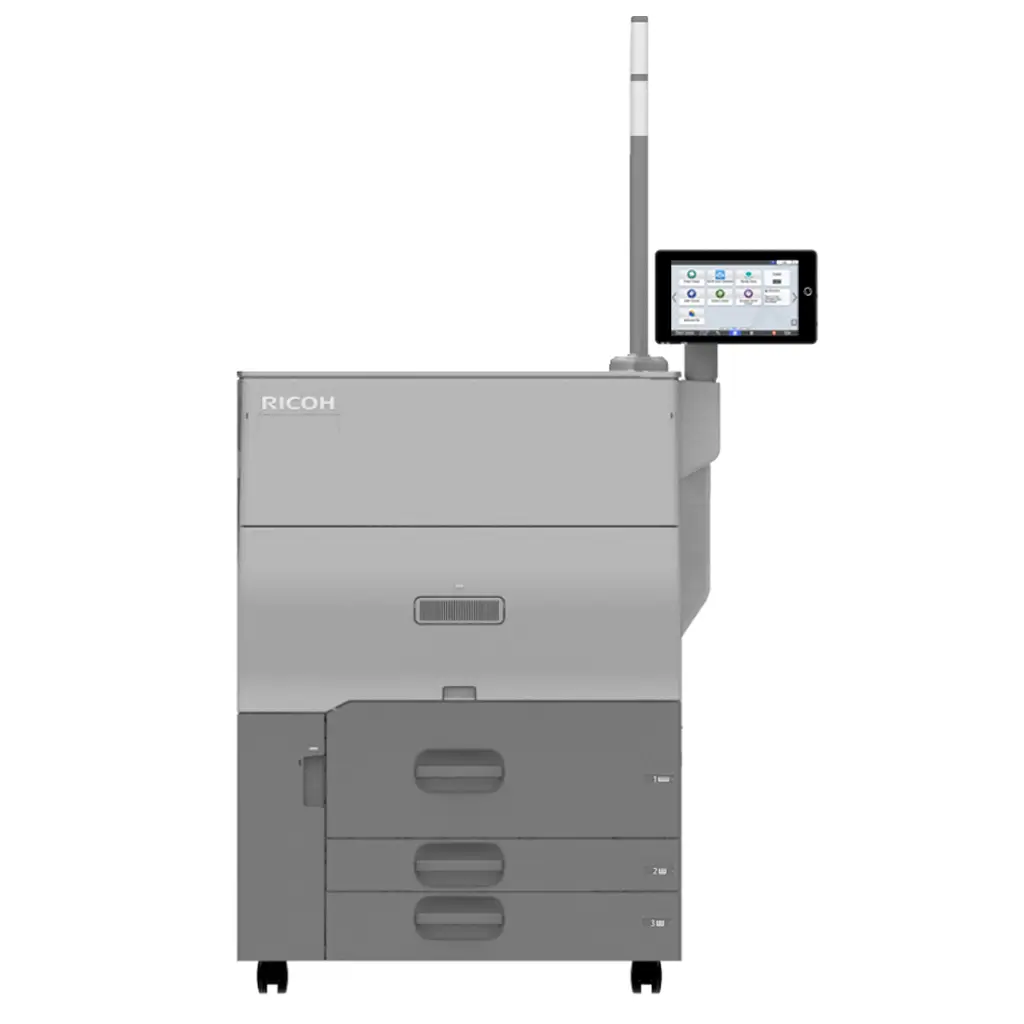
This device sits at the boundary between office MFP and light-production print. For central print rooms running curriculum batches, marketing collateral runs, board pack production, or multi-team shared deployments where the IM C4510 would be at its volume ceiling, the C6010 is the right step up. If true production volumes are expected (long-run perfect-bound books, marketing campaigns at scale), look at the Ricoh Pro C5400 cut-sheet production press instead — the IM C6010 is designed for sustained office volume, not production duty.
Everything else carries across the IM Cxx10 range unchanged: 10.1-inch Smart Operation Panel, 256 GB SSD, WPA3 authentication baseline, SRA3 / 300 gsm media handling, single-pass duplex scanning at 150 / 300 ppm. So adding a C6010 to a fleet already running C3010 or C4510 devices means no user retraining and no fleet-management reconfiguration.
Typical Pacific deployments:
- A 200+ user central office where the device serves multiple departments
- A central reprographics or print room handling daily curriculum, forms and reports
- A marketing department producing weekly campaign collateral on demand
- A multi-tenant floor or shared-services hub where peak-hour throughput matters
Features
- 60 ppm engine — the fastest in the IM Cxx10 office MFP range, bridging into light-production territory
- First print under 4 seconds in colour, under 2.5 seconds in mono — meaningful for walk-up users on a busy floor
- 3,625-sheet maximum output capacity — long batch jobs run without operator attention
- Up to 4,850-sheet paper input with optional large-capacity trays — full-day operation between reloads
- 220-sheet single-pass duplex feeder — 150 ppm simplex / 300 ppm duplex at 200 dpi
- 256 GB SSD with encrypted secure print, encrypted PDF and S/MIME for scan-to-email
- WPA3 wireless and 802.1x wired authentication; user authentication via Windows, LDAP (Kerberos) or user code
- 10.1" Smart Operation Panel — identical UX across the IM Cxx10 range
- Compatible with PaperCut MF, uniFLOW, Streamline NX and Card Authentication Package
Specifications
Configuration
- Functions
- Copy, print, scan, optional fax
- Colour
- Yes
- Storage
- 256 GB SSD
- Memory - standard
- 6 GB—2 GB mainframe + 4 GB Smart Operation Panel
- Operation panel
- 10.1" Smart Operation Panel
Physical dimensions
- Physical dimensions (WxDxH)—mainframe
- 587 x 701 x 963 mm
- Weight—mainframe
- 100.8 kg
Media handling
- Standard input capacity (sheets)
- 1,200
- Maximum input capacity (sheets)
- 4,850
- Standard output capacity (sheets)
- 500250—B4 or larger
- Maximum output capacity (sheets)
- 3,625
- Paper input configuration - standard
- 2 x 550-sheet paper trays, 100-sheet bypass tray, 220-sheet SPDF, duplex unit
- Paper output configuration - standard
- 500-sheet face-down internal output tray
- Supported media
- Tray 1 Plain paper (paper type not displayed), recycled paper, special paper 1–3, colour paper, letterhead, cardstock, pre-printed paper, bond paper, high gloss coated paper, coated paperTray 2Plain paper (paper type not displayed), recycled paper, special paper 1–3, colour paper, letterhead, cardstock, pre-printed paper, bond paper, high gloss coated paper, coated paper, envelopeOptional traysPlain paper (paper type not displayed), recycled paper, special paper 1–3, colour paper, letterhead, cardstock, pre-printed paper, bond paper, high-gloss coated paper, envelope, coated paperBypass trayPlain paper (paper type not displayed), recycled paper, special paper 1–3, colour paper, letterhead, cardstock, pre-printed paper, bond paper, high-gloss coated paper, envelope, coated paper, label paper
- Maximum paper size
- SRA3
- Media weight (g/m2)
- 52–300
Connectivity
- Interfaces - standard
- Mainframe10Base-T/100Base-Tx (Ethernet)1000Base-T (Gigabit Ethernet)USB Host Type A—2 portsUSB Type B—1 portSmart Operation PanelBluetooth 5.21 USB Host Type A—USB Flash memoryUSB Host Type A—optional 1 port for USB keyboard1—Cannot be used for printing
- Interfaces - optional
- IEEE 802.11 a/b/g/n/ac Interface Unit Type M52Device Server Option Type M52 (additional Ethernet/Gigabit Ethernet port)
- Network protocols - standard
- TCP/IP (IPv4, IPv6)
Copy features
- Copy speed
- 60 cpm
- First copy time
- 2.9 seconds—black and white4.2 seconds—colour
- Copy resolution
- 100, 200, 300, 400, 600 dpi—scanning1,200 x 1,200 dpi (maximum)—printing
- Zoom range
- 25%–400% in 1% steps
- Enlargement ratios
- 115%, 122%, 141%, 200%, 400%
- Reduction ratios
- 93%, 87%, 82%, 71%, 61%, 50%, 25%
- Duplex copy
- Simplex to duplex, duplex to duplex—with SPDF, book to duplex, front and back to duplex
- Book copy
- Booklet, magazine, layout and booklet
Print features
- Print speed colour
- 60 ppm
- Print speed black and white
- 60 ppm
- First print time
- 2.4 seconds black and white, 3.8 seconds colour
- Print resolution
- 1,200 x 1,200 dpi / 4,800 x 1,200 dpi equivalent (maximum)
- Page description languages (PDLs)
- StandardPCL 5c, PCL 6, PostScript 3 emulation, PDF Direct emulationOptionalGenuine Adobe PostScript 3, PDF Direct from Adobe
- Printer drivers
- StandardPCL 5c, PCL 6, PostScript 3 emulationOptionalGenuine Adobe PostScript 3
- Duplex printing
- Standard
- Mobile printing
- Yes
Scan features
- Scan speed
- Via SPDF150 ppm—simplex, 200 x 200 dpi120 ppm—simplex, 300 x 300 dpi300 ppm—duplex, 200 x 200 dpi220 ppm—duplex, 300 x 300 dpi
- Scan methods
- Scan to USB, Scan to email, Scan to folder, Scan to URL, Scan to SMB, Scan to FTP, Scan to PDF/A, Scan to digitally signed PDF, Scan to searchable PDFNote: Optional OCR unit is required to support scanning to a searchable PDF.
- Colour scanning
- Standard
- Scan resolution
- 100 dpi, 200 dpi (default), 300 dpi, 400 dpi, 600 dpi, 1,200 dpiNote: 1,200 dpi scanning is supported only with A5 or smaller paper size.
- Scan to file types
- Single- and multi-page TIFFSingle-page JPEG Single- and multi-page PDF, PDF/ASingle- and multi-page high-compression PDF
- Scan to email
- Protocols SMTP gateway, TCP/IP, POP, IMAP 4Authentication SMTP authentication, POP before SMTP authenticationScan resolution 100 dpi, 200 dpi (default), 300 dpi, 400 dpi, 600 dpiScan to email file typesSingle-pageTIFF, JPEG, PDF, PDF/A, high-compression PDF, encrypted PDF, searchable PDFMulti-pageTIFF, PDF (default), PDF/A, high-compression PDF, encrypted PDF, searchable PDFNote: Optional OCR unit is required to support scanning to a searchable PDF.
- Scan to folder
- ProtocolsSMB, FTPResolution100 dpi, 200 dpi (default), 300 dpi, 400 dpi, 600 dpiSearch for client foldersSMB—browsing directly to the designated folderFTP—by folder nameScan to folder file typesSingle-pageTIFF, JPEG, PDF, PDF/A, high-compression PDF, encrypted PDF, searchable PDFMulti-pageTIFF, PDF (default), PDF/A, high-compression PDF, encrypted PDF, searchable PDFNote: Optional OCR unit is required to support scanning to a searchable PDF.
- TWAIN scanning
- Scan modeStandard, Photo, OCR, FilingNote: Optional OCR unit required for OCR scanning.Scan resolution100–1,200 dpiNote: 1,200 dpi scanning is supported only with A5 or smaller paper size.
Fax features
- Fax types
- G3 fax, Internet fax (T.37), IP fax (T.38), LAN-Fax, Paperless fax, Direct SMTP fax
- Fax circuit
- PSTN, PBX
- Fax compatibilty
- ITU-T (CCITT), G3—maximum 3 lines
- Fax modem speed
- 2,400 bps–33.6 Kbps—G3, standard with automatic shift down
- Fax compression methods
- MH, MR, MMR, JBIG
- Fax resolution
- Standard mode 200 x 100 dpi—8 x 3.85 lines/mmDetail mode 200 x 200 dpi—8 x 7.7 lines/mmSuper Fine mode 400 x 400 dpi—8 x 15.4 lines/mm400 x 400 dpi—16 x 15.4 lines/mmNote: Super Fine mode is supported with the optional SAF memory.
- G3 fax transmission speed
- 3 seconds approximately—JBIG, ITU-T No. 1 chart, TTI off, memory transmission3 seconds approximately—MMR, ITU-T No. 1 chart, TTI off, memory transmission
- Fax SAF memory capacity
- Standard 4 MB—approximately 320 pagesWith optional SAF memory 60 MB—approximately 4,800 pages
- Fax memory backup
- 1 hour
- Quick dials
- 2,000 numbers
Security features
- Encryption
- SSD, PDF, Secure print, WEP, WPAAuthentication passwordEncryption of data sent via Scan to email and Fax forwarding (S/MIME)
- Authentication
- 802.1x wired authenticationAdministrator authenticationIEEE 802.11i security (WPA3)IPv6Quota setting User authentication—Windows and LDAP via Kerberos, basic, user codeWiFi Protected Setup (WPS) support
Supported operating environments
- Windows
- PCL 5c, PCL 6, and PostScript 3 Windows 8.1Windows 10Windows Server 2012Windows Server 2012 R2Windows Server 2016Windows Server 2019Windows Server 2022
- Macintosh
- MacOS v10.15 or later—PostScript 3 only
- Unix
- PCL 5c, PostScript 3Sun Solaris, HP-UX, SCO OpenServer, Red Hat Linux, IBM AIX
- SAP
- PCL 5cR/3, S/4
Software and solutions
- Standard
- @Remote EmbeddedWeb Image Monitor
- Optional
- Streamline NX V3GlobalScan NXEnhanced Locked Print NXCard Authentication Package
- Mobile apps
- RICOH Smart Device Connector
Environmental features
- Power source
- 220–240 V, 50/60 Hz—Asia Pacific110 V, 60 Hz—Taiwan
- Power consumption
- 1,850 W or less—maximum power, Asia Pacific1,584 W or less—maximum power, Taiwan763.3 W—operating power, black and white871.2 W—operating power, colour40.1 W—Ready Mode 0.32 W—Energy Saver Mode (Sleep Mode)
- Typical Electricity Consumption (TEC)
- 0.67 kWh
- Warm-up time
- 23 seconds
- Recovery time
- From Energy Saver Mode7.4 seconds
- Green labels
- The Thai Green Label Scheme
- Other environmental features
- Eco-friendly indicator, Energy Saver Timer, System Reset Timer