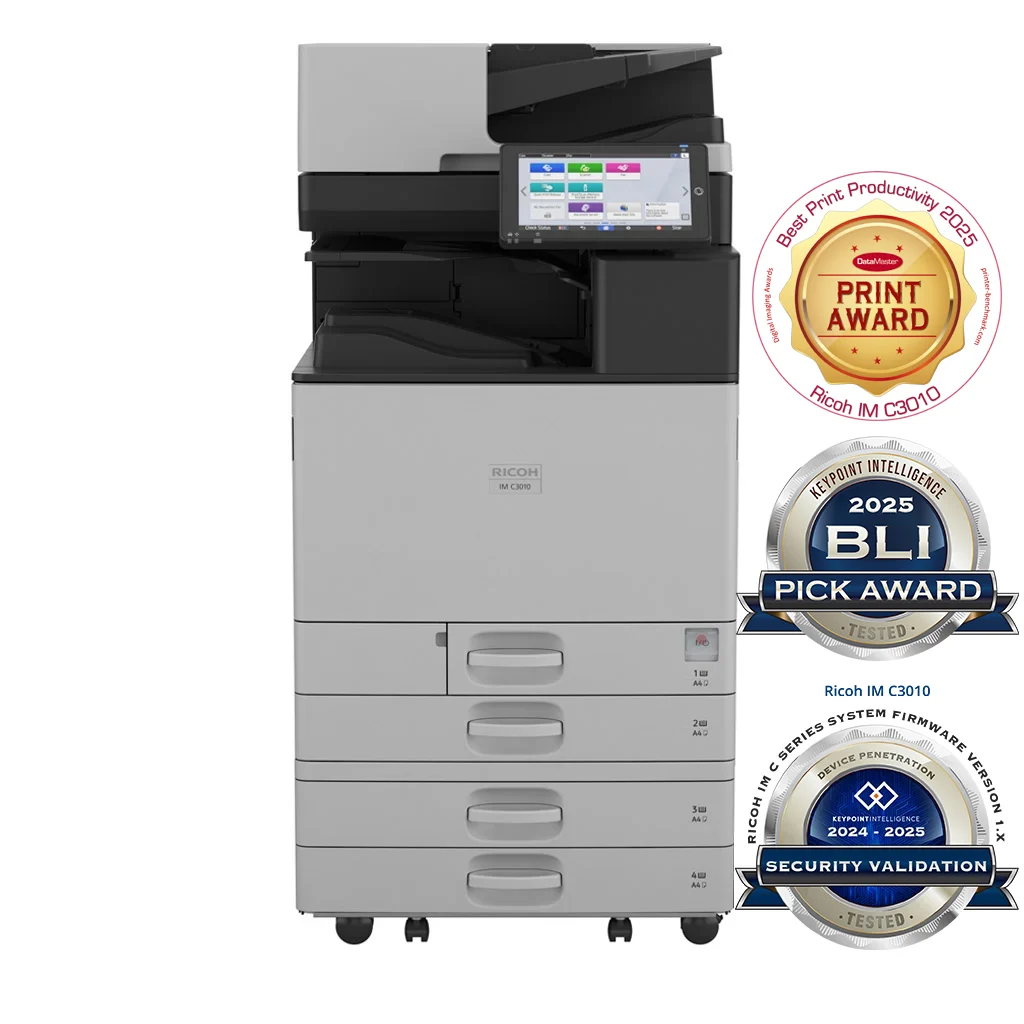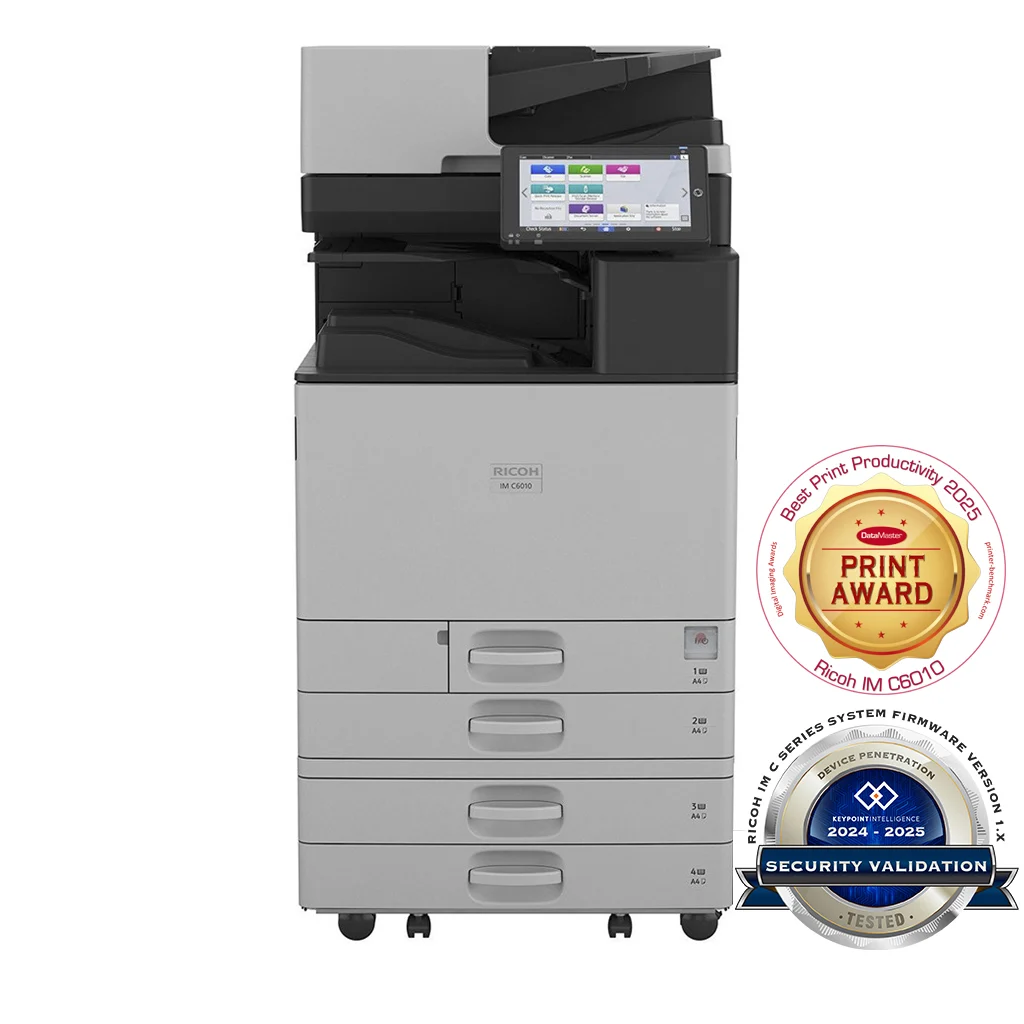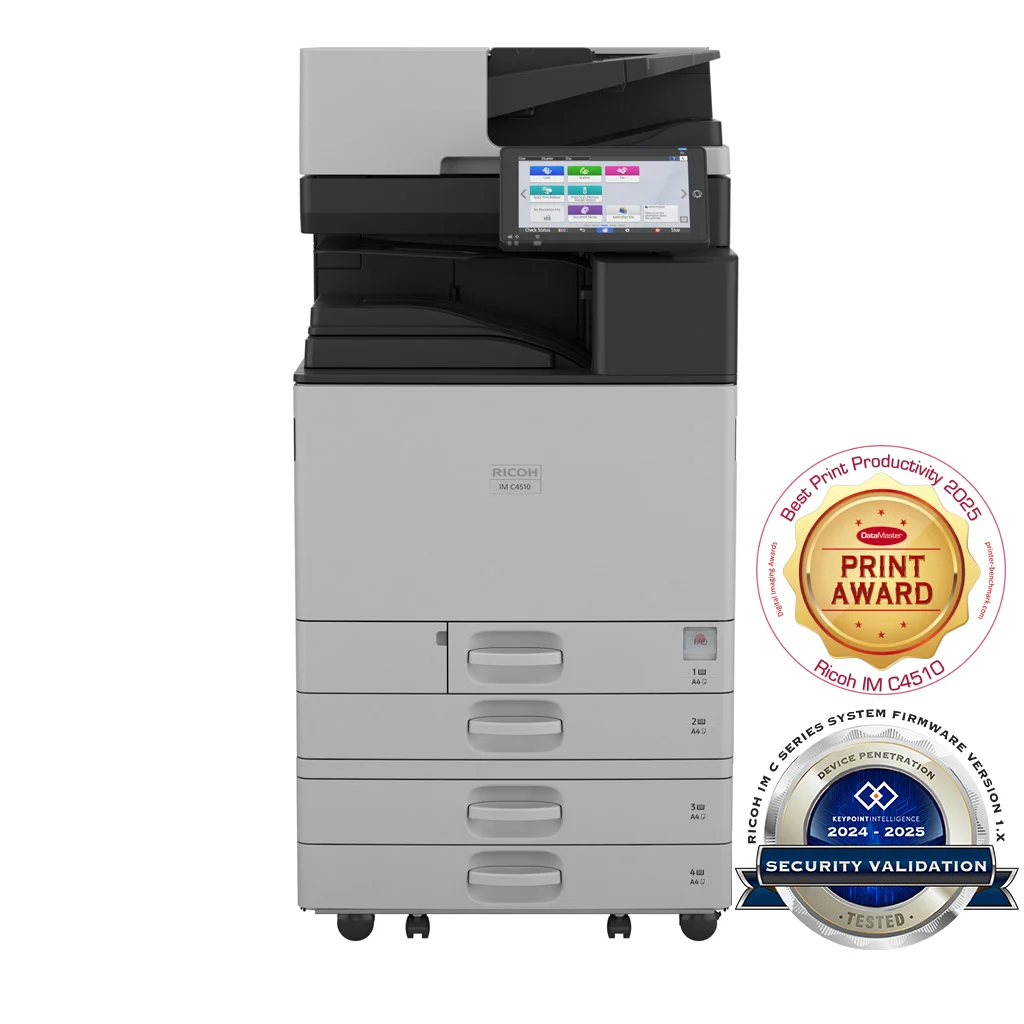
The IM C4510 is the step up the IM Cxx10 family takes for larger offices, marketing departments and central reprographics — anywhere the IM C3010 would be queueing during peak hours. The chassis is the same one used by the IM C6010 (same dimensions, same 100.8 kg weight), so paper trays, finishers and accessories are interchangeable between the two — useful for fleets that mix both models.
The two upgrades that matter day-to-day versus the IM C3010 are the 45 ppm engine (50% faster) and the 3,625-sheet maximum output capacity (more than double). That output figure is the one that tends to surprise buyers — it means batch print jobs of 2,000+ pages run without an operator standing at the tray, which is the difference between the device serving a marketing team comfortably and the device becoming a daily annoyance.
Everything else carries across the IM Cxx10 range unchanged: 10.1-inch Smart Operation Panel, 256 GB SSD, WPA3 authentication baseline, SRA3 / 300 gsm media handling, single-pass duplex scanning at 150 / 300 ppm. So user training, secure print configuration, fleet management software and scan-to-anywhere workflows transfer 1:1 from the smaller models.
Typical Pacific deployments:
- A 100–200 user central office where multiple departments share the device
- A marketing or in-house creative team producing brochures, proofs and event collateral
- A government or NGO central reprographics room handling daily forms and reports
- A multi-tenant office floor where the device serves several smaller teams
Features
- 45 ppm engine — meaningful speed step up over the IM C3010 for departments running sustained daily volume
- 3,625-sheet maximum output capacity (up from 1,625 on the IM C2010 / C3010) — sized for batch jobs that don't need an operator at the tray
- 220-sheet single-pass duplex feeder — 150 ppm simplex / 300 ppm duplex at 200 dpi
- Up to 4,850-sheet paper input with optional large-capacity trays
- 256 GB SSD with encrypted secure print, encrypted PDF and S/MIME for scan-to-email
- WPA3 wireless and 802.1x wired authentication; user authentication via Windows, LDAP (Kerberos) or user code
- 10.1" Smart Operation Panel — same UX as the rest of the IM Cxx10 range
- Compatible with PaperCut MF, uniFLOW, Streamline NX and Card Authentication Package
Specifications
Configuration
- Functions
- Copy, print, scan, optional fax
- Colour
- Yes
- Storage
- 256 GB SSD
- Memory - standard
- 6 GB—2 GB mainframe + 4 GB Smart Operation Panel
- Operation panel
- 10.1" Smart Operation Panel
Physical dimensions
- Physical dimensions (WxDxH)—mainframe
- 587 x 701 x 963 mm
- Weight—mainframe
- 100.8 kg
Media handling
- Standard input capacity (sheets)
- 1,200
- Maximum input capacity (sheets)
- 4,850
- Standard output capacity (sheets)
- 500250—B4 or larger
- Maximum output capacity (sheets)
- 3,625
- Paper input configuration - standard
- 2 x 550-sheet paper trays, 100-sheet bypass tray, 220-sheet SPDF, duplex unit
- Paper output configuration - standard
- 500-sheet face-down internal output tray
- Supported media
- Tray 1 Plain paper (paper type not displayed), recycled paper, special paper 1–3, colour paper, letterhead, cardstock, pre-printed paper, bond paper, high gloss coated paper, coated paperTray 2Plain paper (paper type not displayed), recycled paper, special paper 1–3, colour paper, letterhead, cardstock, pre-printed paper, bond paper, high gloss coated paper, coated paper, envelopeOptional traysPlain paper (paper type not displayed), recycled paper, special paper 1–3, colour paper, letterhead, cardstock, pre-printed paper, bond paper, high-gloss coated paper, envelope, coated paperBypass trayPlain paper (paper type not displayed), recycled paper, special paper 1–3, colour paper, letterhead, cardstock, pre-printed paper, bond paper, high-gloss coated paper, envelope, coated paper, label paper
- Maximum paper size
- SRA3
- Media weight (g/m2)
- 52–300
Connectivity
- Interfaces - standard
- Mainframe10Base-T/100Base-Tx (Ethernet)1000Base-T (Gigabit Ethernet)USB Host Type A—2 portsUSB Type B—1 portSmart Operation PanelBluetooth 5.21 USB Host Type A—USB Flash memoryUSB Host Type A—optional 1 port for USB keyboard1—Cannot be used for printing
- Interfaces - optional
- IEEE 802.11 a/b/g/n/ac Interface Unit Type M52Device Server Option Type M52 (additional Ethernet/Gigabit Ethernet port)
- Network protocols - standard
- TCP/IP (IPv4, IPv6)
Copy features
- Copy speed
- 45 cpm
- First copy time
- 3.6 seconds—black and white5.4 seconds—colour
- Copy resolution
- 100, 200, 300, 400, 600 dpi—scanning1,200 x 1,200 dpi (maximum)—printing
- Zoom range
- 25%–400% in 1% steps
- Enlargement ratios
- 115%, 122%, 141%, 200%, 400%
- Reduction ratios
- 93%, 87%, 82%, 71%, 61%, 50%, 25%
- Duplex copy
- Simplex to duplex, duplex to duplex—with SPDF, book to duplex, front and back to duplex
- Book copy
- Booklet, magazine, layout and booklet
Print features
- Print speed colour
- 45 ppm
- Print speed black and white
- 45 ppm
- First print time
- 3.2 seconds black and white, 5.2 seconds colour
- Print resolution
- 1,200 x 1,200 dpi / 4,800 x 1,200 dpi equivalent (maximum)
- Page description languages (PDLs)
- StandardPCL 5c, PCL 6, PostScript 3 emulation, PDF Direct emulationOptionalGenuine Adobe PostScript 3, PDF Direct from Adobe
- Printer drivers
- StandardPCL 5c, PCL 6, PostScript 3 emulationOptionalGenuine Adobe PostScript 3
- Duplex printing
- Standard
- Mobile printing
- Yes
Scan features
- Scan speed
- Via SPDF150 ppm—simplex, 200 x 200 dpi120 ppm—simplex, 300 x 300 dpi300 ppm—duplex, 200 x 200 dpi220 ppm—duplex, 300 x 300 dpi
- Scan methods
- Scan to USB, Scan to email, Scan to folder, Scan to URL, Scan to SMB, Scan to FTP, Scan to PDF/A, Scan to digitally signed PDF, Scan to searchable PDFNote: Optional OCR unit is required to support scanning to a searchable PDF.
- Colour scanning
- Standard
- Scan resolution
- 100 dpi, 200 dpi (default), 300 dpi, 400 dpi, 600 dpi, 1,200 dpiNote: 1,200 dpi scanning is supported only with A5 or smaller paper size.
- Scan to file types
- Single- and multi-page TIFFSingle-page JPEG Single- and multi-page PDF, PDF/ASingle- and multi-page high-compression PDF
- Scan to email
- Protocols SMTP gateway, TCP/IP, POP, IMAP 4Authentication SMTP authentication, POP before SMTP authenticationScan resolution 100 dpi, 200 dpi (default), 300 dpi, 400 dpi, 600 dpiScan to email file typesSingle-pageTIFF, JPEG, PDF, PDF/A, high-compression PDF, encrypted PDF, searchable PDFMulti-pageTIFF, PDF (default), PDF/A, high-compression PDF, encrypted PDF, searchable PDFNote: Optional OCR unit is required to support scanning to a searchable PDF.
- Scan to folder
- ProtocolsSMB, FTPResolution100 dpi, 200 dpi (default), 300 dpi, 400 dpi, 600 dpiSearch for client foldersSMB—browsing directly to the designated folderFTP—by folder nameScan to folder file typesSingle-pageTIFF, JPEG, PDF, PDF/A, high-compression PDF, encrypted PDF, searchable PDFMulti-pageTIFF, PDF (default), PDF/A, high-compression PDF, encrypted PDF, searchable PDFNote: Optional OCR unit is required to support scanning to a searchable PDF.
- TWAIN scanning
- Scan modeStandard, Photo, OCR, FilingNote: Optional OCR unit required for OCR scanning.Scan resolution100–1,200 dpiNote: 1,200 dpi scanning is supported only with A5 or smaller paper size.
Fax features
- Fax types
- G3 fax, Internet fax (T.37), IP fax (T.38), LAN-Fax, Paperless fax, Direct SMTP fax
- Fax circuit
- PSTN, PBX
- Fax compatibilty
- ITU-T (CCITT), G3—maximum 3 lines
- Fax modem speed
- 2,400 bps–33.6 Kbps—G3, standard with automatic shift down
- Fax compression methods
- MH, MR, MMR, JBIG
- Fax resolution
- Standard mode 200 x 100 dpi—8 x 3.85 lines/mmDetail mode 200 x 200 dpi—8 x 7.7 lines/mmSuper Fine mode 400 x 400 dpi—8 x 15.4 lines/mm400 x 400 dpi—16 x 15.4 lines/mmNote: Super Fine mode is supported with the optional SAF memory.
- G3 fax transmission speed
- 3 seconds approximately—JBIG, ITU-T No. 1 chart, TTI off, memory transmission3 seconds approximately—MMR, ITU-T No. 1 chart, TTI off, memory transmission
- Fax SAF memory capacity
- Standard 4 MB—approximately 320 pagesWith optional SAF memory 60 MB—approximately 4,800 pages
- Fax memory backup
- 1 hour
- Quick dials
- 2,000 numbers
Security features
- Encryption
- SSD, PDF, Secure print, WEP, WPAAuthentication passwordEncryption of data sent via Scan to email and Fax forwarding (S/MIME)
- Authentication
- 802.1x wired authenticationAdministrator authenticationIEEE 802.11i security (WPA3)IPv6Quota setting User authentication—Windows and LDAP via Kerberos, basic, user codeWiFi Protected Setup (WPS) support
Supported operating environments
- Windows
- PCL 5c, PCL 6, and PostScript 3 Windows 8.1Windows 10Windows Server 2012Windows Server 2012 R2Windows Server 2016Windows Server 2019Windows Server 2022
- Macintosh
- MacOS v10.15 or later—PostScript 3 only
- Unix
- PCL 5c, PostScript 3Sun Solaris, HP-UX, SCO OpenServer, Red Hat Linux, IBM AIX
- SAP
- PCL 5cR/3, S/4
Software and solutions
- Standard
- @Remote EmbeddedWeb Image Monitor
- Optional
- Streamline NX V3GlobalScan NXEnhanced Locked Print NXCard Authentication Package
- Mobile apps
- RICOH Smart Device Connector
Environmental features
- Power source
- 220–240 V, 50/60 Hz—Asia Pacific110 V, 60 Hz—Taiwan
- Power consumption
- 1,850 W or less—maximum power, Asia Pacific1,584 W or less—maximum power, Taiwan576.6 W—operating power, black and white664.9 W—operating power, colour40.5 W—Ready Mode 0.32 W—Energy Saver Mode (Sleep Mode)
- Typical Electricity Consumption (TEC)
- 0.45 kWh
- Warm-up time
- 23 seconds
- Recovery time
- From Energy Saver Mode6.3 seconds
- Green labels
- The Thai Green Label Scheme
- Other environmental features
- Eco-friendly indicator, Energy Saver Timer, System Reset Timer