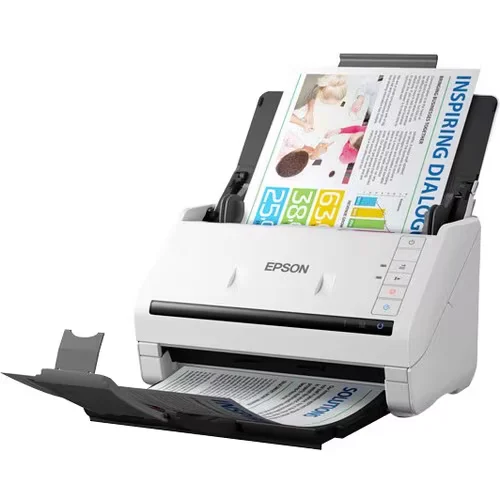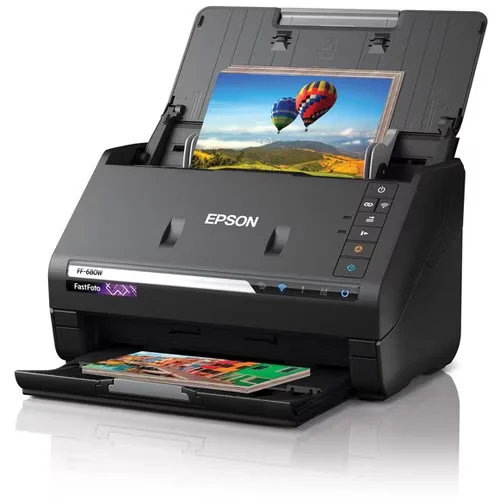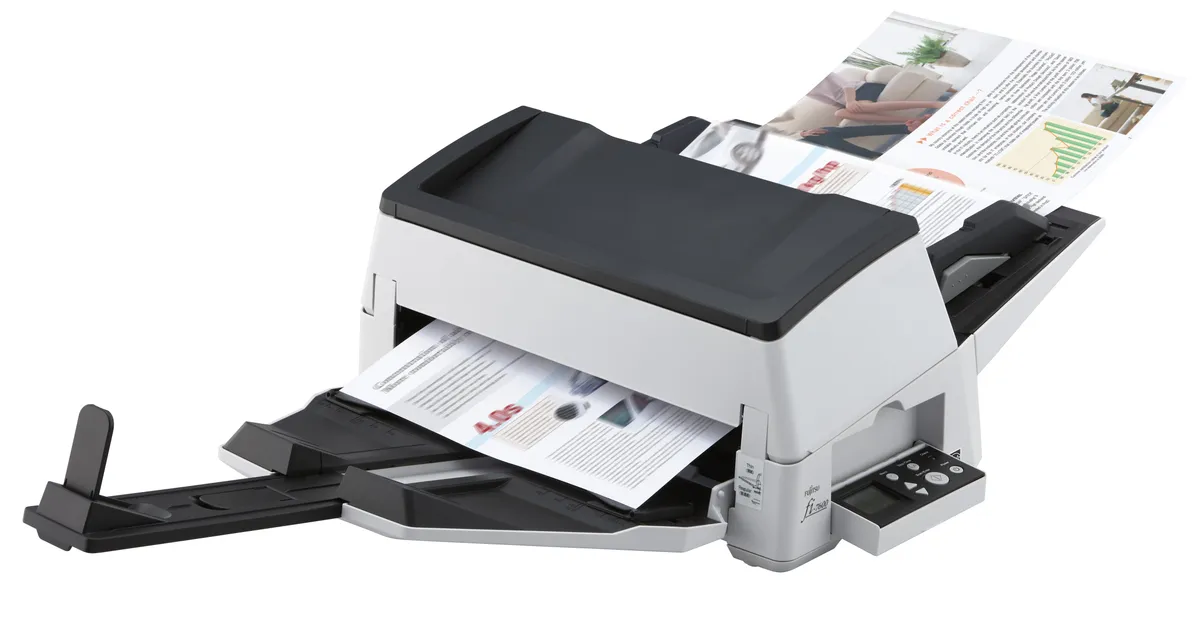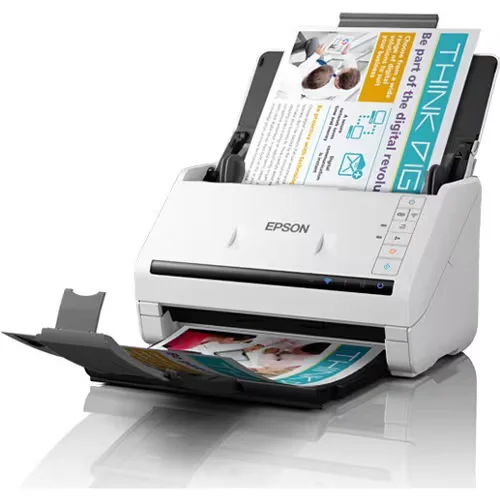
The Epson WorkForce DS-570WII (NZ product code B11B263501) is the wireless sibling of the WorkForce DS-530II in Epson’s desktop business document scanner family. Same chassis, same software stack, same 35 ppm / 70 ipm duplex throughput, same 5,500 page/day duty cycle, same 27 – 413 g/m² paper handling, same 1-pass duplex A4 colour sheet-fed mechanism, same barcode / zonal-OCR / A3-stitching feature set — with built-in Wi-Fi and TCP/IP networking added to the USB 3.0 interface.
The single decision that determines whether to quote the DS-570WII or the DS-530II is: does the customer want to scan from multiple devices, or share the scanner across staff who are not always at the same desk?
Where the DS-570WII fits in Ricoh South Pacific commercial conversations: as a small-team / departmental desktop scanner that serves 2 – 4 staff in the same workspace without each staff member needing a USB connection. Typical use cases — small accounts team sharing scan duty (3 – 5 desks scanning invoices alternately), conveyancing / legal small firm where any solicitor or paralegal needs to scan to their own matter folder, claims-handling team where multiple handlers share batch processing, small clinic / GP-practice front-desk where multiple staff scan patient paperwork. For larger network-shared or department-wide scanning, step up to the Epson WorkForce DS-870N (Ethernet built-in) or use the customer’s Ricoh MFD scan-to-folder workflow.
Where it fits
- Small accounts-payable team sharing a scanner across 2 — 4 desks — AP coordinators alternating batch-invoice scanning duty — the wireless interface lets each user scan from their own laptop to their own AP folder without unplugging a USB cable each time. Barcode and zonal OCR turn paper invoices into searchable records in the accounting / ERP system.
- Small conveyancing or legal-team shared scanner — Solicitors and paralegals in a small firm scanning to their own matter folders. The wireless interface means the scanner sits in a shared location (e.g. legal-team admin desk) without dedicated tethering to one staff member’s laptop.
- Claims-handling team shared workflow — Multiple claims handlers scanning case paperwork — claim forms, photographs, receipts, third-party reports — to their own case folders. Wireless interface supports flexible work-from-anywhere scanning.
- HR shared scanner for onboarding paperwork — HR scanning onboarding documents and ID cards (plastic-card mode), with multiple HR staff each pushing scans to their own onboarding-pack folder. Secure-PDF output protects sensitive personal data.
- Small clinic / GP-practice patient form scanning — Front-desk receptionists and clinical staff sharing the scanner for patient forms, consent forms, referrals and laboratory paperwork. Wireless interface means the scanner doesn’t need to be physically next to the receptionist’s PC — useful for cramped reception fitouts.
Features
- Built-in Wi-Fi for wireless / shared / mobile scanning
- USB 3.0 fall-back interface
- TCP/IP networking protocols
- 35 ppm / 70 ipm 1-pass duplex scanning
- 5,500 pages per day duty cycle
- Wide paper weight range
Specifications
General
- Manufacturer
- Epson (Seiko Epson Corporation; distributed in NZ by Epson Australia Pty Ltd trading as Epson New Zealand)
- Product name
- Epson WorkForce DS-570WII
- NZ product code
- B11B263501
- Product category
- Sheet-fed 1-pass duplex A4 colour business document scanner — wireless
- Distribution channel
- Epson NZ — listed under “Scanners for Home > Desktop Scanners” (Epson NZ catalogue quirk; product is genuinely a business scanner per Epson labelling)
- Warranty
- 12 months return-to-base (standard)
Scanner Technology
- Scanner type
- Sheet-fed, 1-pass duplex A4 colour scanner
- Optical resolution
- 600 × 600 dpi
- Maximum interpolated resolution
- 1,200 dpi
- Light source
- 3-Colour RGB LED
- Colour scan mode (output bit depth)
- 30-bit input / 24-bit output
- Greyscale scan mode (output bit depth)
- 30-bit input / 24-bit output (per Epson NZ spec sheet)
Paper / Media Handling
- Supported document sizes
- Plastic card (portrait only); A4; A5; A6; B5; Business card; Letter; Legal; A3 (via digital stitching of two folded halves)
- ADF minimum size
- 50.8 × 50.8 mm (H × V)
- ADF maximum size
- 215.9 × 6,096 mm (H × V) — supports long-page originals up to ~6 metres
- Input tray capacity
- 50 sheets (at 75 g/m² paper)
- Daily duty cycle
- 5,500 pages
- Paper weight range
- 27 – 413 g/m²
Scanning Speed (A4 / Letter)
- 200 dpi
- 35 ppm / 70 ipm — Black & White, Colour and Grey
- 300 dpi
- 35 ppm / 70 ipm — Black & White, Colour and Grey
- 400 dpi
- 35 ppm / 70 ipm — Black & White and Grey only (colour not supported at 400 dpi)
Document Enhancement & Software
- Document enhancement features
- Skip blank page; A3 stitching; punch-hole removal; automatic de-skew; automatic multi-document recognition; Dual Image Output (Windows only); auto-rotation; text enhancement; Unsharp Mask (USM); descreening; automatic folder creation; barcode recognition; full zonal OCR
- Output formats
- JPEG; TIFF; multi-page TIFF; PDF; searchable PDF (OCR text layer); secure (password-protected) PDF; PDF/A (archival standard)
- Bundled software
- Epson Document Capture Pro (Windows only); Epson Document Capture (Mac only); Epson Scan 2
Connectivity
- Wired
- SuperSpeed USB 3.0
- Wireless
- Wi-Fi (802.11 — specific standard not detailed on Epson NZ product page; confirm at quote)
- Network protocols
- TCP/IP; DHCP; DNS; SNMP; SLP
- Ethernet
- Not provided — for wired-Ethernet networking, step up to Epson WorkForce DS-870N
Compatible Operating Systems
- Windows
- Windows 11; Windows 10; Windows 8 / 8.1 (32/64-bit); Windows 8 RT; Windows 7 (32/64-bit); Windows Vista (32/64-bit); Windows XP Professional x64; Windows Server 2003 R2 / 2008 / 2008 R2 / 2012 / 2012 R2
- macOS / Mac OS X
- Mac OS 11.0.x (Big Sur); Mac OS X 10.6.8 through 10.9.x — per Epson NZ product page
- macOS support caveat
- Epson NZ product page documents macOS support up to Mac OS 11.0 (Big Sur, 2020). Apple has since released macOS Monterey, Ventura, Sonoma and Sequoia. Driver support for newer macOS versions likely exists via Epson's driver download page — confirm current macOS support at quote, especially for customers on Apple Silicon (M1 / M2 / M3 / M4) hardware.
Physical & Power
- Product dimensions (W × D × H)
- 296 × 169 × 176 mm
- Product weight
- Approx. 3.7 kg
- Rated voltage
- AC 100 – 240 V (NZ-mains compatible at 230 V)
- Operating power consumption
- 12 W (note: lower than the DS-530II at 17 W — newer revision is more efficient despite the added wireless radio)
- Ready mode power
- 5.5 W
- Sleep mode power
- 1.3 W
- Power off
- 0.1 W
- Operating temperature
- 5°C to 35°C
- Operating humidity
- 15% – 80%, no condensation
- Storage temperature
- −25°C to 60°C
Optional Accessories
- Flatbed Scanner Dock
- B12B819011 — adds a flatbed scanner to the DS-570WII's workflow for bound originals, fragile documents and oversized media that can't safely feed through the ADF
- Roller Assembly Kit
- B12B819671 — wearing roller replacement after extended duty cycle
- Carrier Sheets
- B12B819051 — for delicate originals, irregular sizes and A3 folded scanning
- Cleaning Kit
- B12B819291 — image-path cleaning consumable